
Stock verification (audit)
Stock verification is your stock audit. You choose what to check, such as one counter or one category, and the app lists the tags that should be there. Your staff then confirm each piece.
Menu: Stock → Tag Inventory → Stock Verification
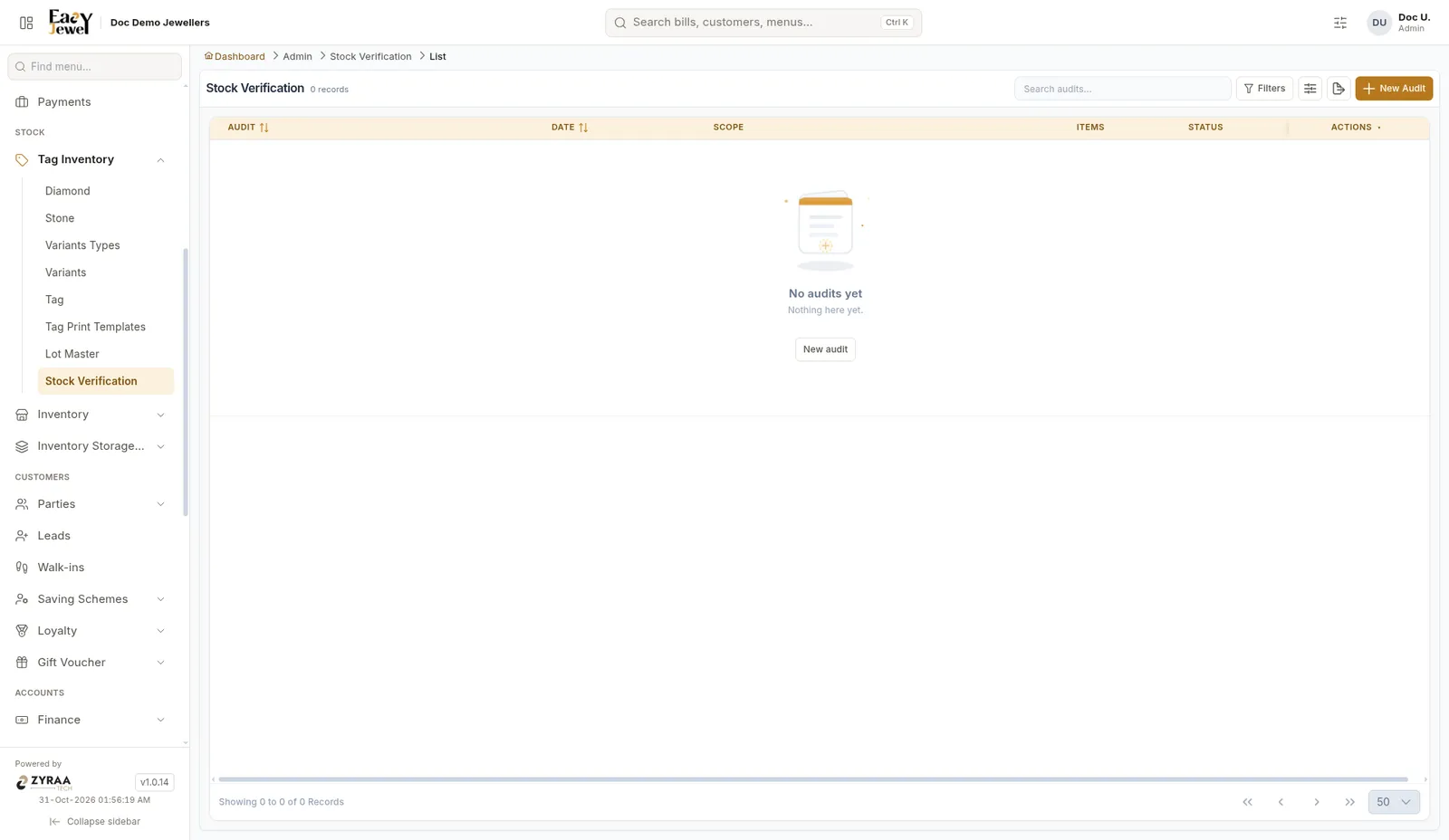
Start an audit
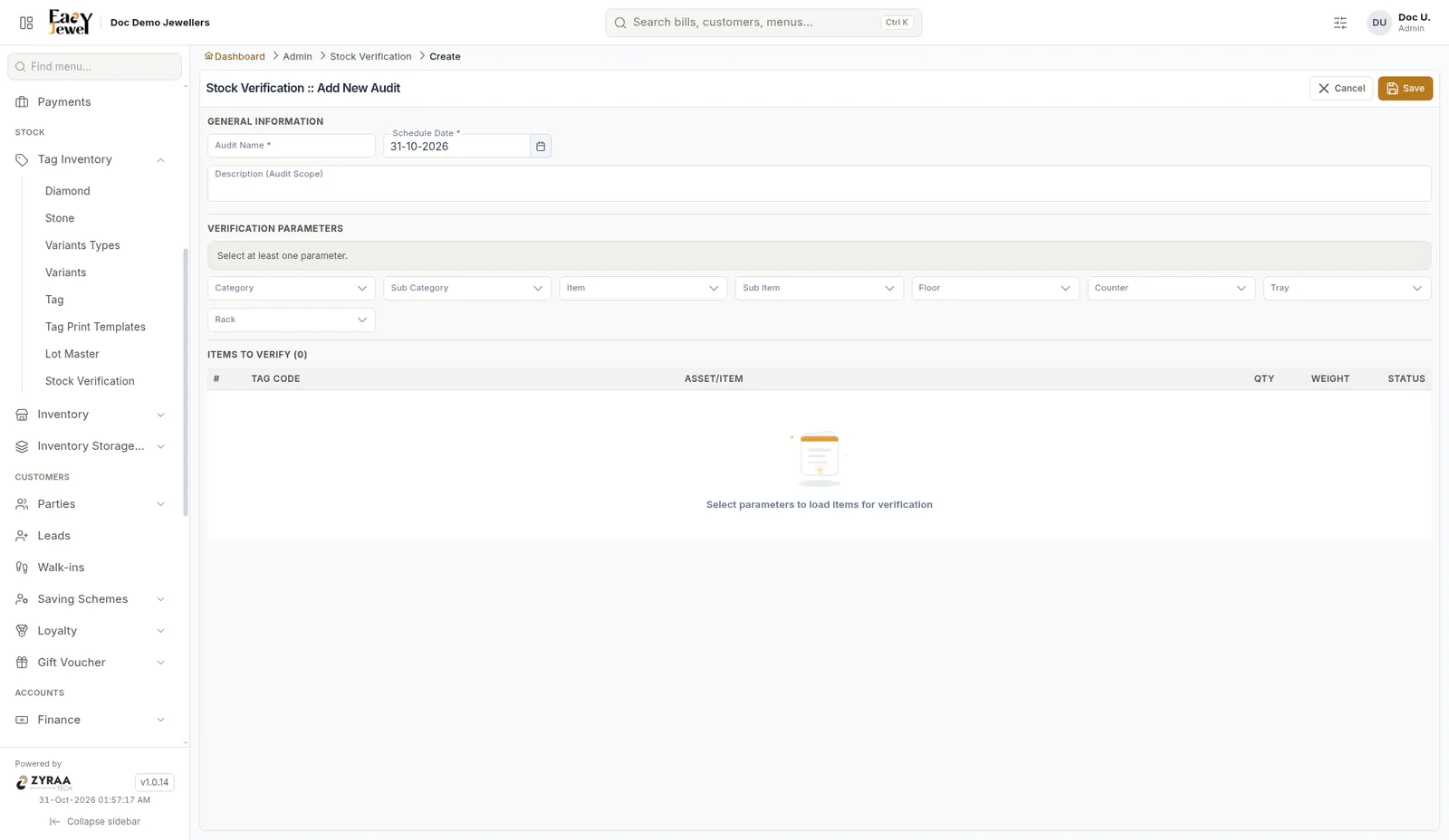
Name the audit
Enter Audit Name, such as Kammal counter – October, and the Schedule Date. Add a Description if you like.
Check one counter or tray at a time. A small audit every week is easier than a full shop count once a year.