
Journal entry
Menu: Accounts → Finance → Journal Entry
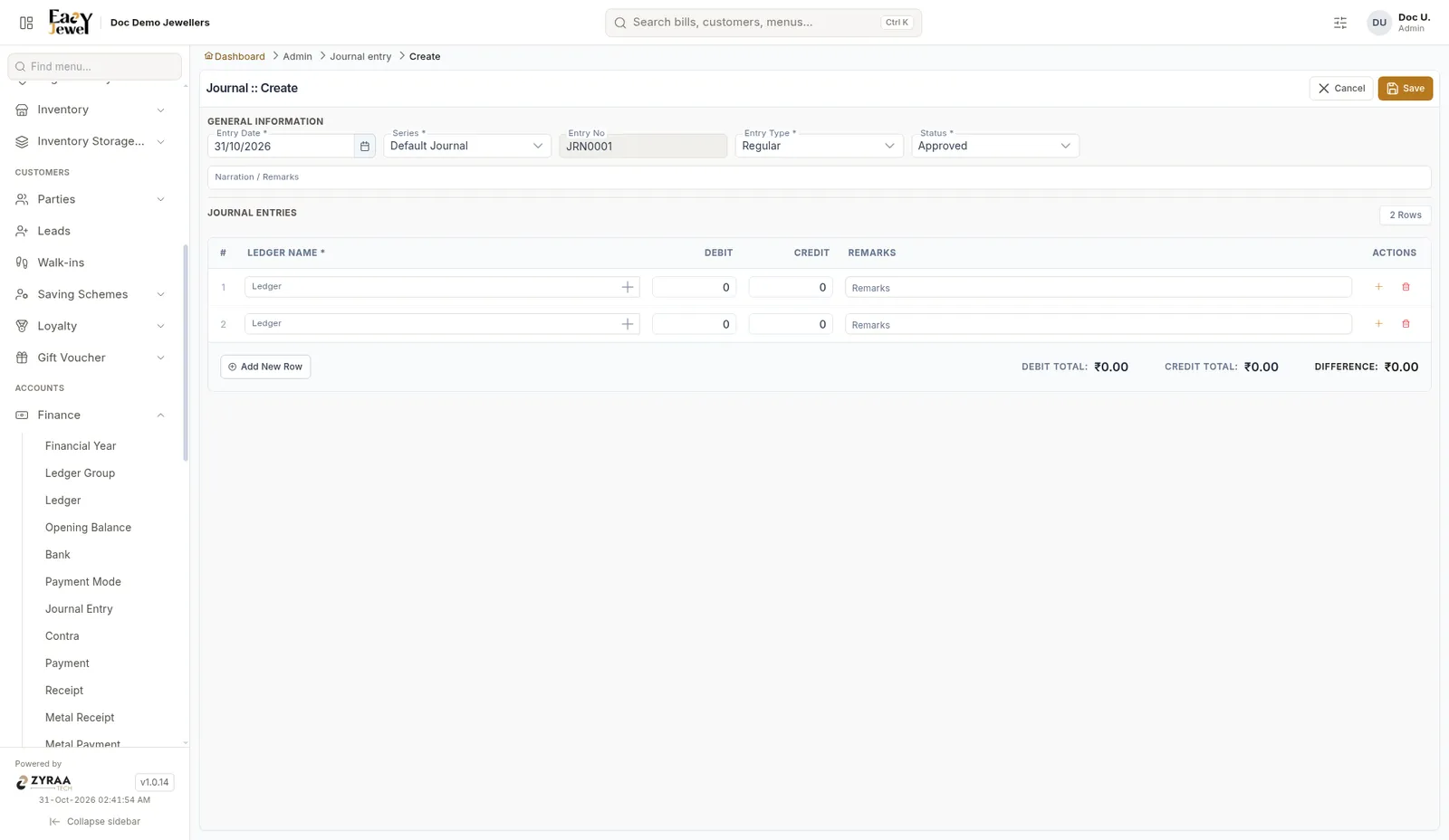
Under Journal Entries, pick a ledger on each row and enter Debit or Credit. Click Add New Row for more rows. Debit Total and Credit Total must match, so Difference is ₹0.00. Click Save.
Example: Shop rent ₹25,000 due - Debit Shop Rent 25,000, Credit Rent Payable 25,000.