
Finance reports
Profit & Loss
Menu: Reports → Finance Reports → Profit & Loss
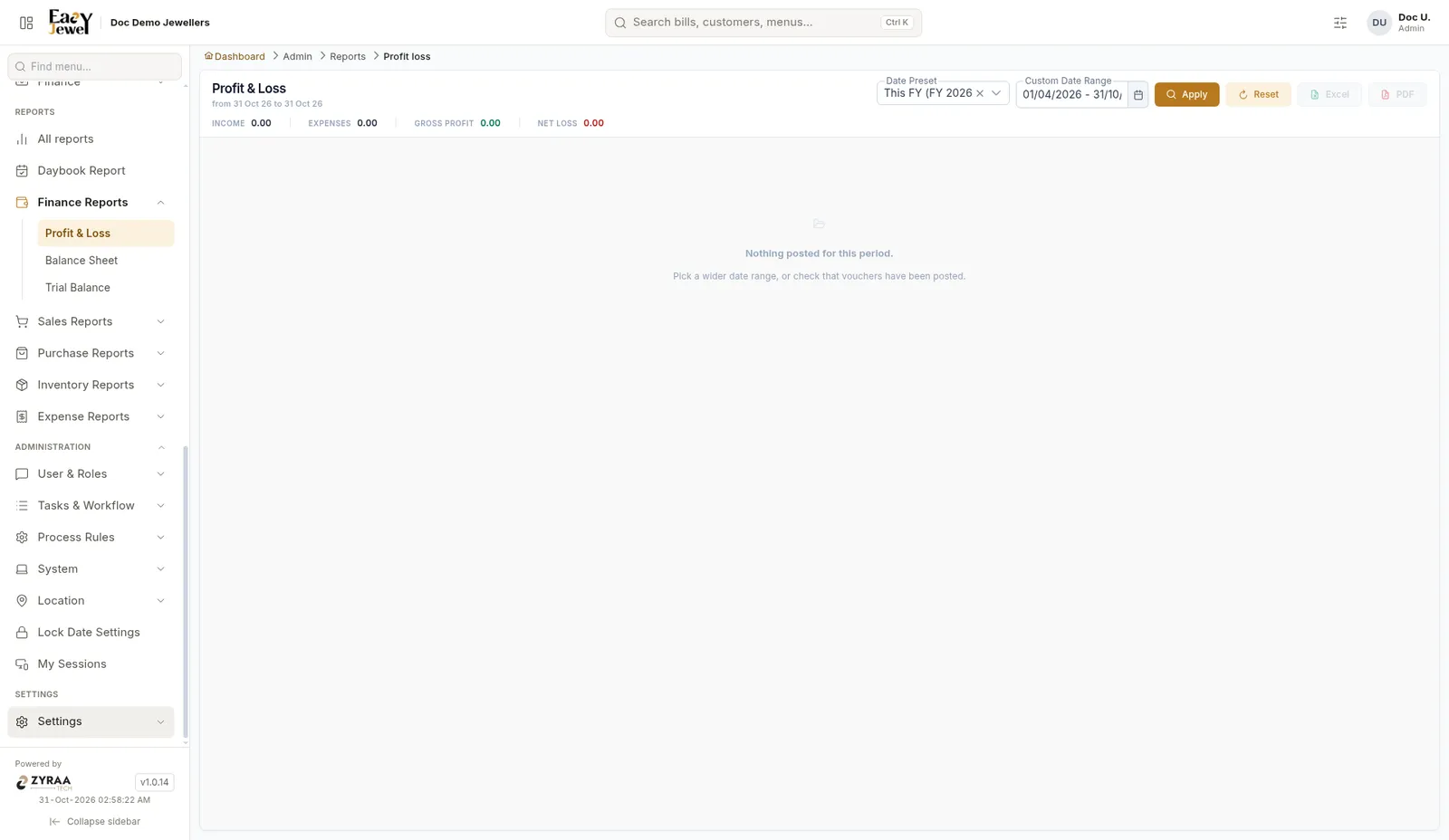
The top line shows Income, Expenses, Gross Profit and Net Loss (or profit). Date Preset starts at This FY, from 1 April. Change the dates and click Apply. Use Excel or PDF to save it.
Balance Sheet
Menu: Reports → Finance Reports → Balance Sheet
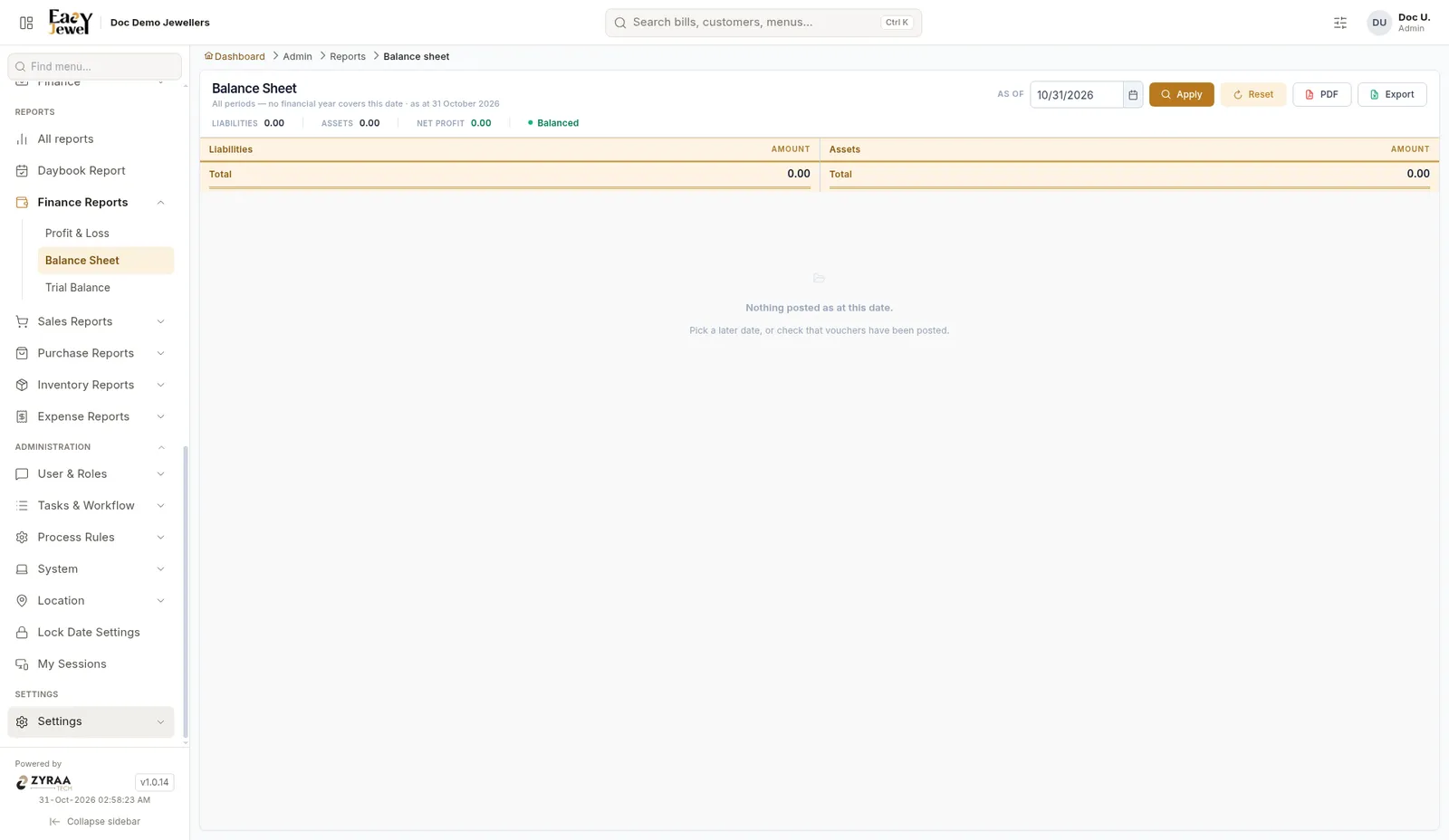
Pick an As of date and click Apply. Liabilities are on the left and Assets on the right, with totals. The top line shows Liabilities, Assets, Net Profit and whether the sheet is Balanced. Use PDF or Export to save it.
Trial Balance
Menu: Reports → Finance Reports → Trial Balance
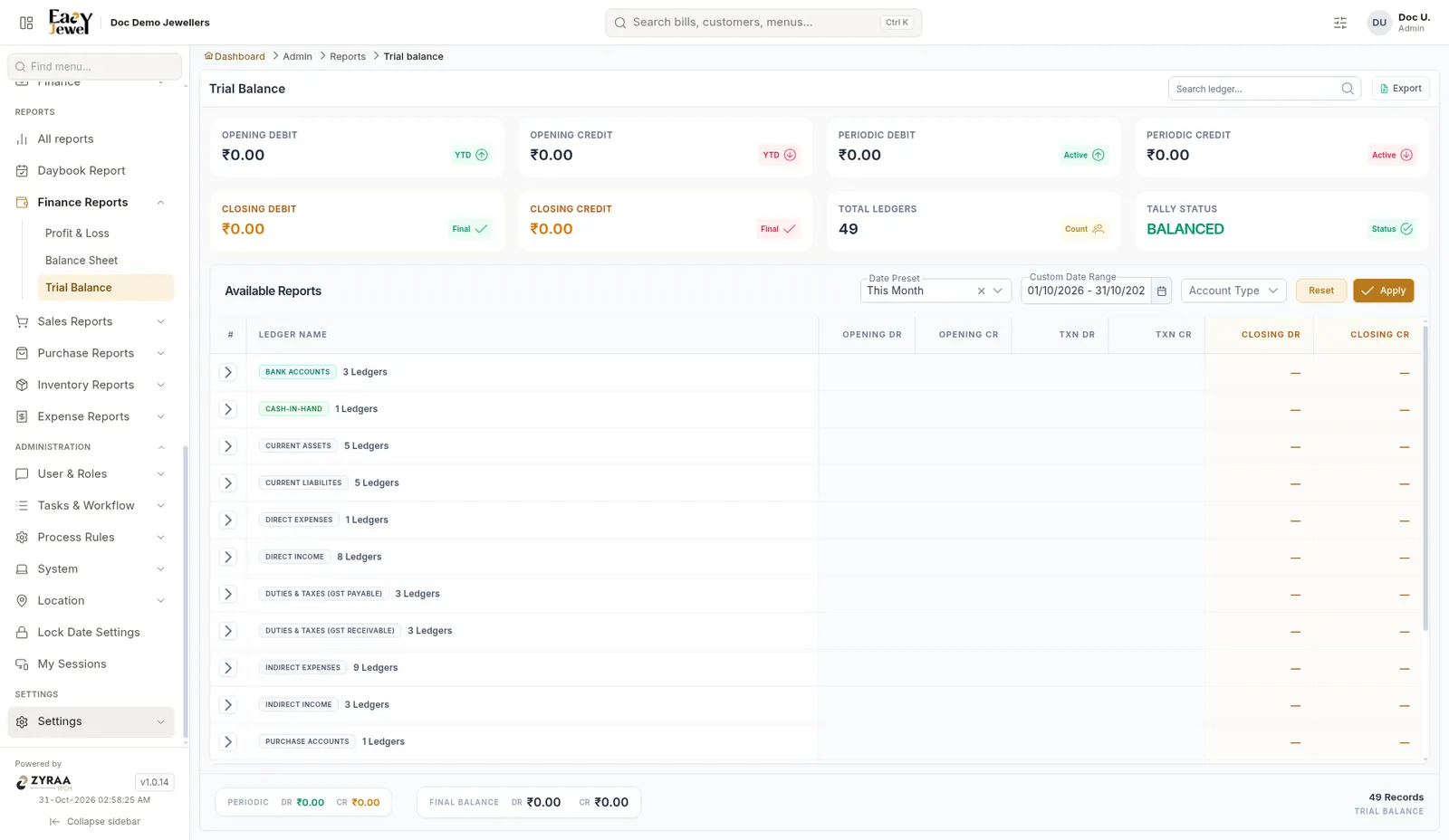
Cards show Opening Debit and Credit, Periodic Debit and Credit, Closing Debit and Credit, Total Ledgers and Tally Status (Balanced). Ledgers are grouped (Bank Accounts, Cash-in-Hand, Direct Income and so on). Click the arrow on a group to see its ledgers. Each row shows Opening Dr/Cr, Txn Dr/Cr and Closing Dr/Cr.
Use Date Preset (This Month shown) or Custom Date Range, and Account Type to filter. Search with Search ledger and click Export to save.
Give your auditor the Trial Balance, P&L and Balance Sheet for the full year (1 April to 31 March).