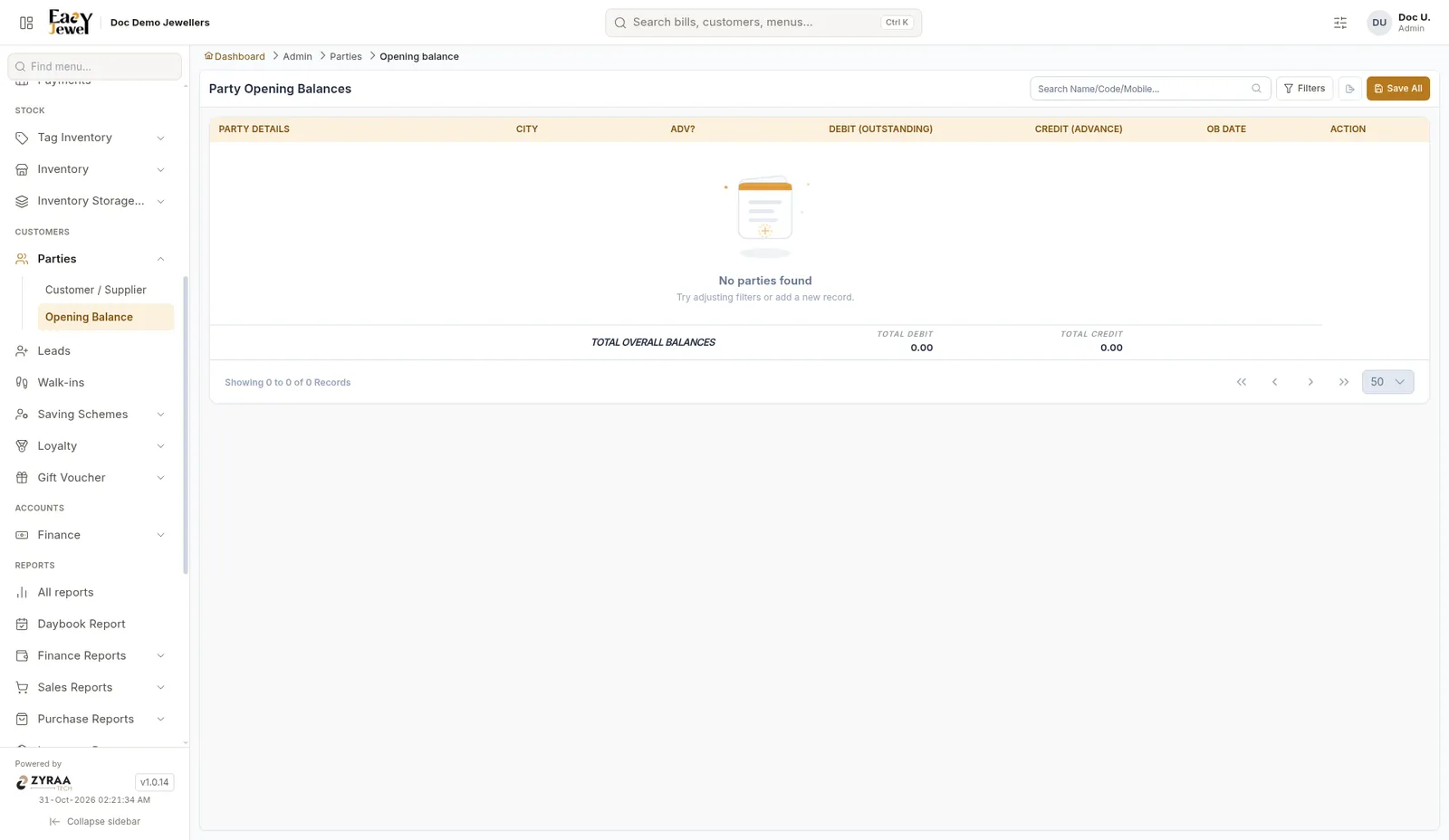
Parties (customers and suppliers)
A party is anyone you deal with: a customer, a supplier, a karigar and more. Save them once and pick them in any bill.
Menu: Customers → Parties → Customer / Supplier
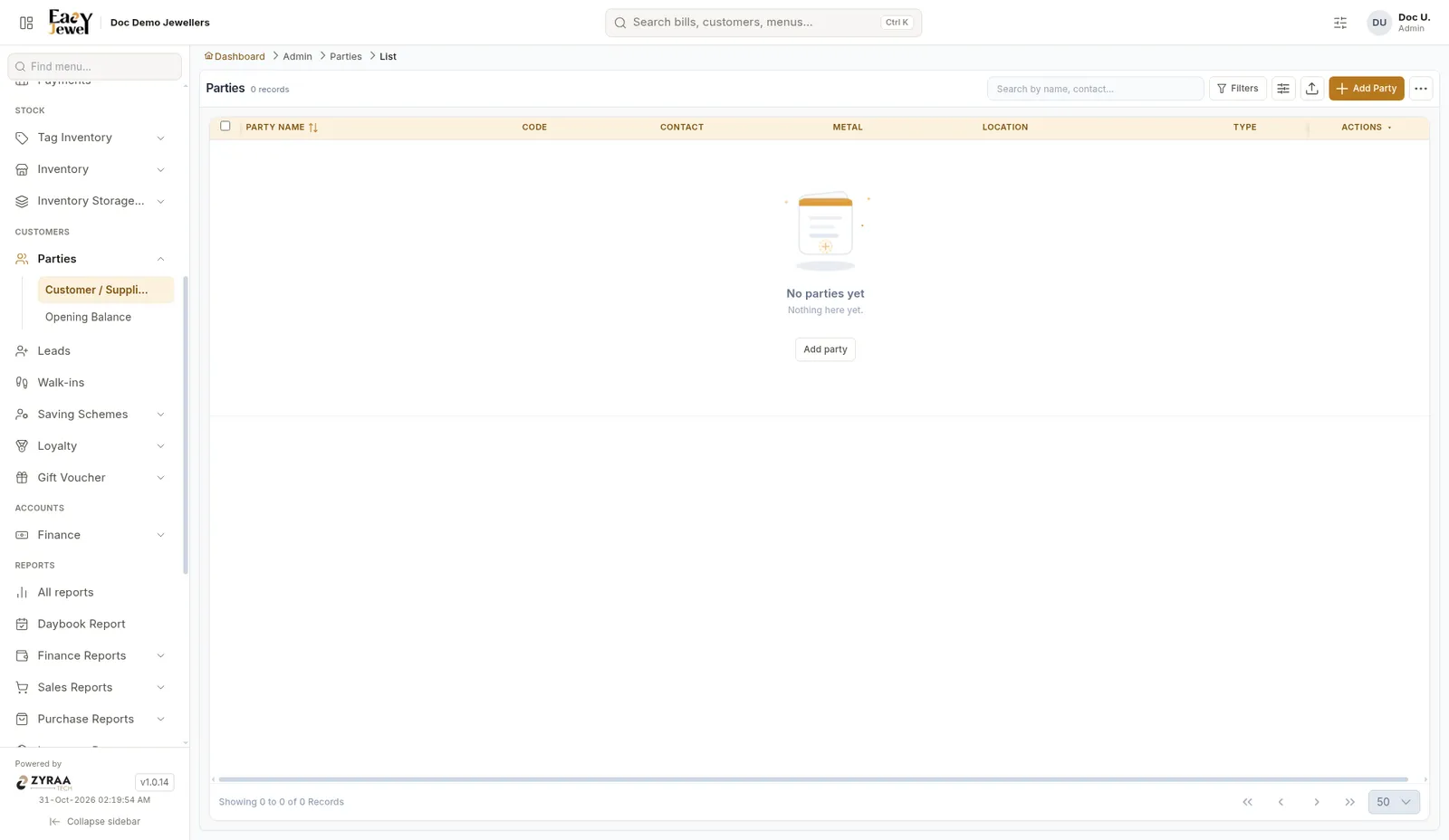
Create a party
Click Add to open Create Party. The page has five tabs: Basic Info, Addresses, Party Profile, KYC Documents and Family Details.
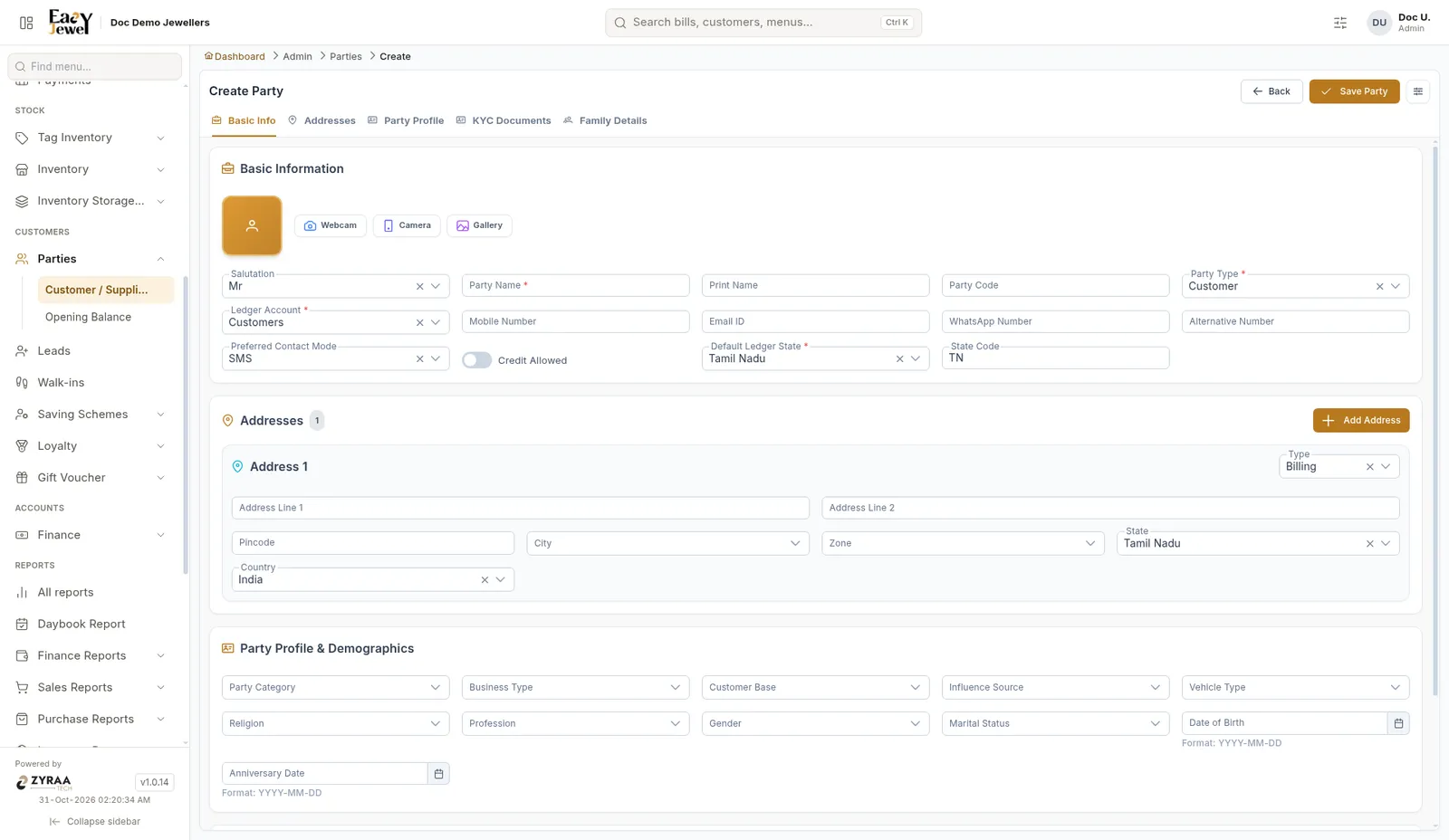
Basic info
Addresses
Each address has a Type (for example Billing), Address Line 1 and 2, Pincode, City, Zone, State (Tamil Nadu by default) and Country (India). Click Add Address for more.
Party profile
Optional details: Party Category, Business Type, Customer Base, Influence Source, Vehicle Type, Religion, Profession, Gender, Marital Status, Date of Birth and Anniversary Date.
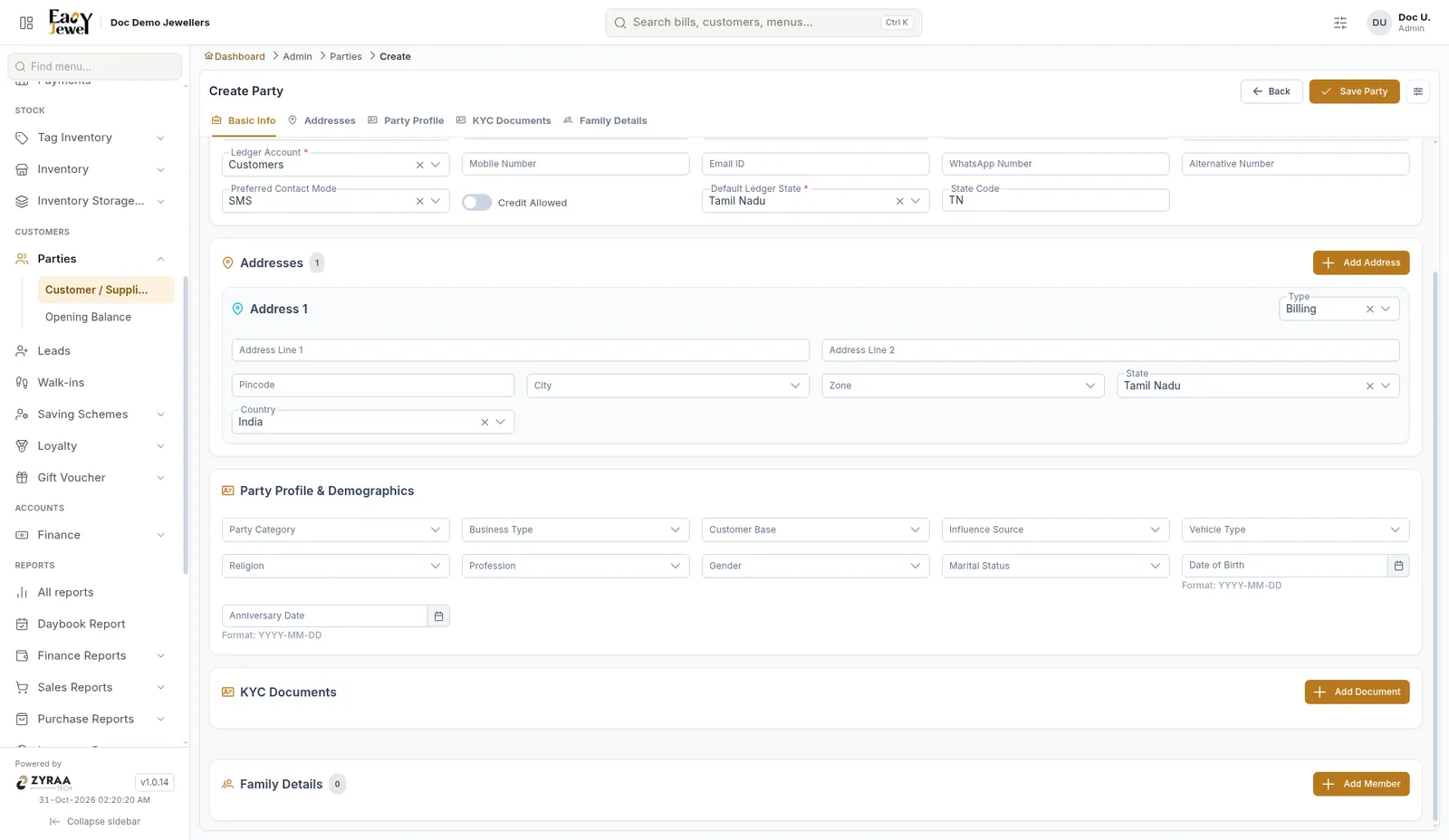
KYC documents and family details
Add ID documents in KYC Documents, and family members in Family Details.
Click Save Party.
Fill Date of Birth and Anniversary Date. They help you wish customers and send offers on the right day.
Opening balance
Use this to enter money a party already owed you, or an advance they had paid, when you started using the app.
Menu: Customers → Parties → Opening Balance