
Expense reports
Expense Summary
Menu: Reports → Expense Reports → Expense Summary
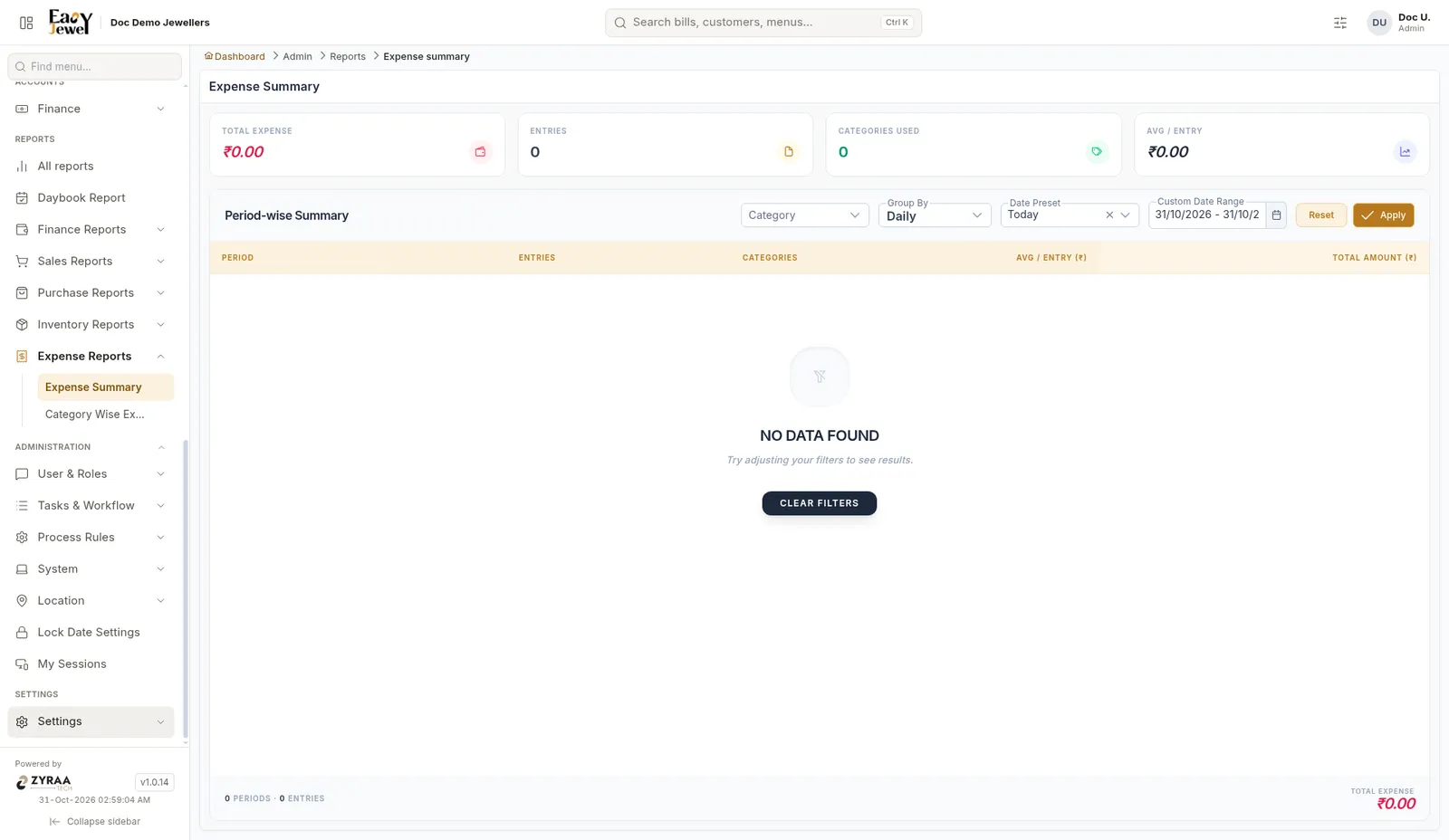
Expenses by period. Cards show Total Expense, Entries, Categories Used and Avg / Entry. Filter by Category, and use Group By (Daily shown). Columns: Period, Entries, Categories, Avg / Entry and Total Amount.
Category Wise Expense
Menu: Reports → Expense Reports → Category Wise Expense
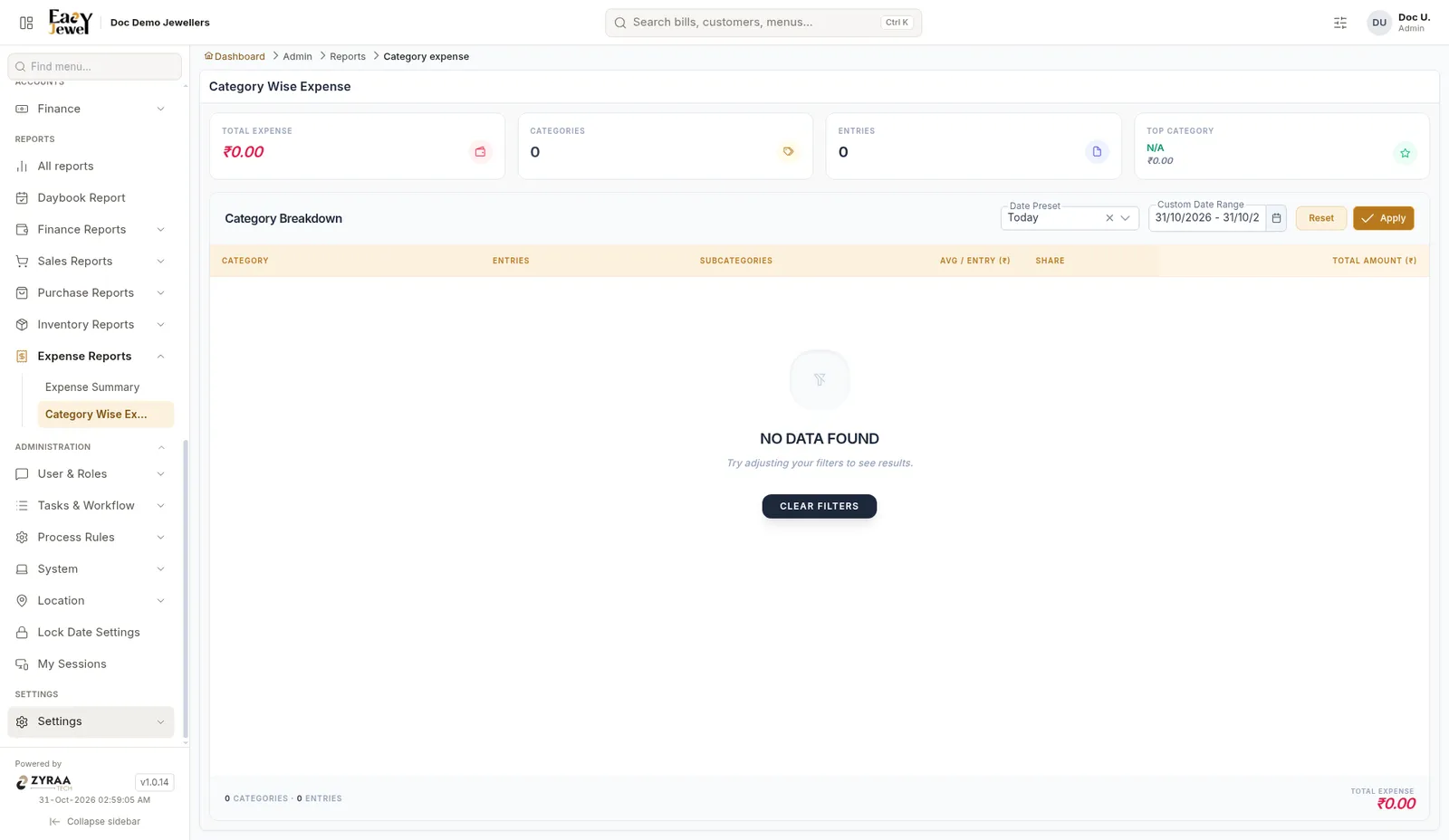
Expenses per category with Entries, Subcategories, Avg / Entry, Share and Total Amount. The Top Category card shows where most money goes, for example EB bill or salary.
Both use Date Preset or Custom Date Range, then Apply. To record expenses, see Expenses.