
Repayments
Menu: Jewel Loan → Loan Lifecycle → Repayments
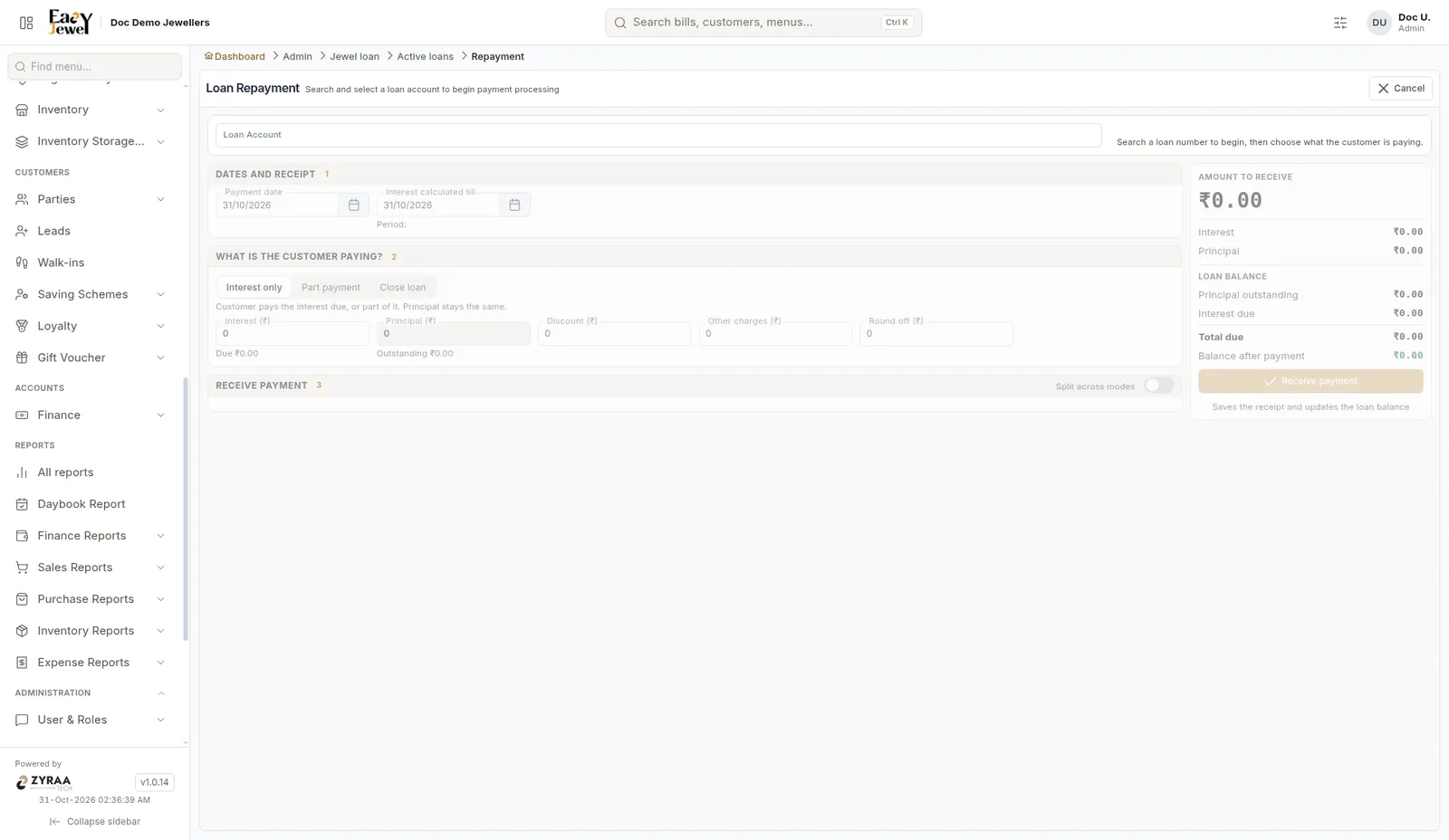
The right side shows Amount to receive, the loan balance (Principal outstanding, Interest due, Total due) and Balance after payment. Saving stores the receipt and updates the loan balance.
Menu: Jewel Loan → Loan Lifecycle → Repayments
The right side shows Amount to receive, the loan balance (Principal outstanding, Interest due, Total due) and Balance after payment. Saving stores the receipt and updates the loan balance.