
Inventory storage (Floor, Rack, Counter, Tray)
In a jewellery shop, every piece has a place: the ground floor showroom, a rack in the strong room, the bangle counter, or a velvet tray. Set up these places once, and EasyJewel can show where each piece is kept.
Menu: Stock → Inventory Storage → Floor / Rack / Counter / Tray
Example: Sri Lakshmi Jewellers, Madurai
- Floors: Ground Floor (Gold), First Floor (Silver)
- Racks: Strong room rack 1 on Ground Floor
- Counters: Chain counter, Bangle counter, Bridal counter
- Trays: Ring tray 1, Stud tray, Kids chain tray
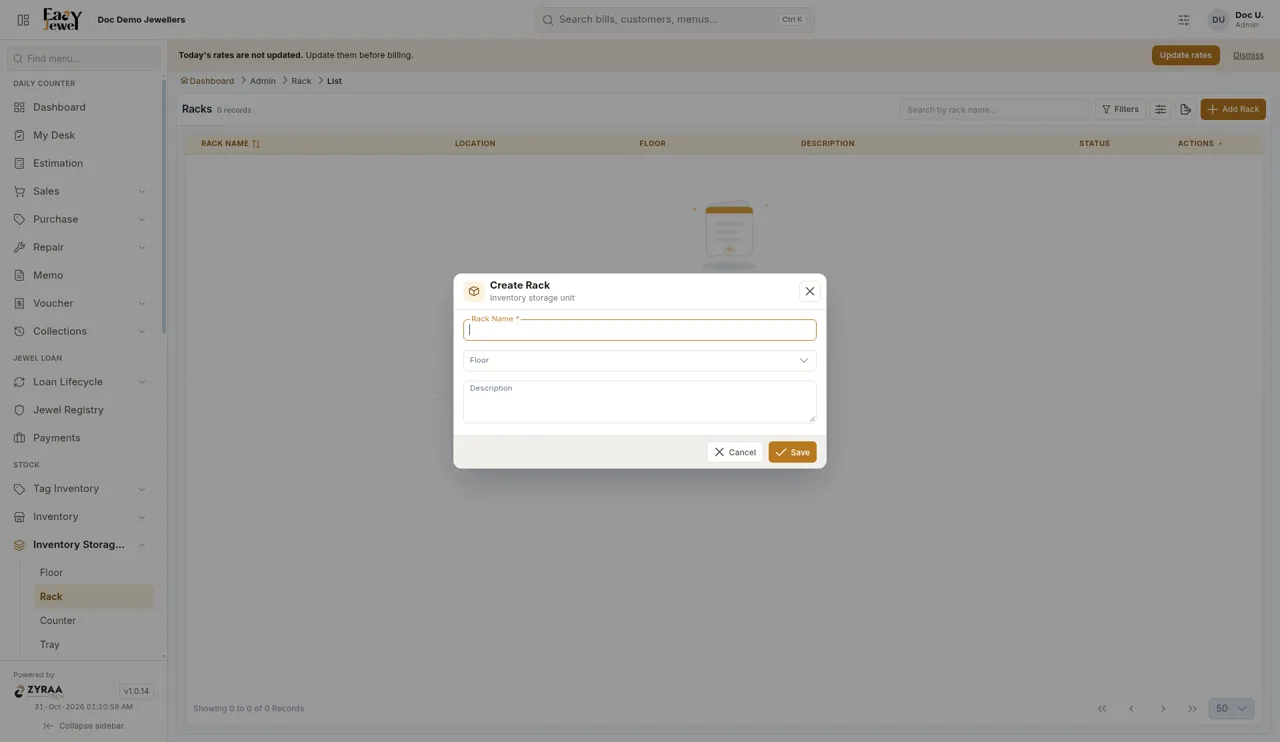
Set up in this order: Floor → Rack → Counter → Tray. A rack can be linked to a floor. Counters and trays are separate lists.
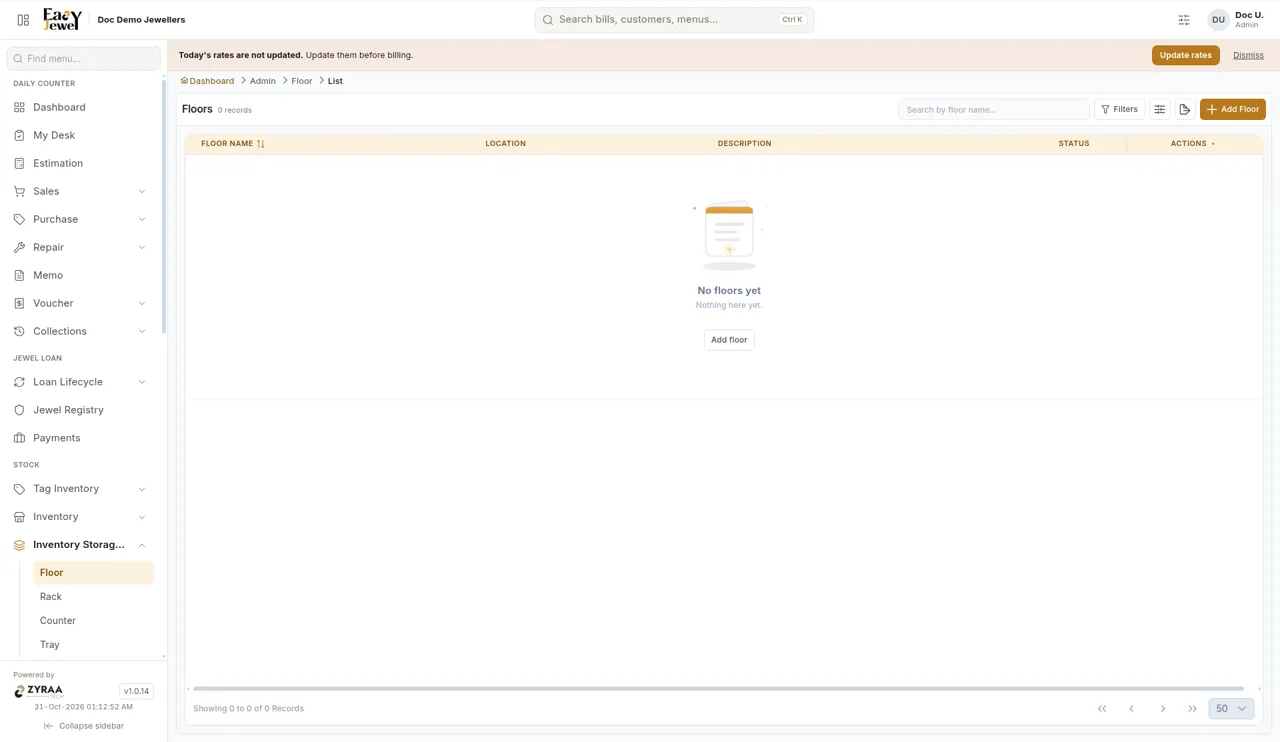
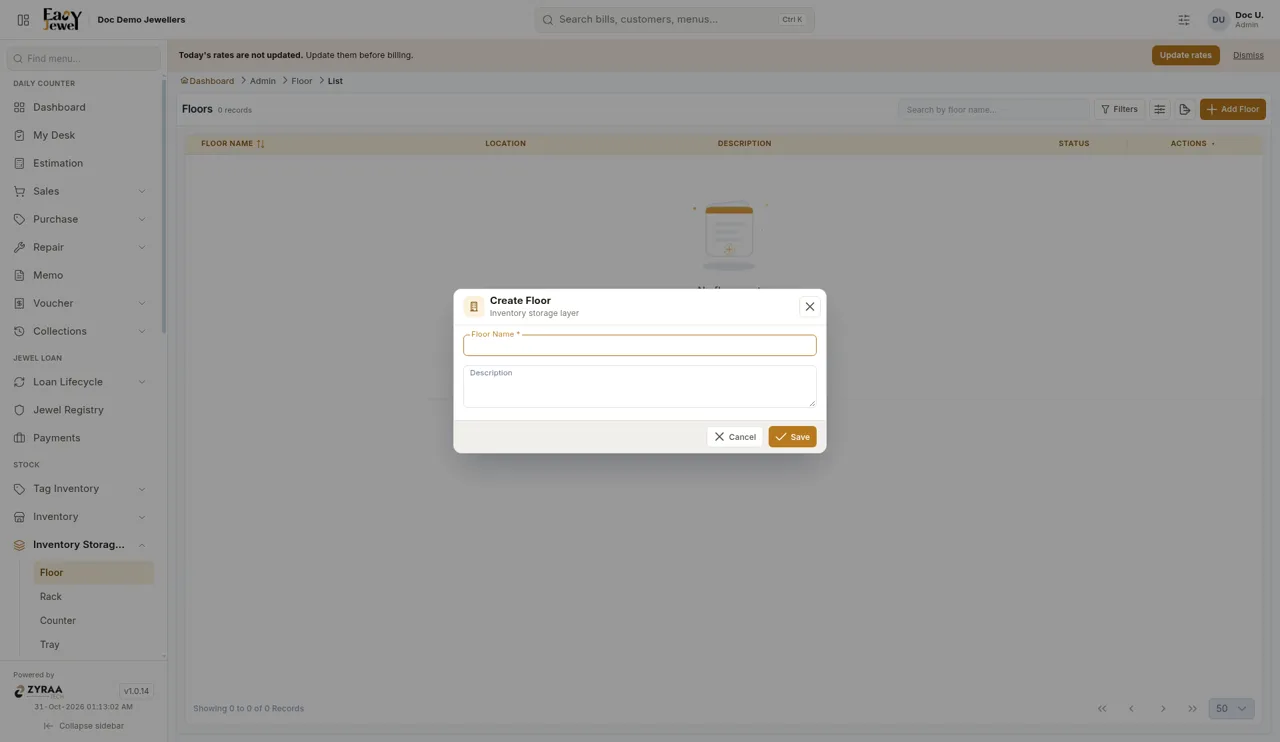
Floor
The floors or sections of your shop.
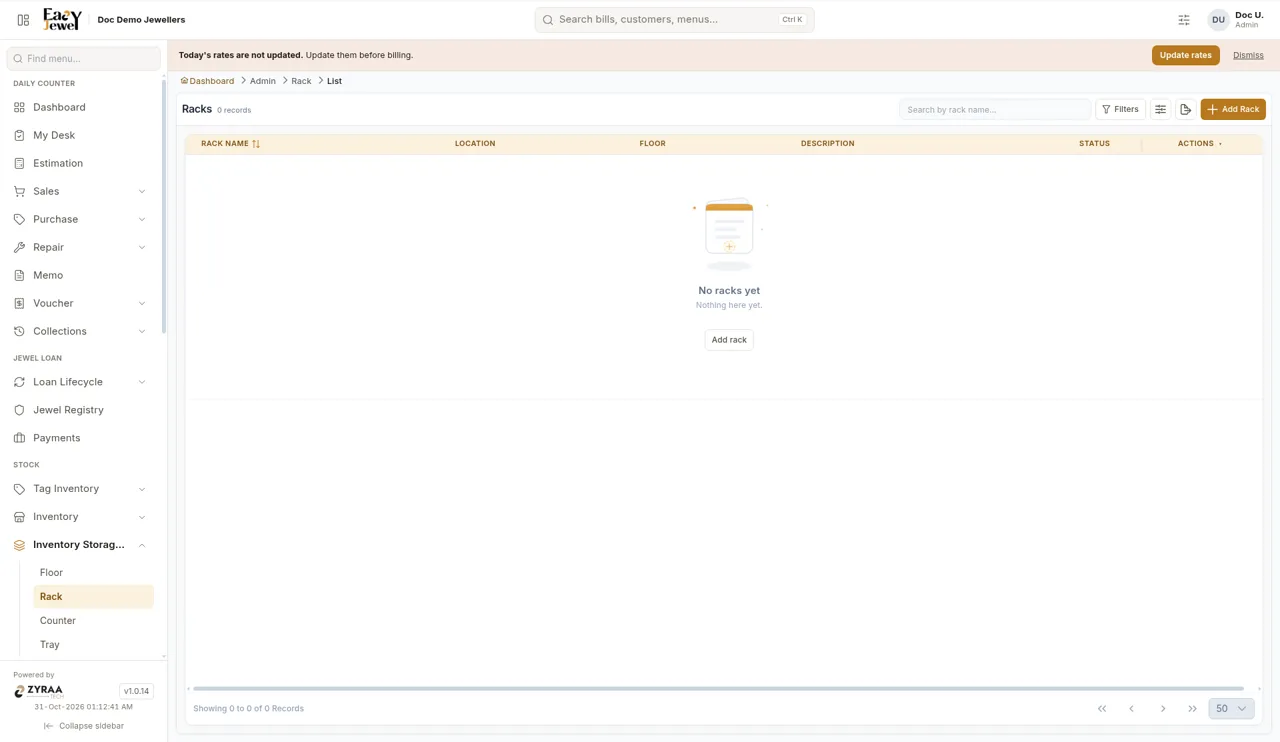
Rack
The racks, almirahs or safes where stock is stored.
Counter
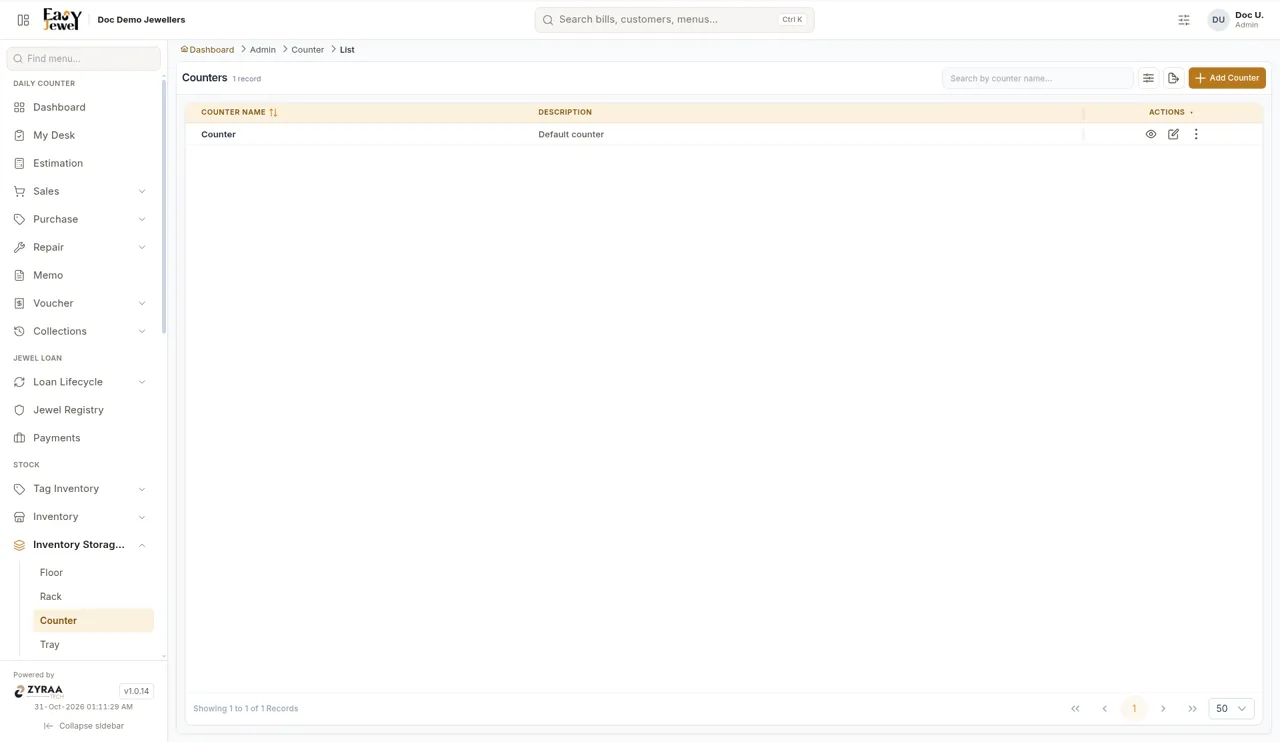
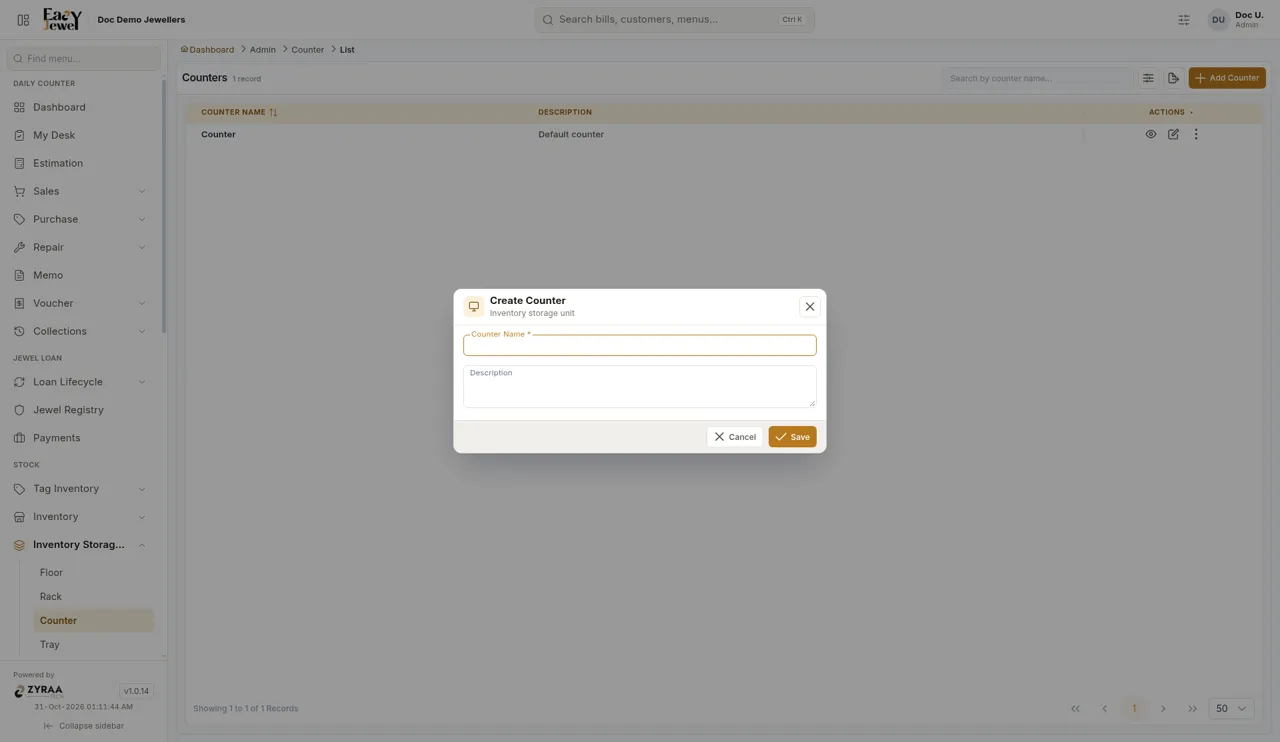
The sales counters where customers see jewellery. EasyJewel already has one Default counter, which you can rename or keep.
Tray
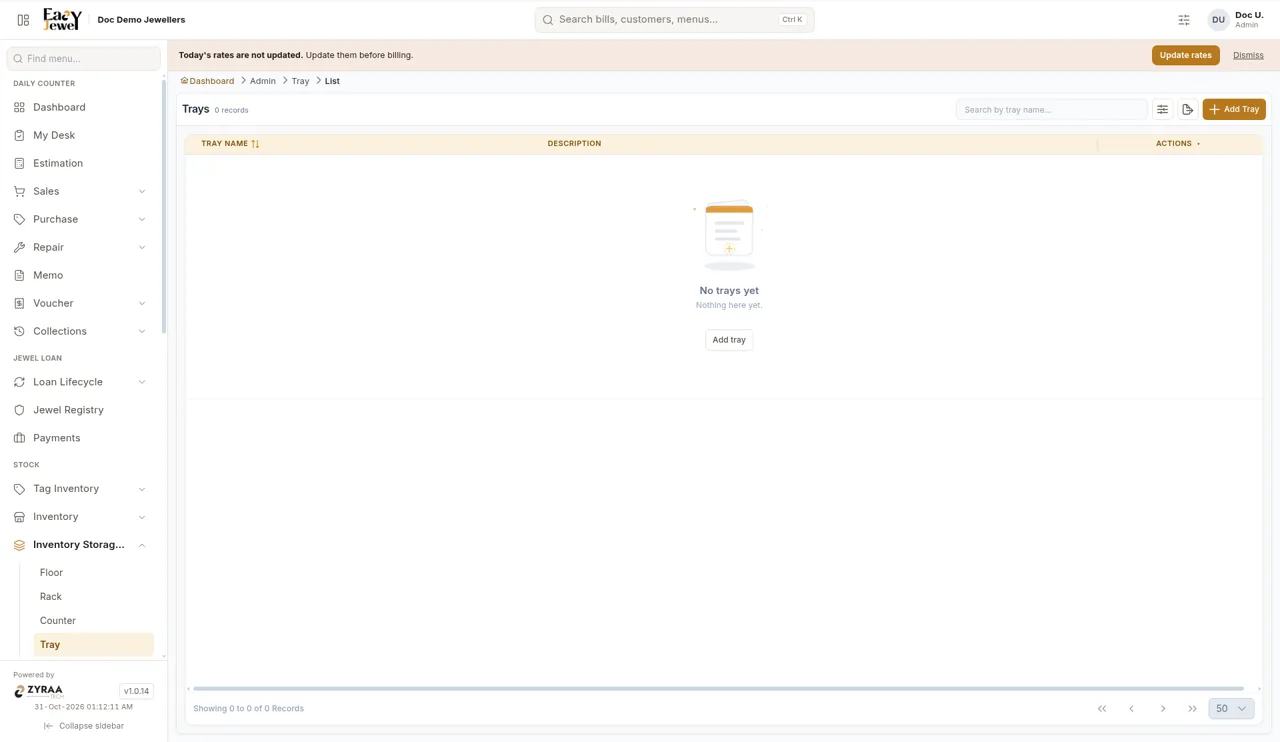
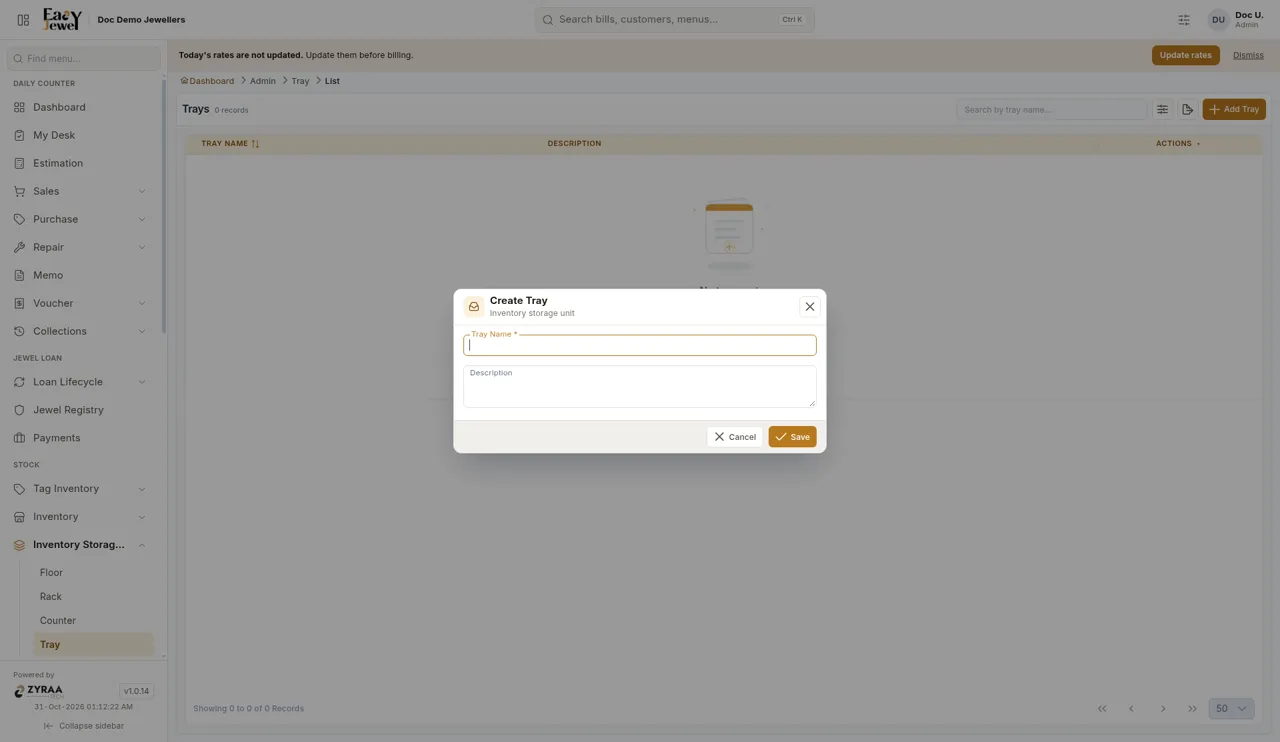
The display trays used at the counter or inside a rack.
Find, edit or export
- Type in the Search box at the top of any list to find a name.
- Use the eye icon to view a row, the pencil icon to edit it, and ⋮ for more options.
- Use the export icon to download the list.
Keep names short and the same as your staff call them, like Bangle counter, not Counter 3. That makes billing and stock checking faster.