
Loan notices
Menu: Jewel Loan → Loan Lifecycle → Loan Notices
The list shows Loan / Customer, Notice Type, Delivery Mode, Due Amount, Deadline, Status, Created On and Updated On.
Click Generate Notice.
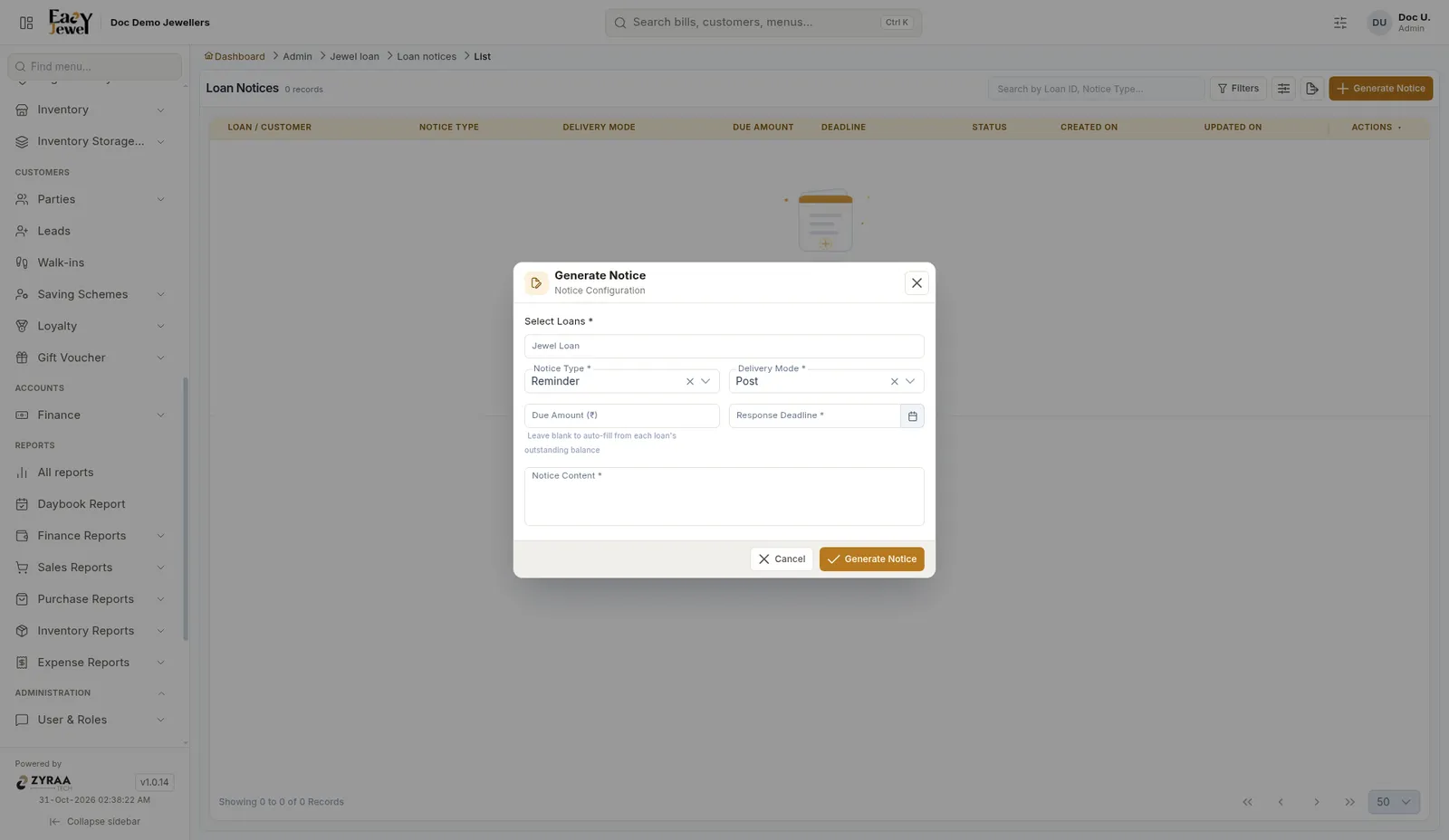
Click Generate Notice.
Menu: Jewel Loan → Loan Lifecycle → Loan Notices
The list shows Loan / Customer, Notice Type, Delivery Mode, Due Amount, Deadline, Status, Created On and Updated On.
Click Generate Notice.
Click Generate Notice.