Skip to navigation

Saving schemes

View as Markdown

A saving scheme lets customers pay a fixed amount every month and buy jewellery at the end. For example, Murugan joins an 11-month scheme paying ₹2,000 a month.

Menu: Customers → Saving Schemes. It has four parts: Schemes, Enrollments, Scheme Receipts and Scheme Closures.

Schemes (setup)
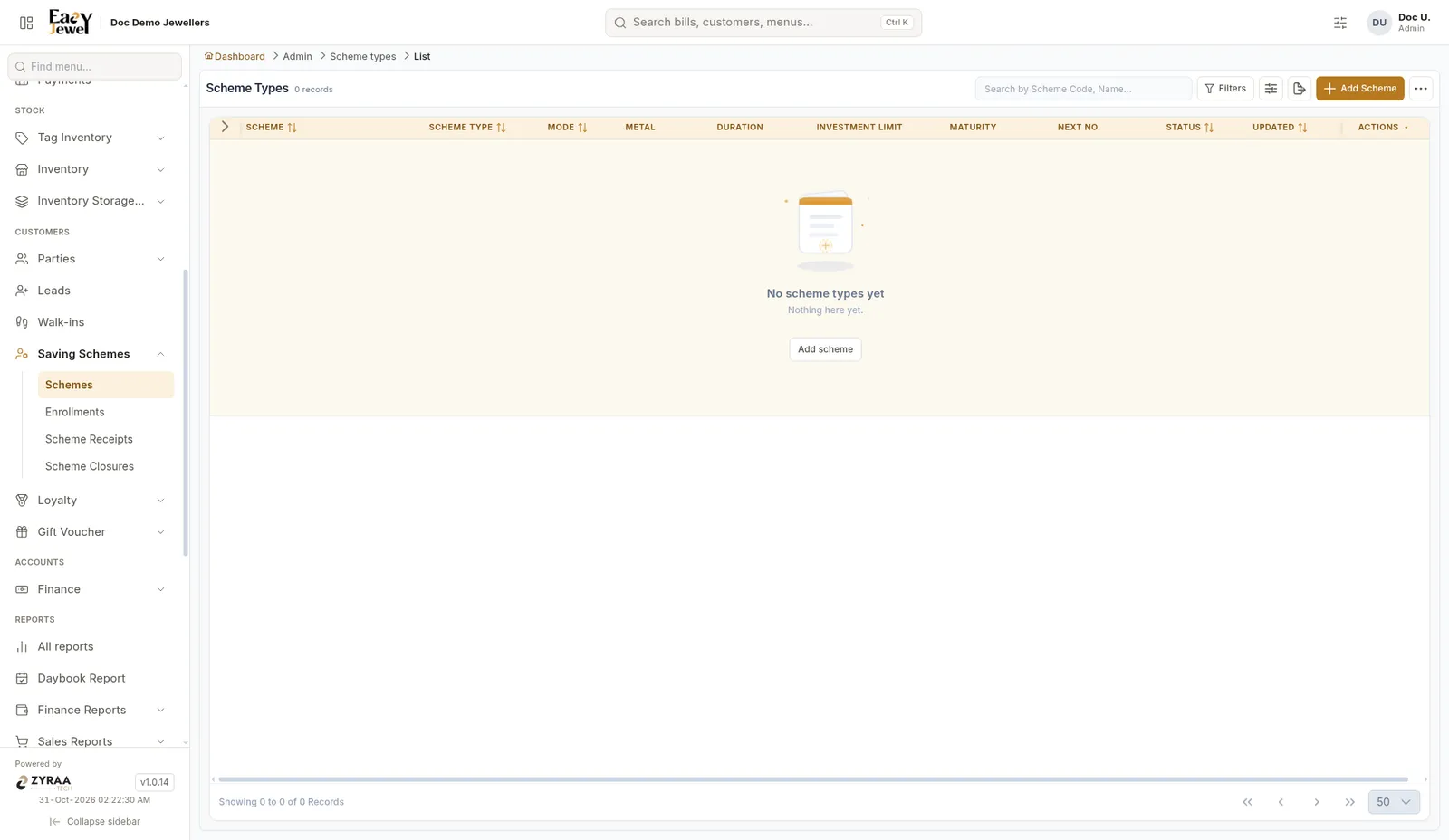
Schemes list

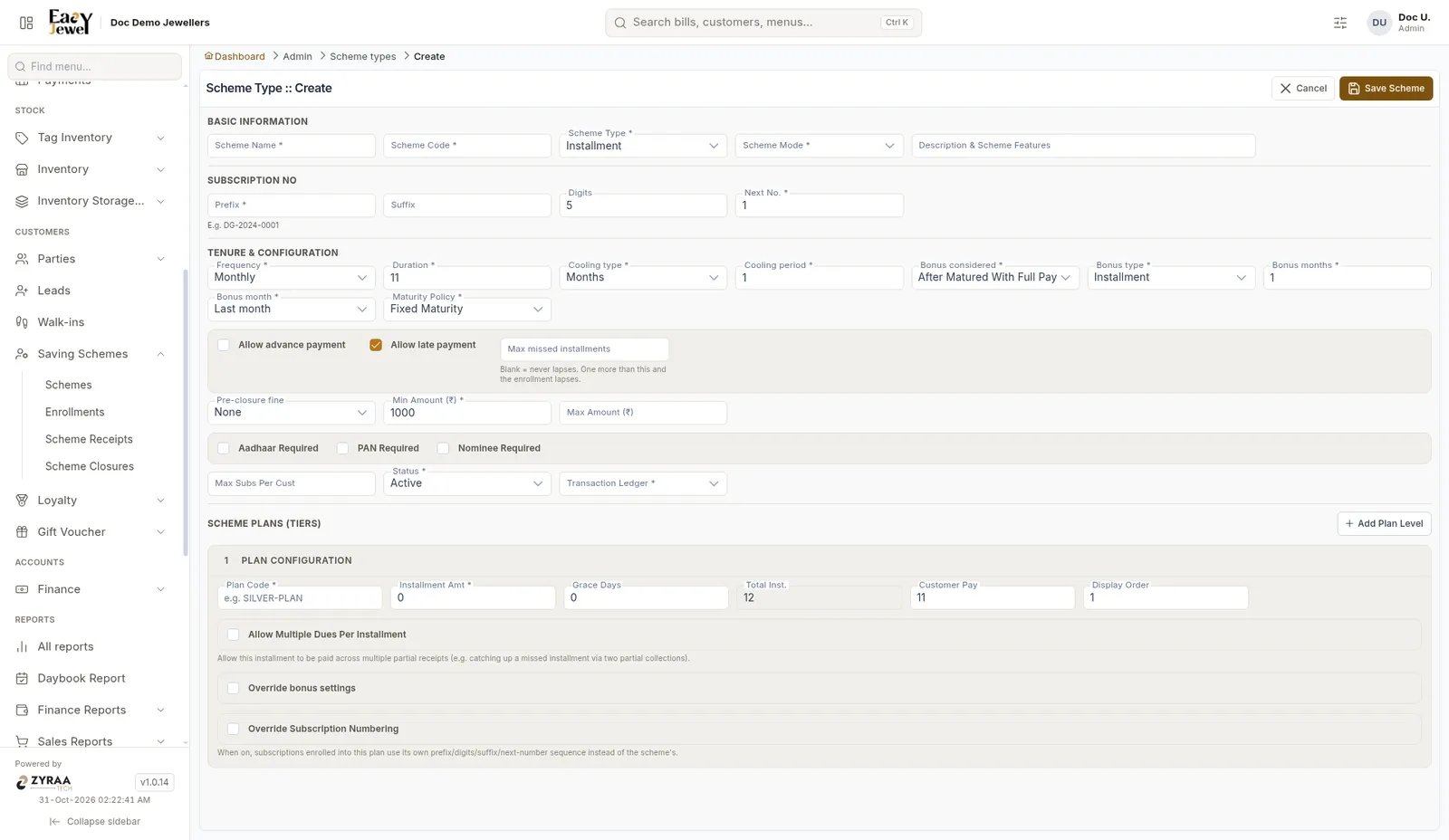
Create scheme

Scheme Type can be Installment or Hybrid Installment.

GroupFields
Basic informationScheme Name *, Scheme Code *, Scheme Type *, Scheme Mode *, Description
Subscription numberPrefix *, Suffix, Digits (5), Next No. (1)
TenureFrequency * (Monthly), Duration * (11), Cooling type and period, Bonus considered, Bonus type, Bonus months, Bonus month (Last month), Maturity Policy (Fixed Maturity)
PaymentsAllow advance payment, Allow late payment (ticked) with Max missed installments, Pre-closure fine, Min Amount (₹1,000), Max Amount
DocumentsAadhaar Required, PAN Required, Nominee Required
OtherMax Subs Per Cust, Status (Active), Transaction Ledger *

Scheme plans (tiers)

Click Add Plan Level for each plan, such as a ₹1,000 plan and a ₹2,000 plan. Each plan has Plan Code *, Installment Amt *, Grace Days, Total Inst., Customer Pay and Display Order. Options: Allow Multiple Dues Per Installment, Override bonus settings and Override Subscription Numbering.

Turn on Allow advance payment if customers may pay future instalments early. Any payment is applied to the oldest due instalment first.

Enrollments

Enrol a customer into a scheme.
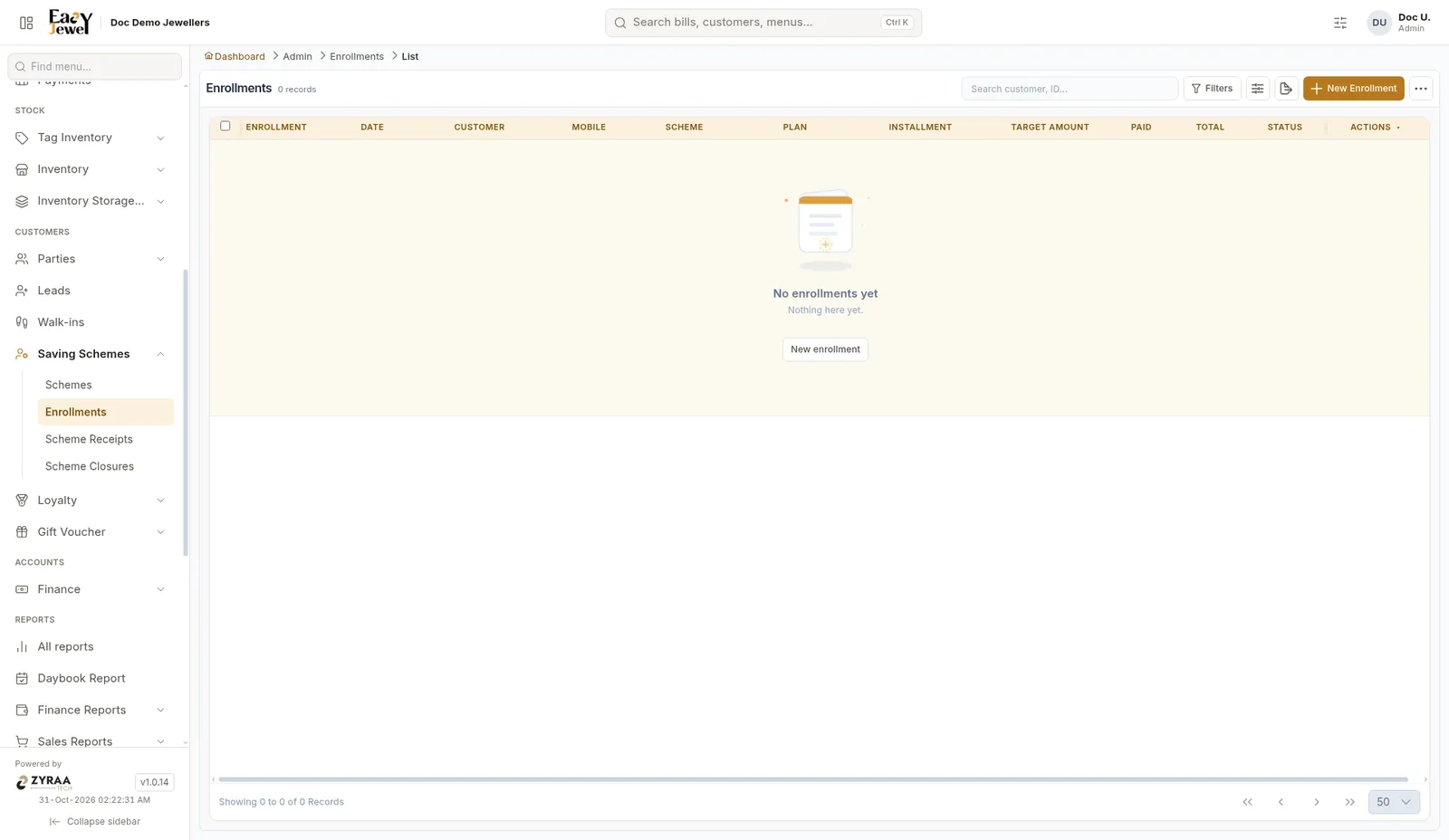
Enrollments list

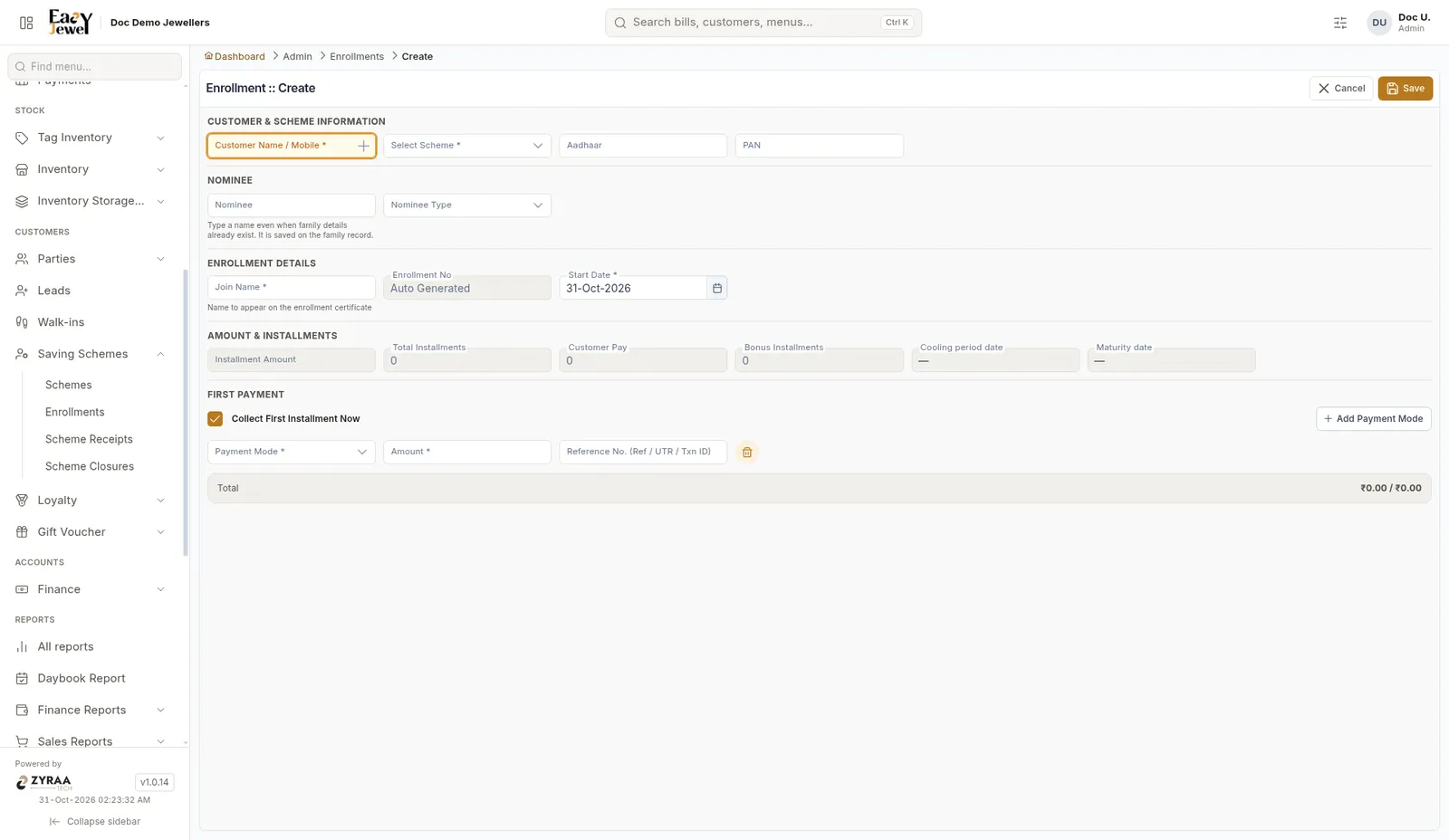
Create enrollment

1

Pick the customer and scheme

Enter Customer Name / Mobile and Select Scheme. Add Aadhaar and PAN if needed.

2

Add a nominee

Type the nominee name and pick the Nominee Type.

3

Check the details

Enter the Join Name printed on the certificate. Enrollment No is made for you. Start Date is today. Total instalments, Customer Pay, Bonus instalments and Maturity date fill in.

4

Collect the first payment

Collect First Installment Now is ticked. Choose Payment Mode, Amount and Reference No. Click Save.

Scheme receipts

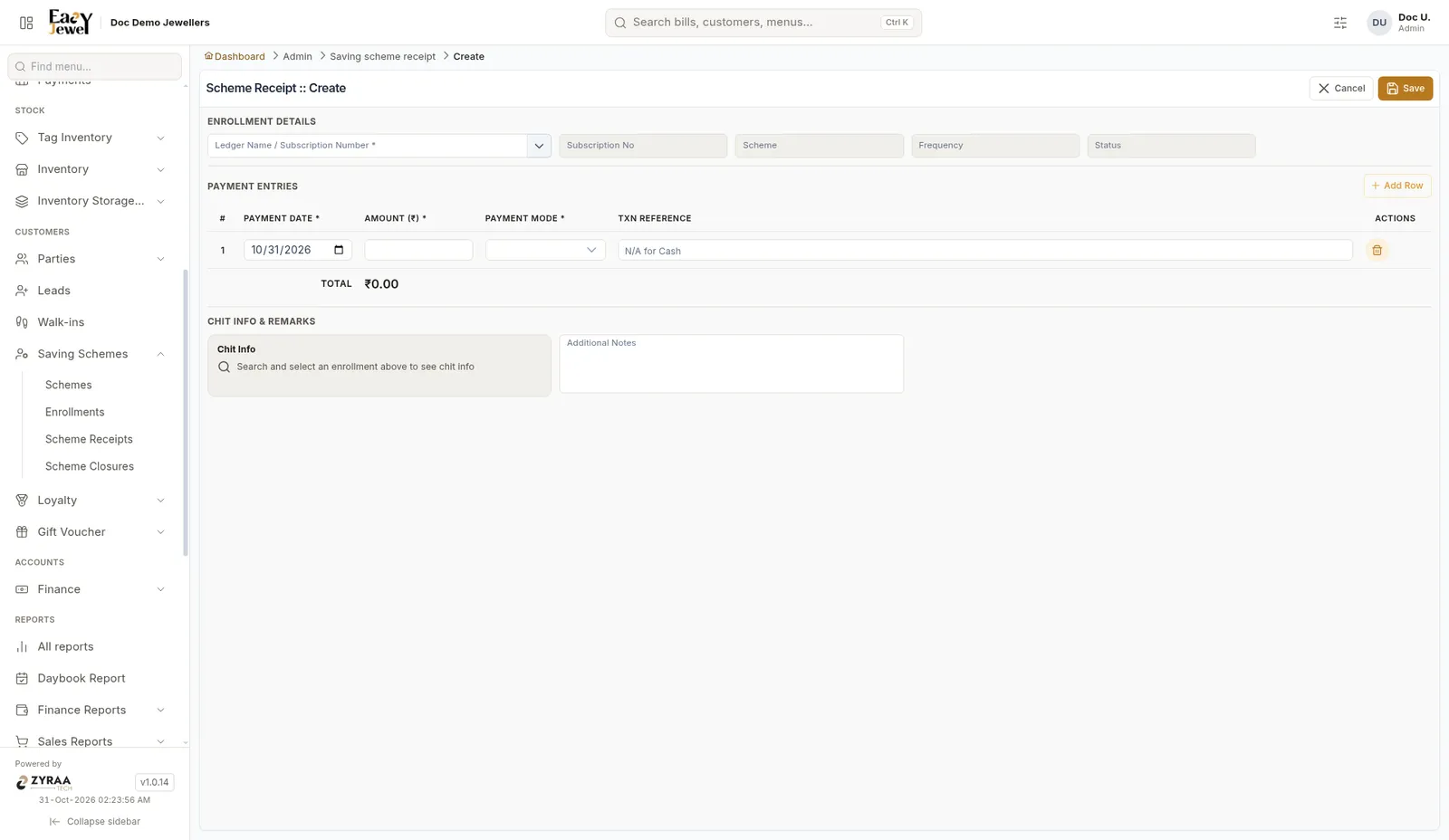
Record each monthly instalment.
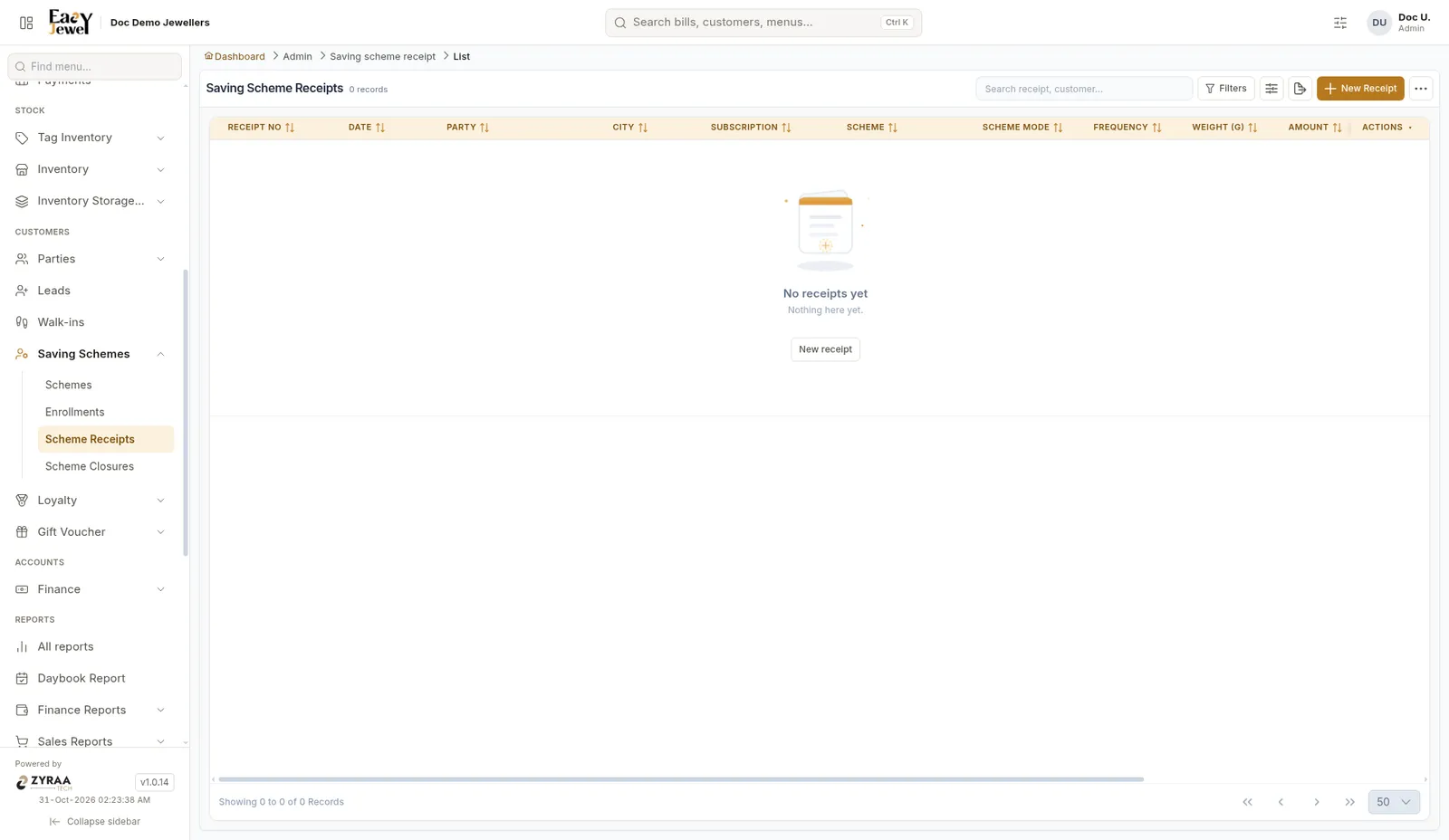
Scheme receipts

New scheme receipt

Scheme closures

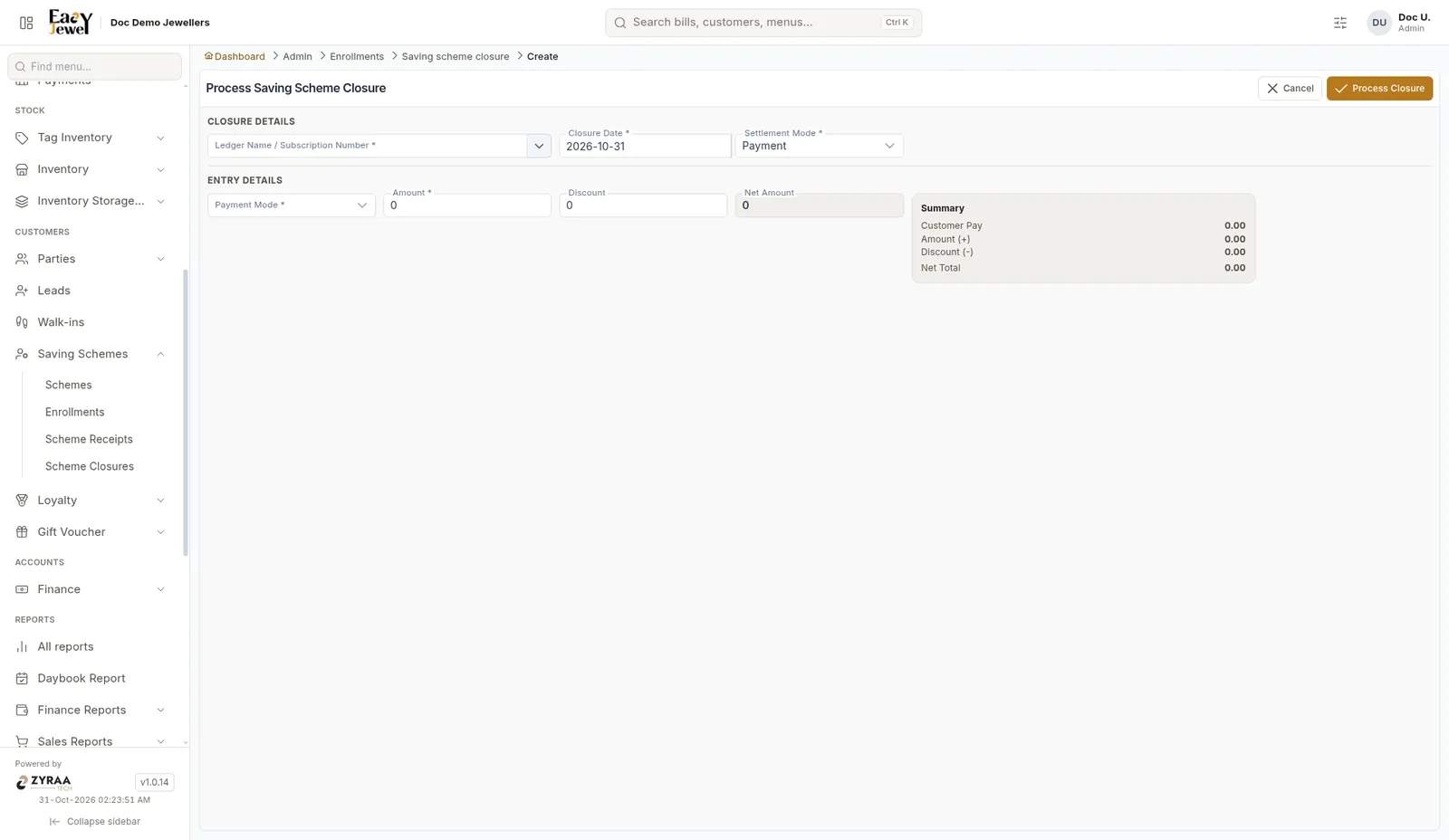
Close a scheme when the customer finishes and buys jewellery.
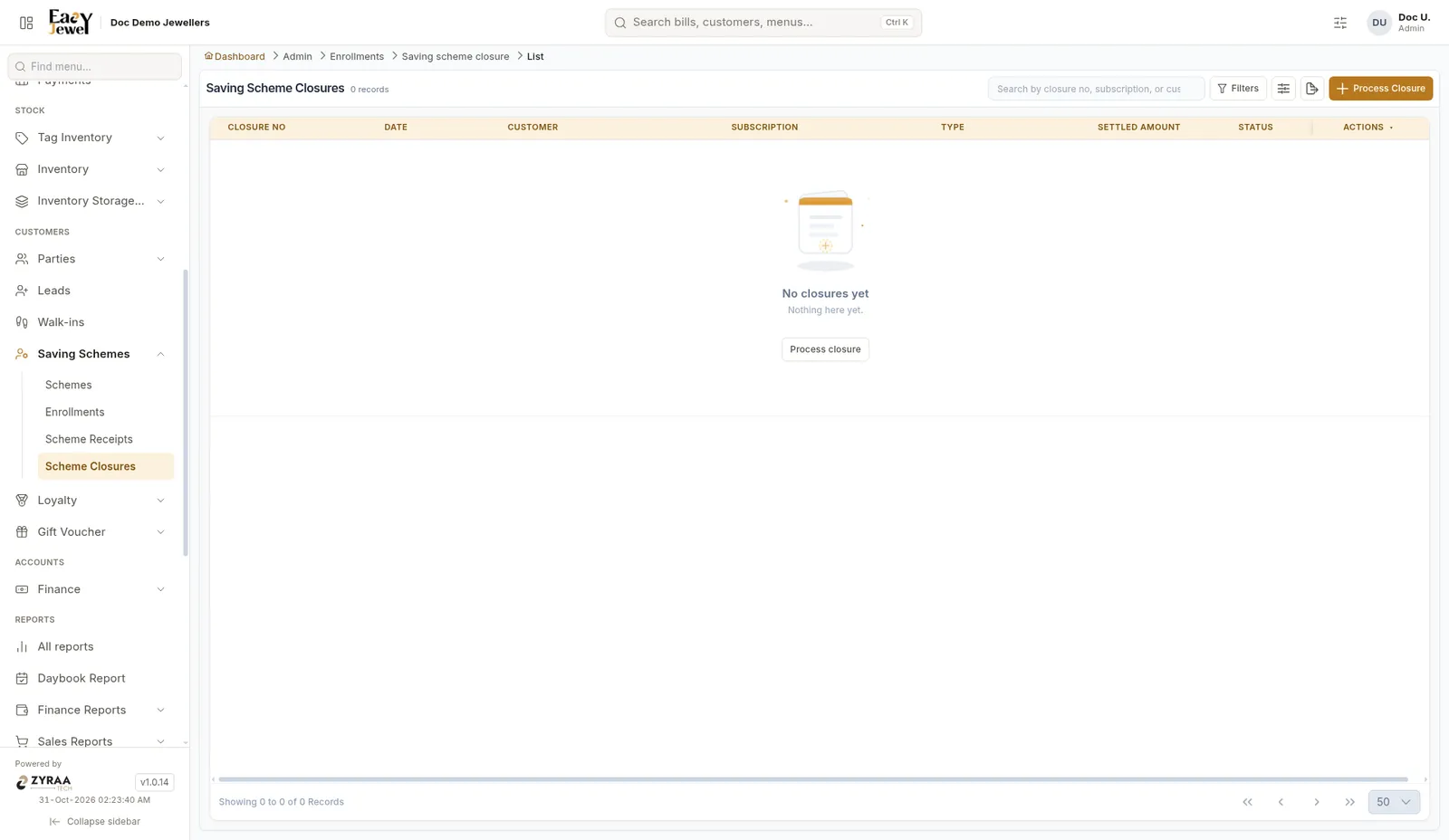
Scheme closures

New scheme closure