
Dropdowns
Screen: Dropdown groups
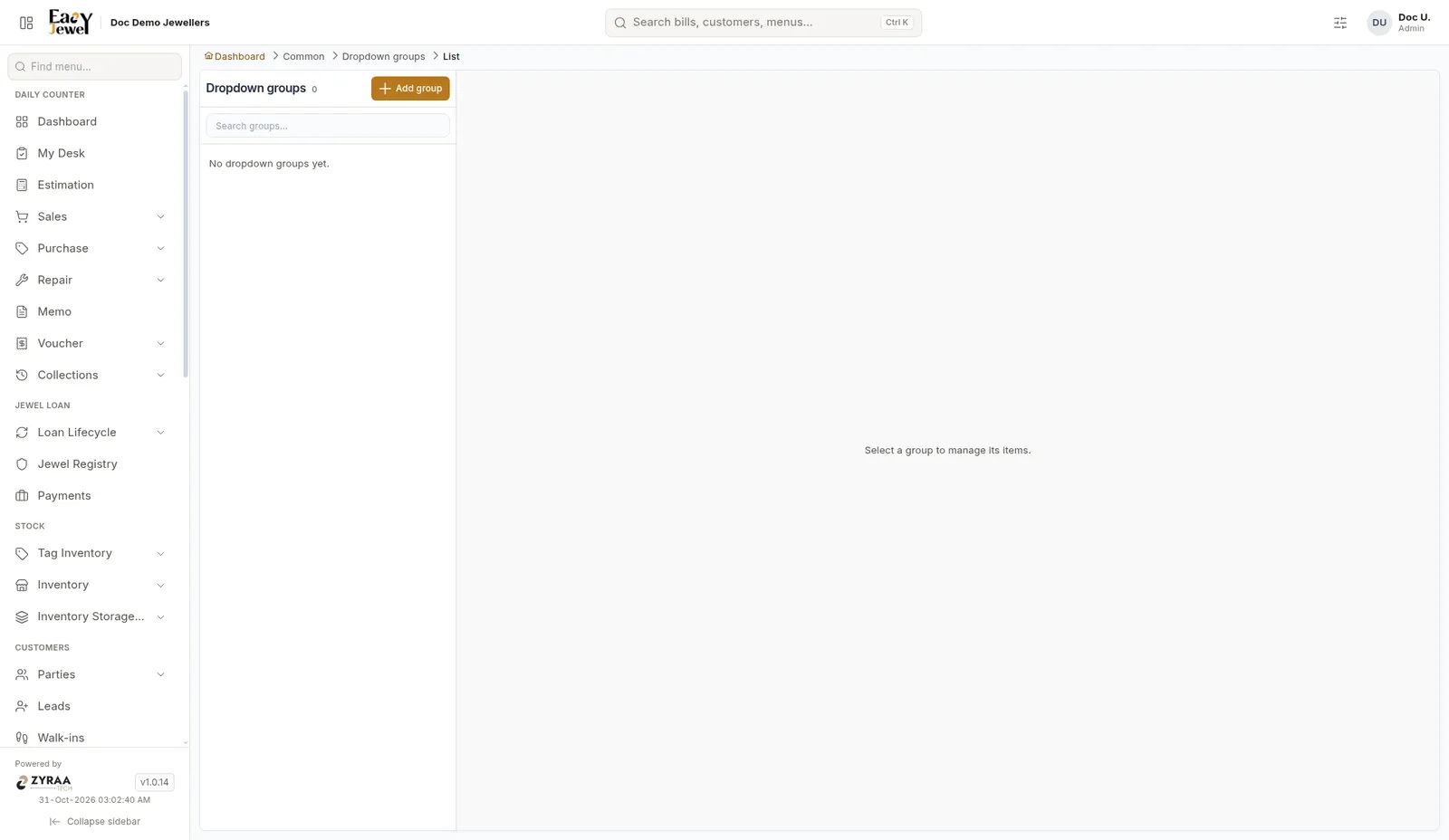
Dropdown groups hold the options shown in the app’s lists, such as categories, units and statuses. Pick a group on the left to manage its items.
Add a group
Click Add group.
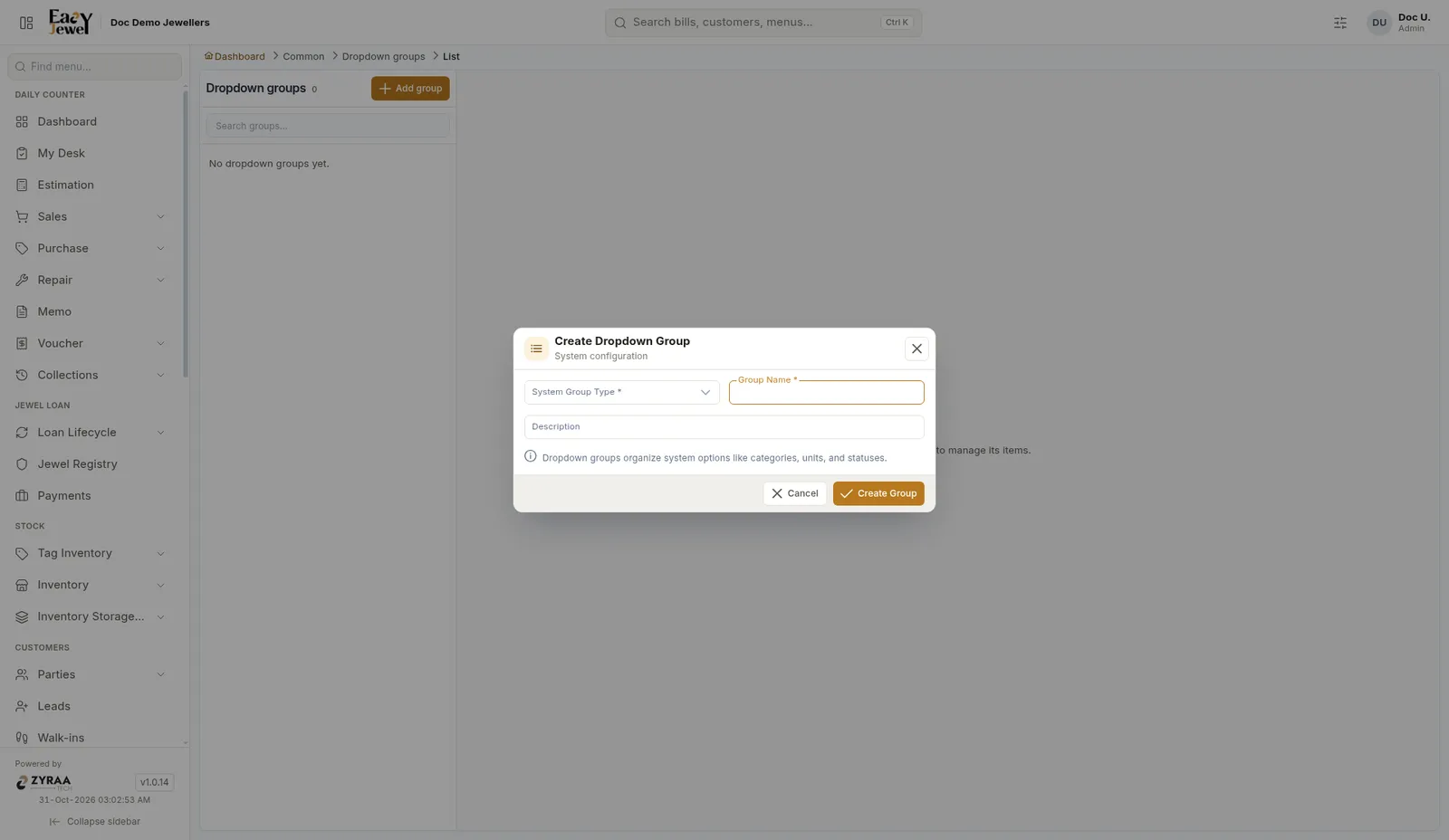
Choose System Group Type *, enter Group Name * and a Description, then click Create Group.