
My Desk
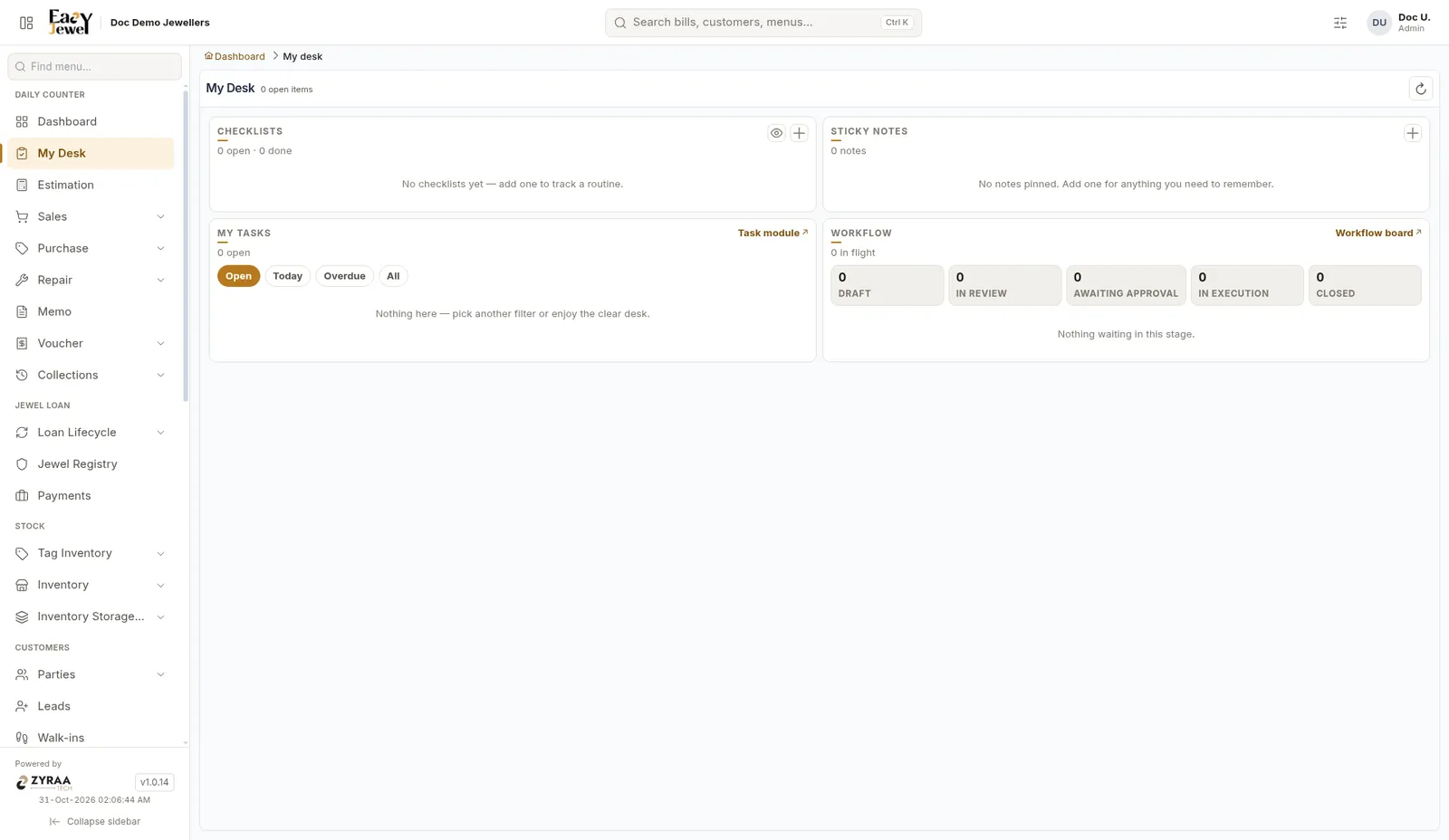
My Desk is your own working page. It shows what you need to do today in one place.
Menu: Daily Counter → My Desk
Workflow stages
Open My Desk first thing in the morning. Check Today and Overdue tasks before the shop gets busy.
My Desk is your own working page. It shows what you need to do today in one place.
Menu: Daily Counter → My Desk
Open My Desk first thing in the morning. Check Today and Overdue tasks before the shop gets busy.