
Stock ledger and opening balance
Stock ledger
A stock ledger is the main stock account, such as Gold Ornaments or Silver Ornaments. Every item belongs to one.
Menu: Stock → Inventory → Stock Ledger (the page is called Stock Master)
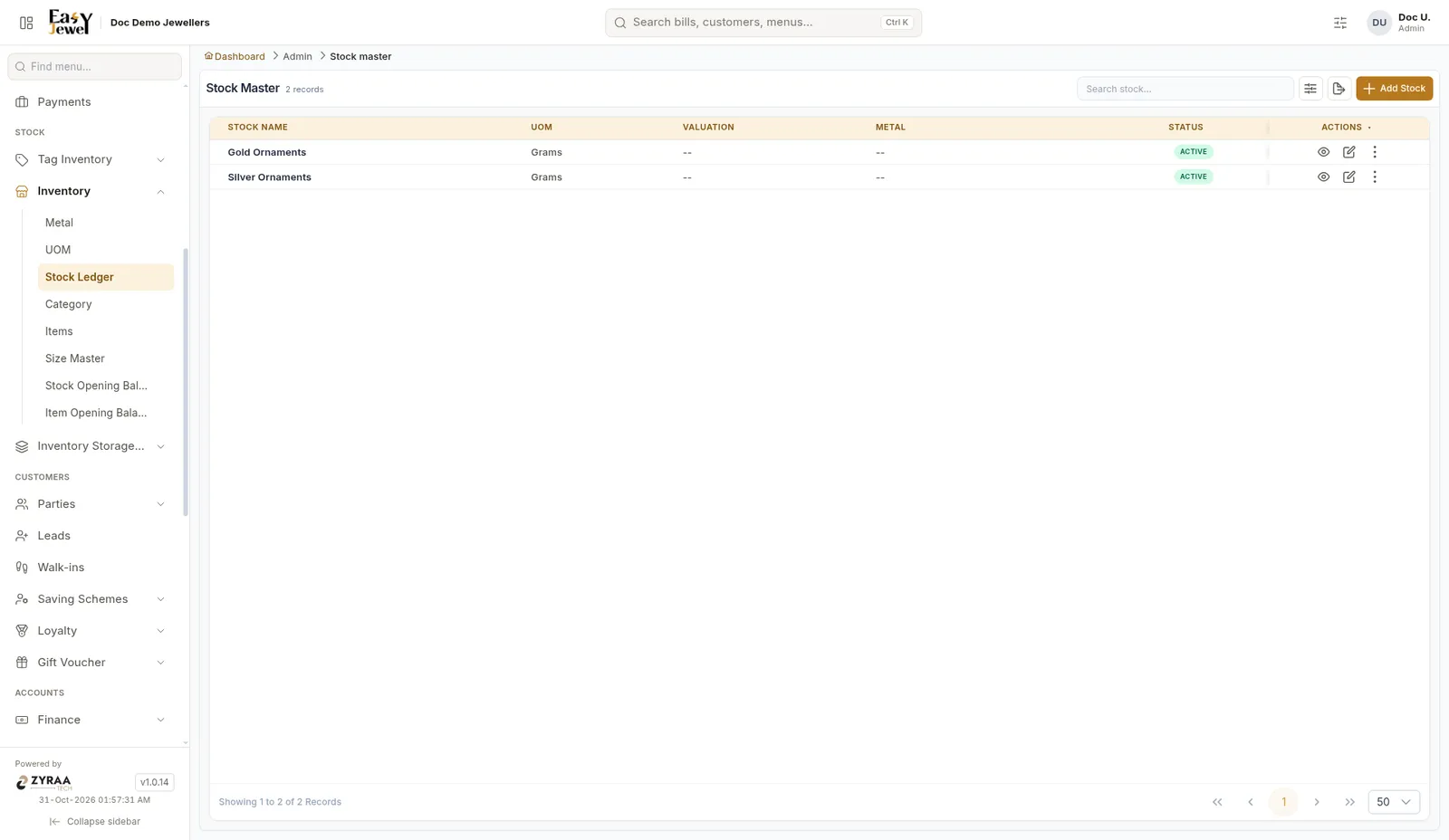
The list shows Stock Name, UOM, Valuation, Metal and Status. Click Add Stock to create one.
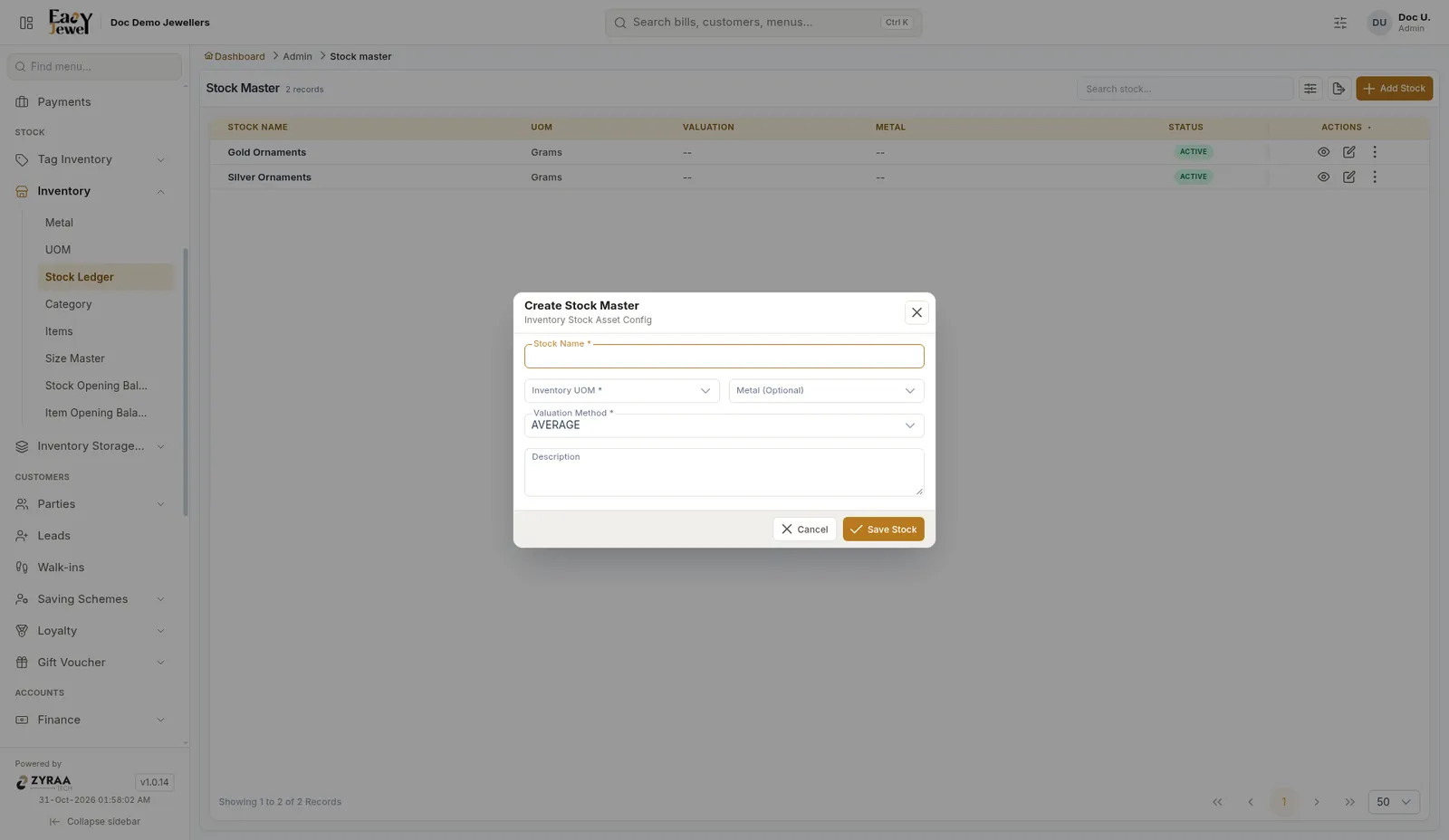
Click Save Stock.
Stock opening balance
This shows the opening stock of each ledger.
Menu: Stock → Inventory → Stock Opening Balance
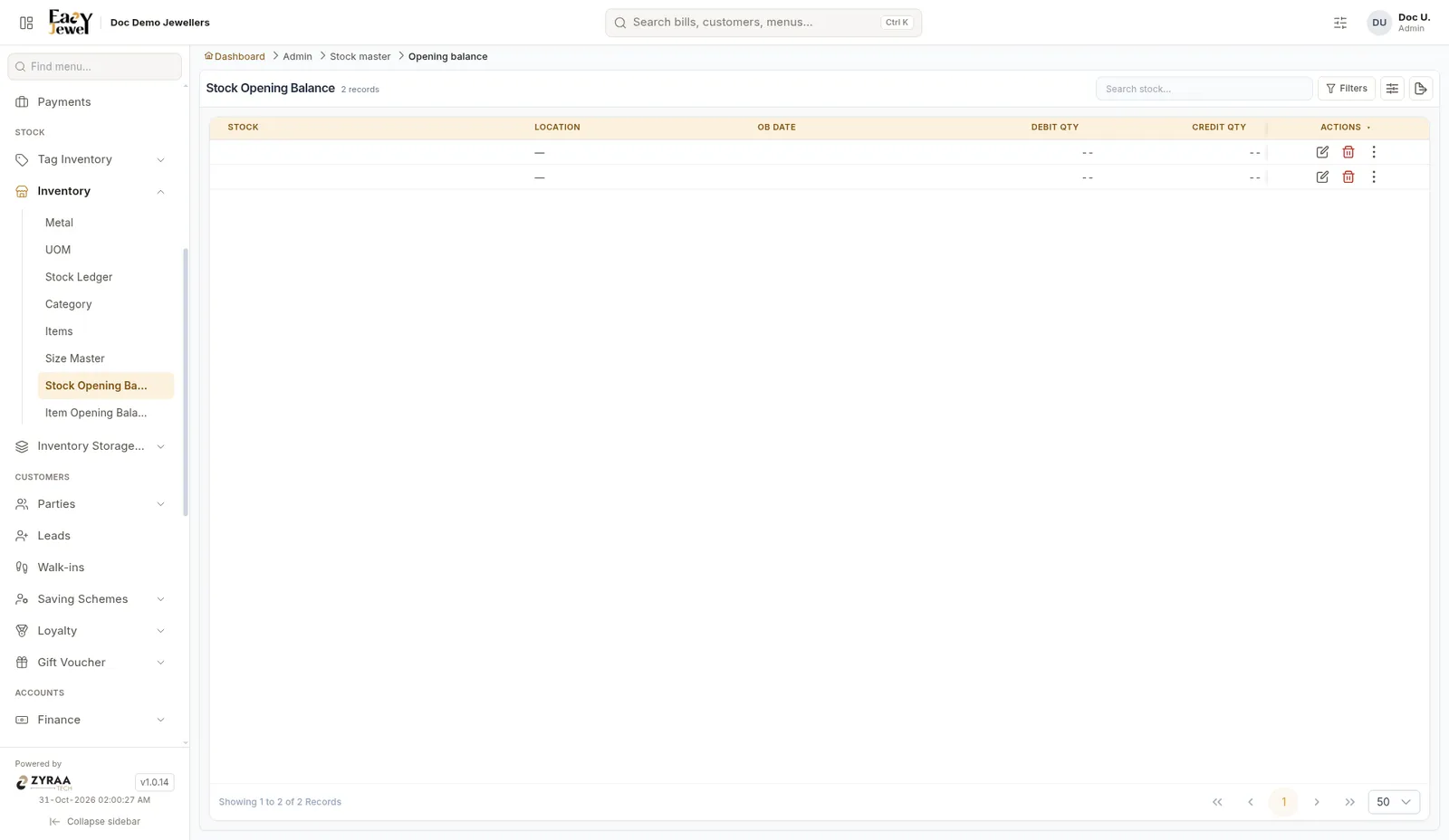
The list shows Stock, Location, OB Date, Debit Qty and Credit Qty. There is no Add button here. The figures come from your item opening balances.
Item opening balance
Enter the stock you already had for each item on the day you started.
Menu: Stock → Inventory → Item Opening Balance
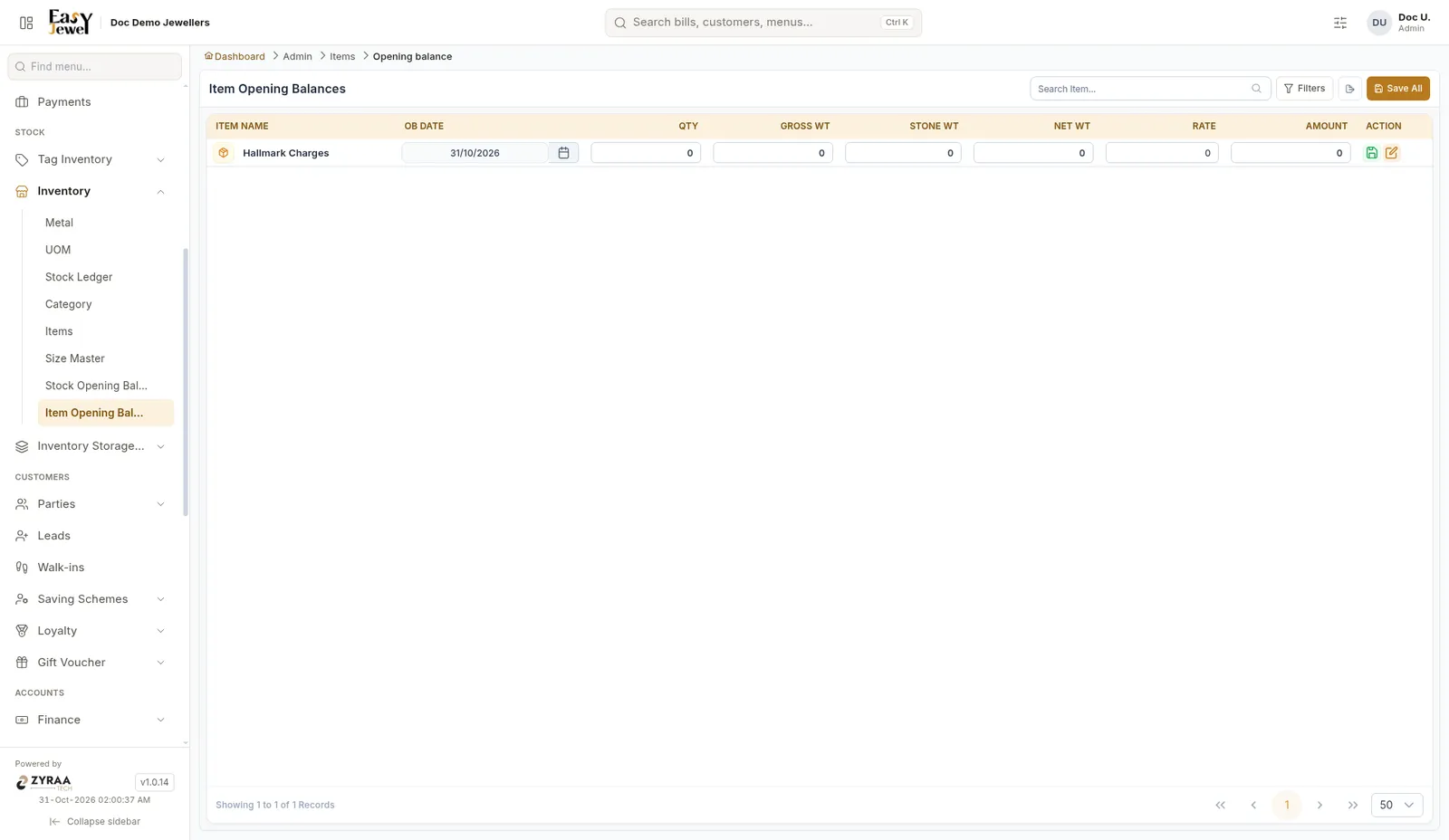
Example: 22K Gold Chain – Qty 40, Gross Wt 820.500 g, Net Wt 820.500 g, Rate ₹6,800.
For tagged items, the opening balance does not add stock. Stock for tagged items is added only when you create their tags. See Tags.