
Estimation
An estimation is a price quote. When Murugan from Madurai asks the price of a 22K chain of 8.250 g, you make an estimation, print it, and give it to him. If he comes back while it is valid, you turn it into a sale.
Menu: Daily Counter → Estimation
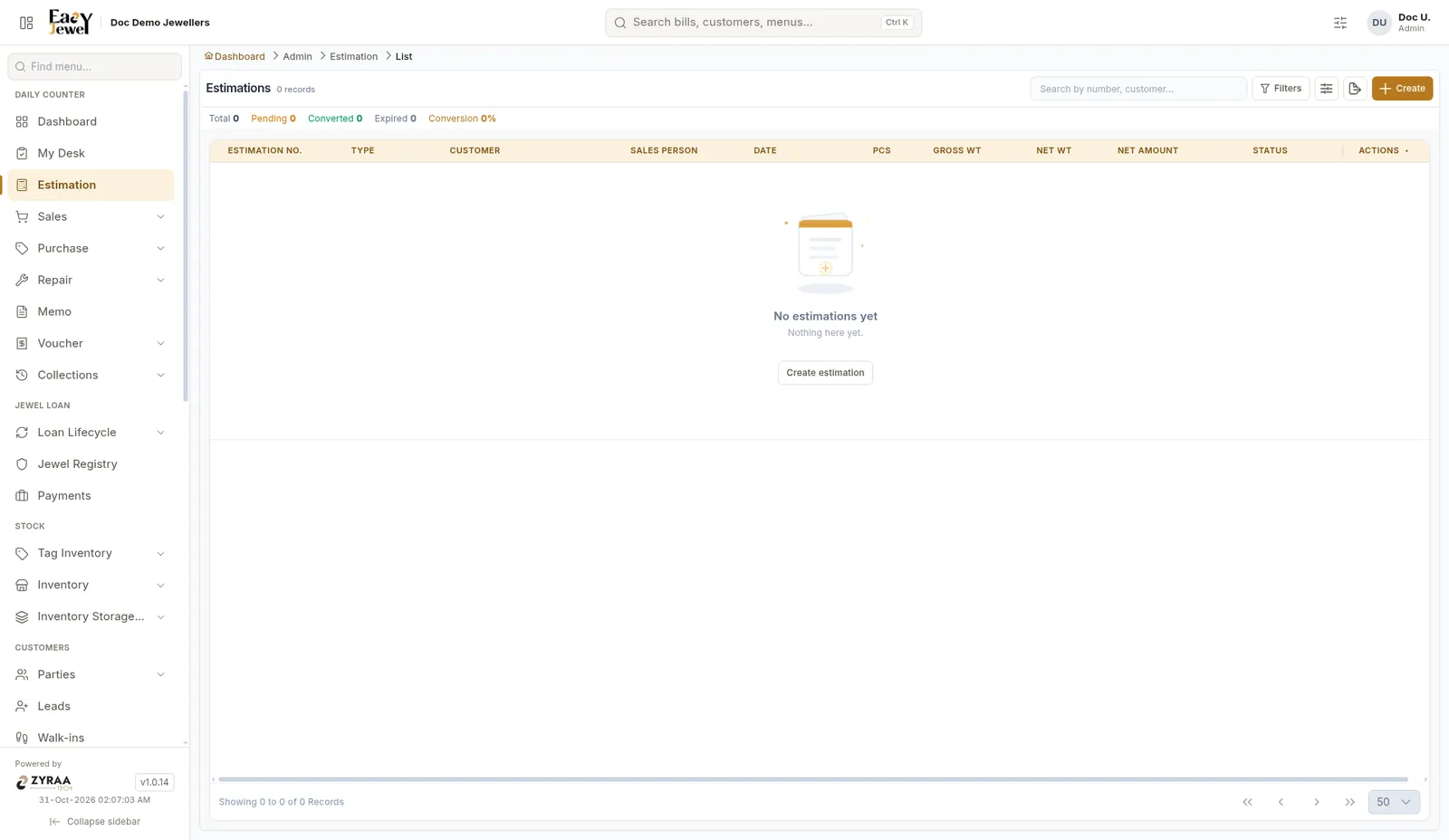
The list shows counts of Pending, Converted and Expired estimations.
Make an estimation
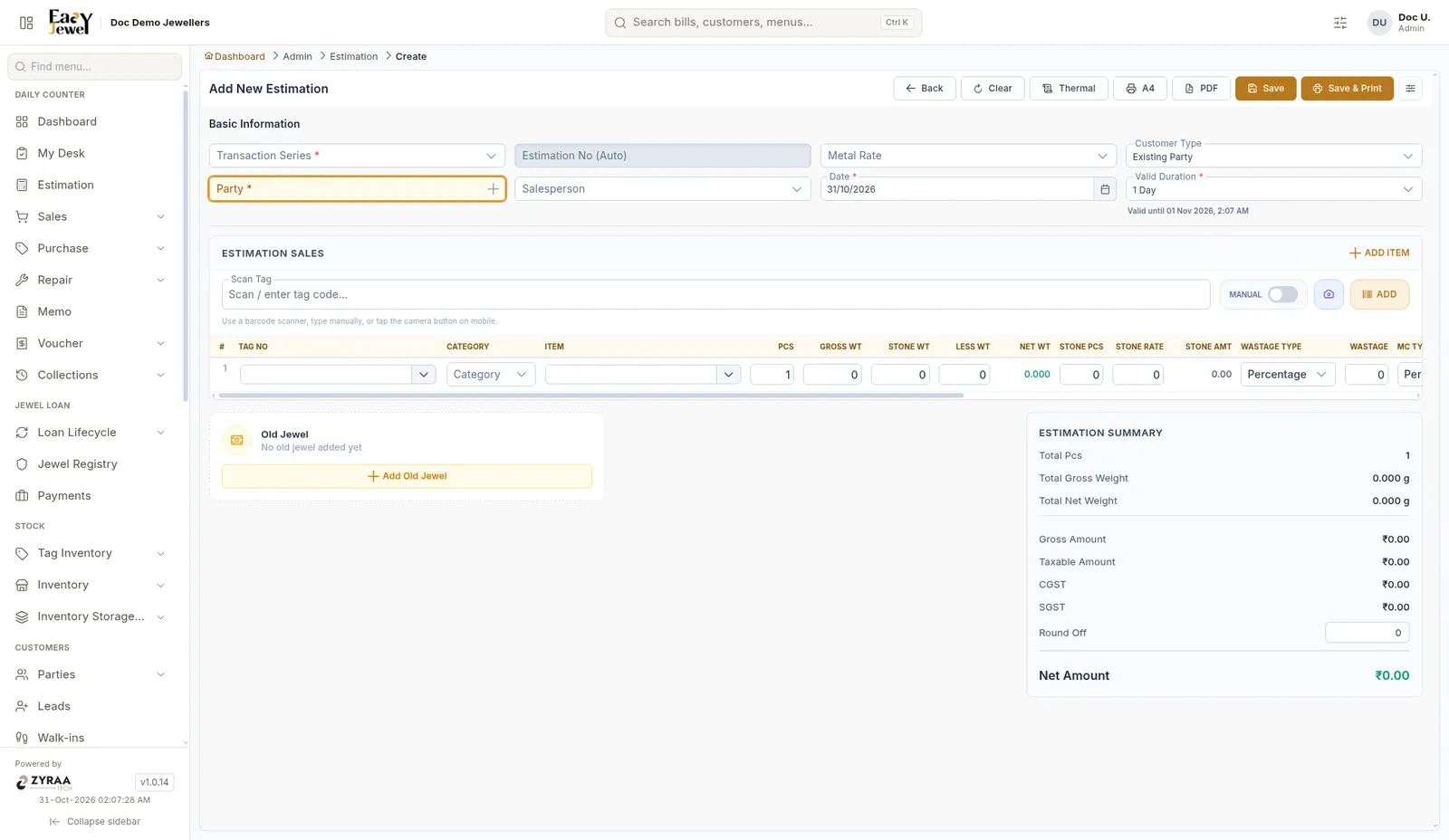
Fill the basic information
Choose Transaction Series and Party (the customer). The Estimation No is filled in for you. Choose Metal Rate, Salesperson and Customer Type if needed. The date is today.
Set how long it is valid
Valid Duration is 1 Day by default. The screen shows the exact Valid until date and time.
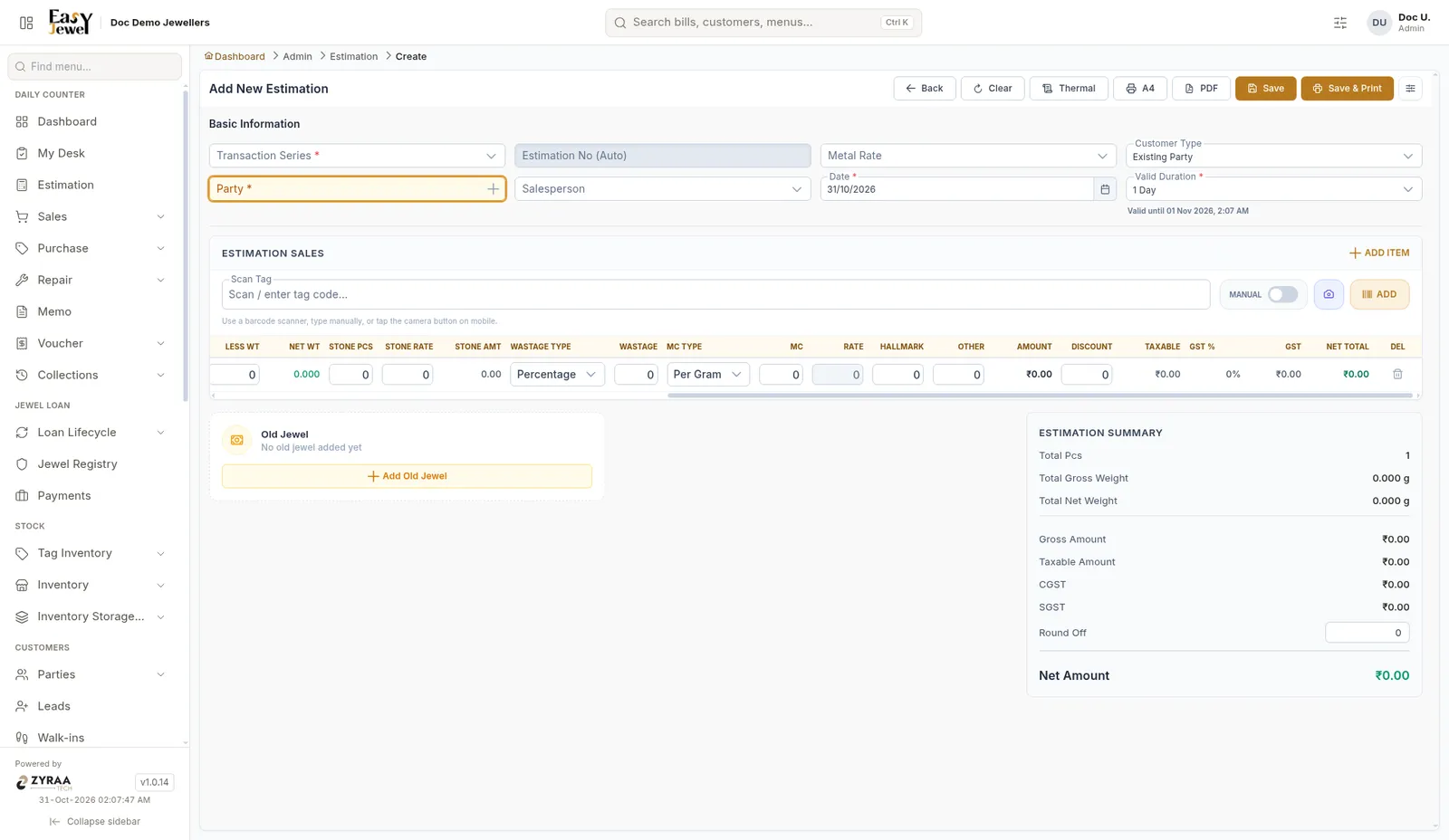
The Estimation Summary shows total pieces, gross and net weight, gross amount, taxable amount, CGST, SGST, round off and Net Amount.
Turn it into a sale
In a new Sales bill, click Add from Estimation and pick the estimation. Its items come into the bill.
Use Thermal to print a small slip at the counter, and PDF to send the quote on WhatsApp.