
Size
Sizes help you track rings, bangles and chains by size, for example bangle size 2.4 inch or chain length 18 inch.
Menu: Stock → Inventory → Size Master
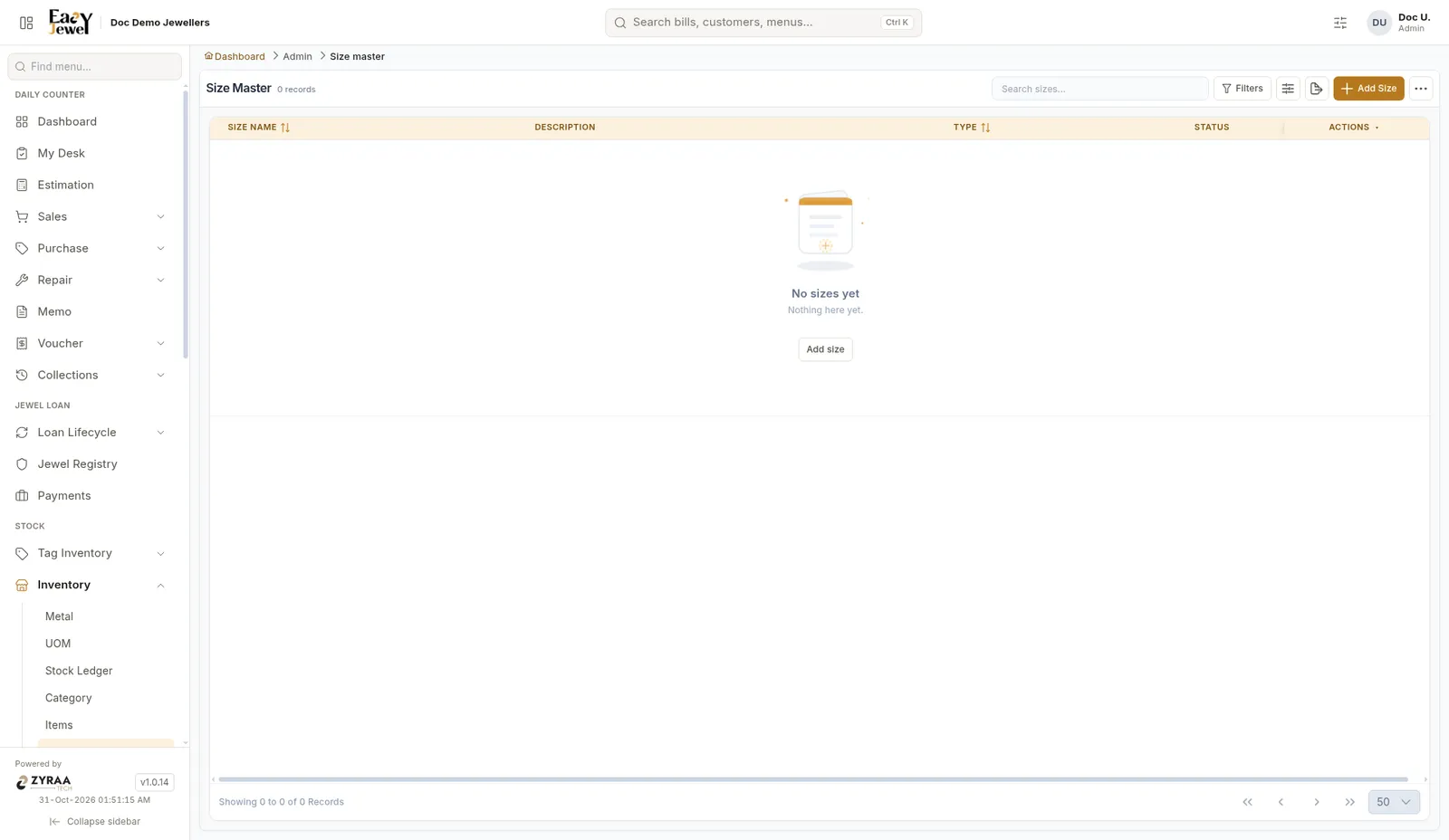
Add sizes
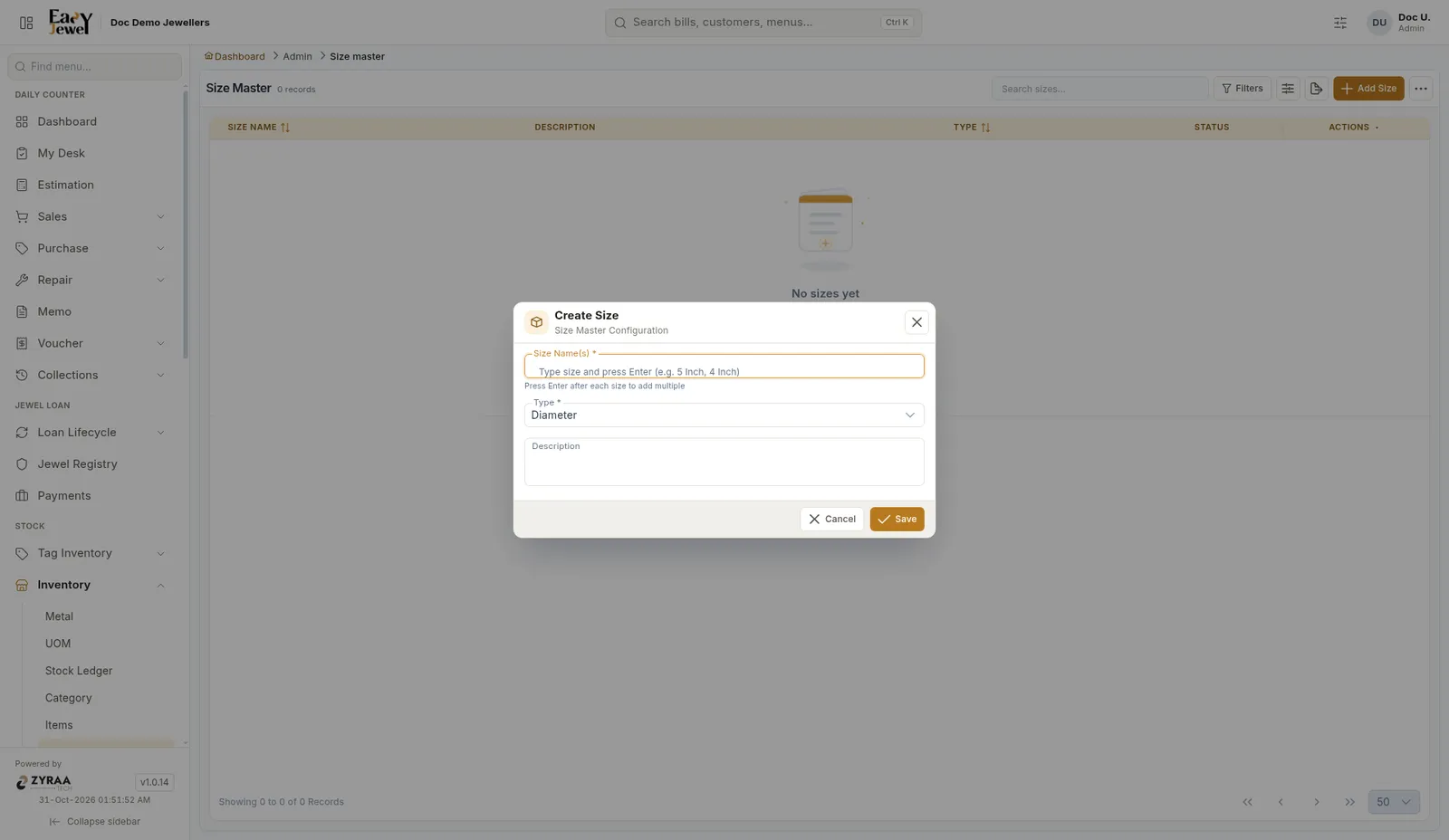
Type the sizes
In Size Name(s) (required), type a size and press Enter. You can add several at once, for example 2.2, 2.4, 2.6, 2.8.
To use sizes on an item, tick Has Size Mapping in that item’s settings. See Items.