
Tasks and workflow
Tasks
Menu: Administration → Tasks & Workflow → Tasks
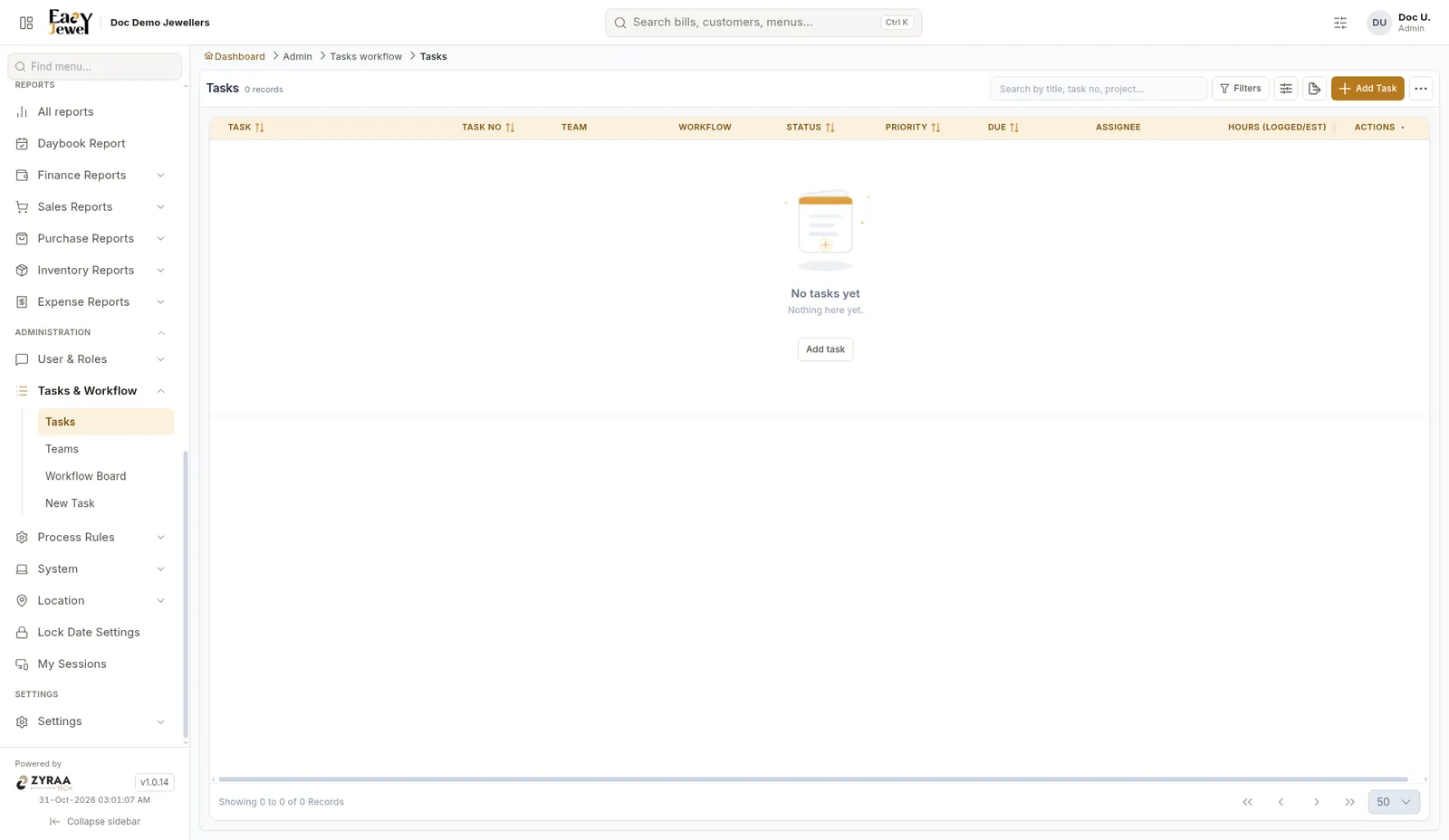
The list shows Task, Task No, Team, Workflow, Status, Priority, Due, Assignee and Hours (Logged/Est). Search by title, task number or project, or use Filters.
New task
Menu: Administration → Tasks & Workflow → New Task (or Add Task on the Tasks list)
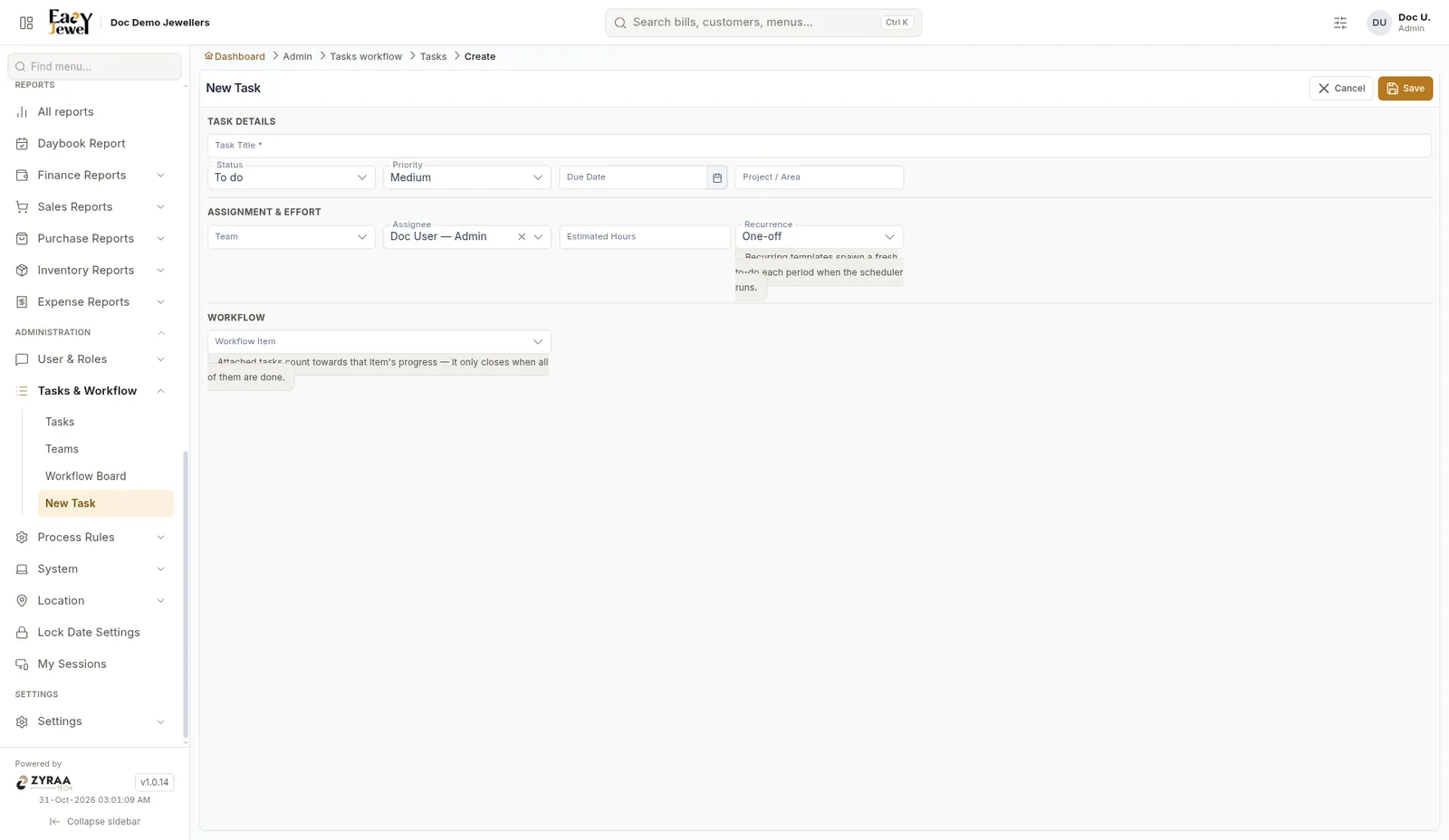
Click Save.
Teams
Menu: Administration → Tasks & Workflow → Teams
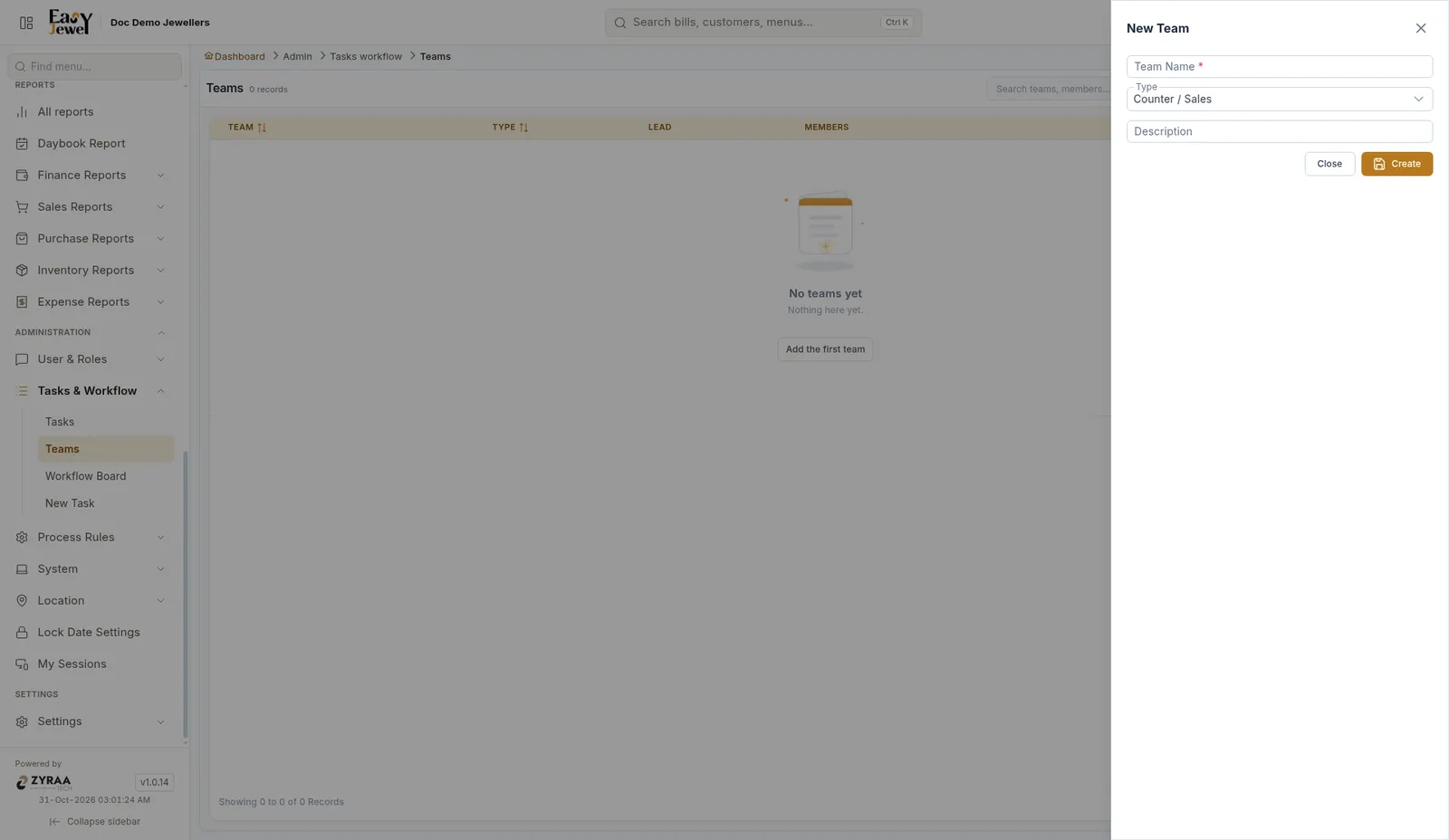
Click to add a team. Enter Team Name *, Type (for example Counter / Sales) and Description, then click Create.
Workflow board
Menu: Administration → Tasks & Workflow → Workflow Board
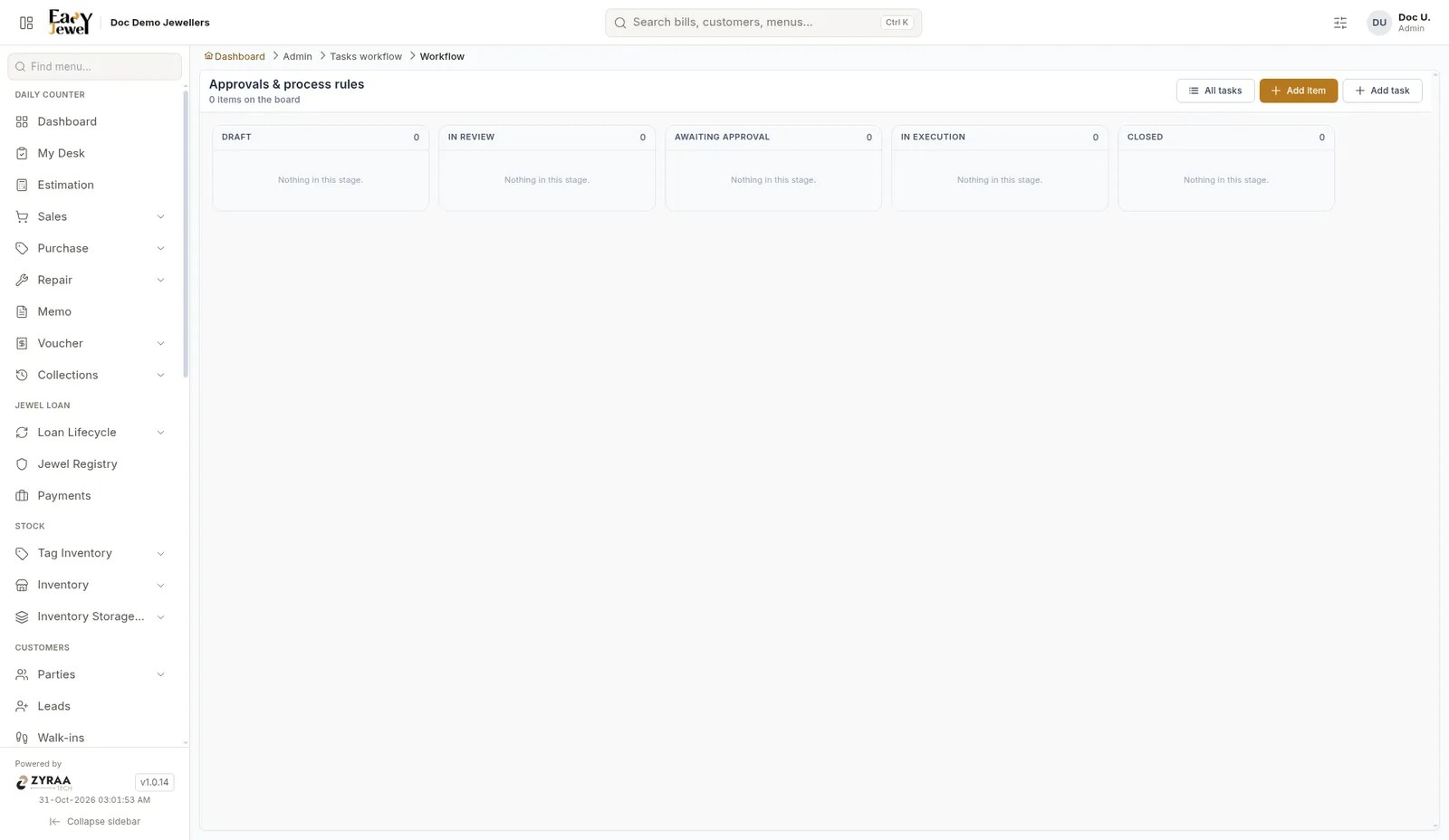
The board shows items in stages: Draft, In Review, Awaiting Approval, In Execution and Closed. Click Add item to add one.
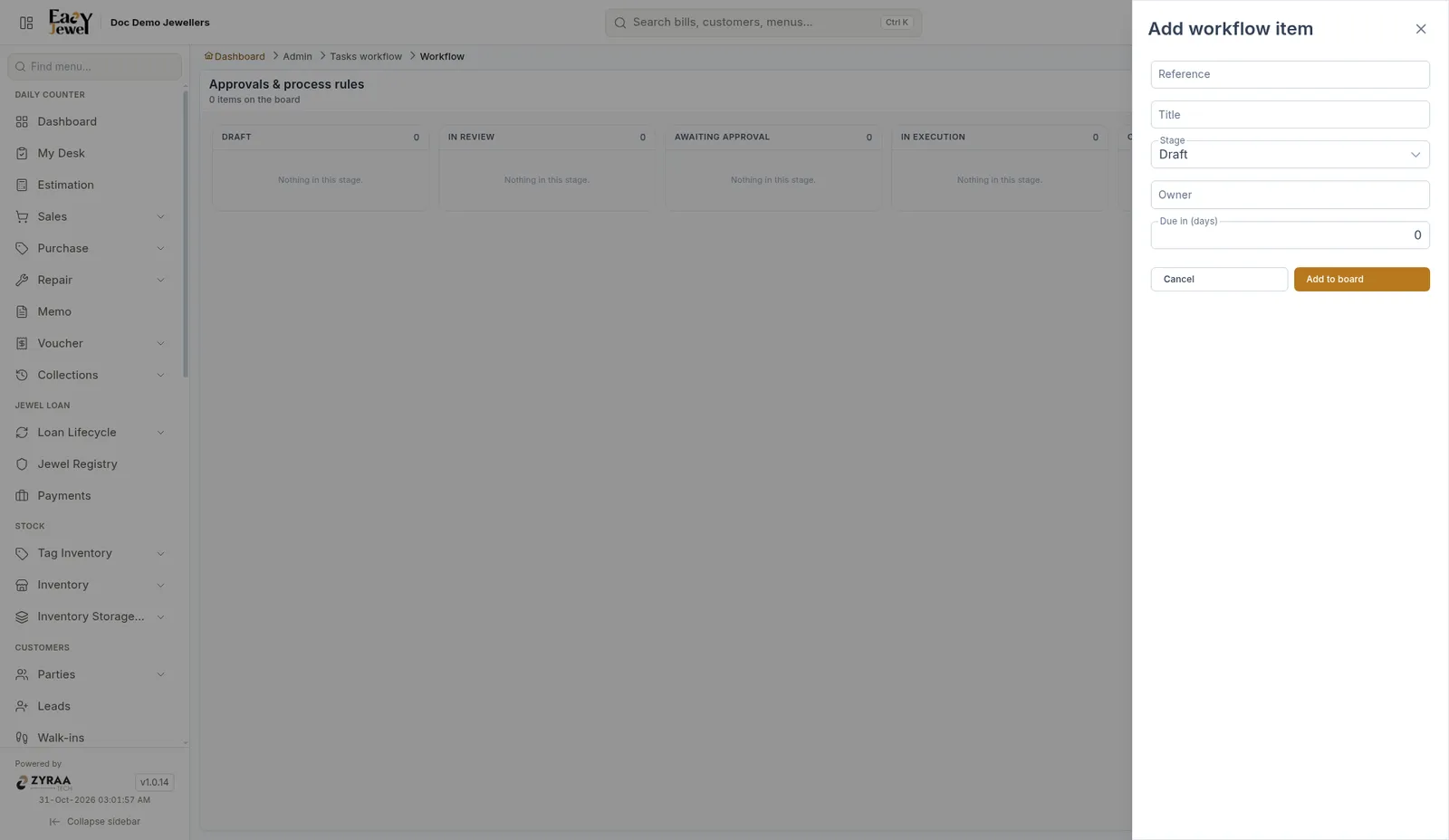
Enter Reference, Title, Stage (Draft), Owner and Due in (days), then click Add to board. Add task adds a task, and All tasks opens the task list.