Skip to navigation

Sales return and adjustment notes

View as Markdown

Sales return

Use this when a customer brings back a piece they bought.

Menu: Daily Counter → Sales → Sales Return
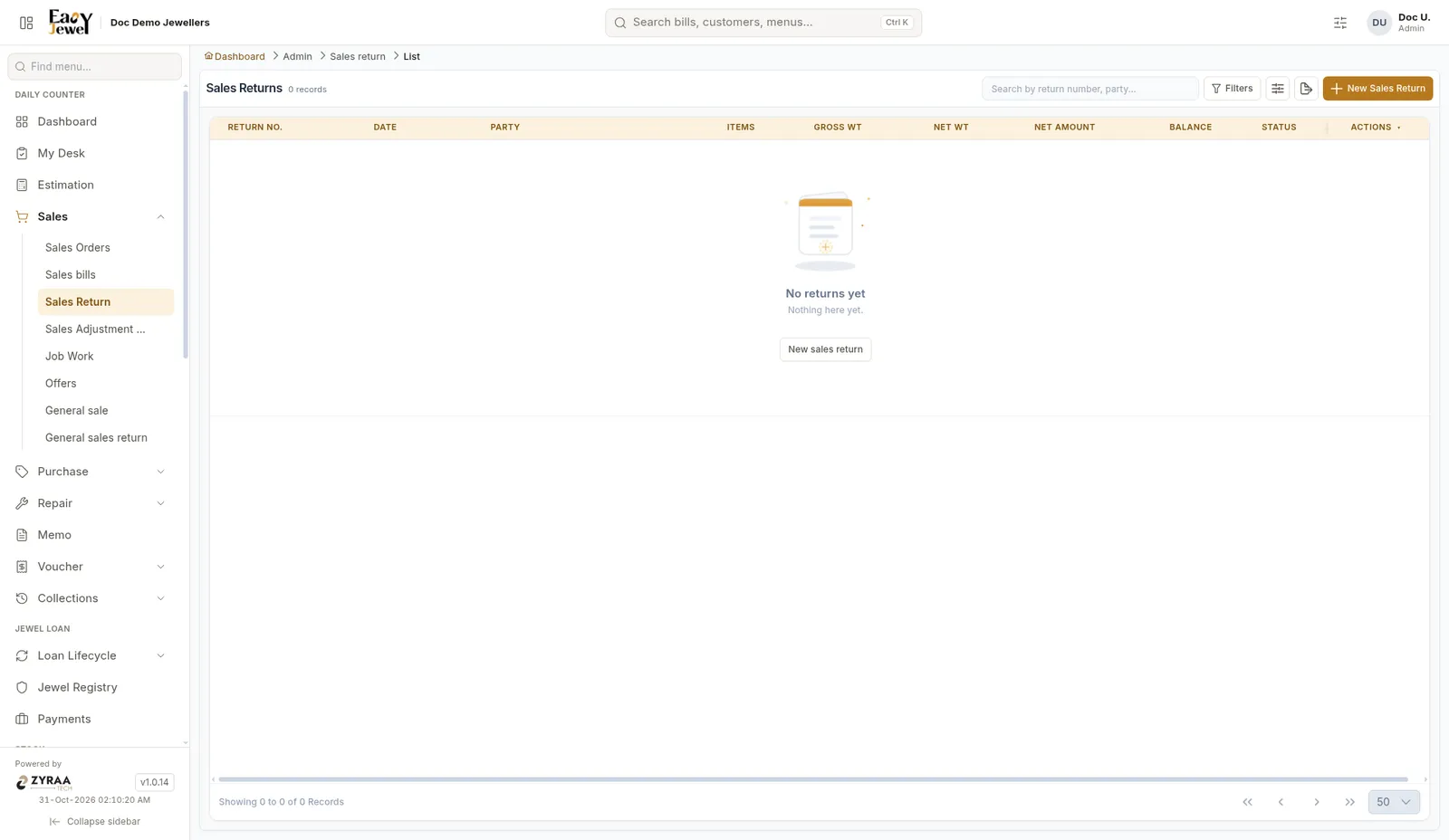
Sales return list

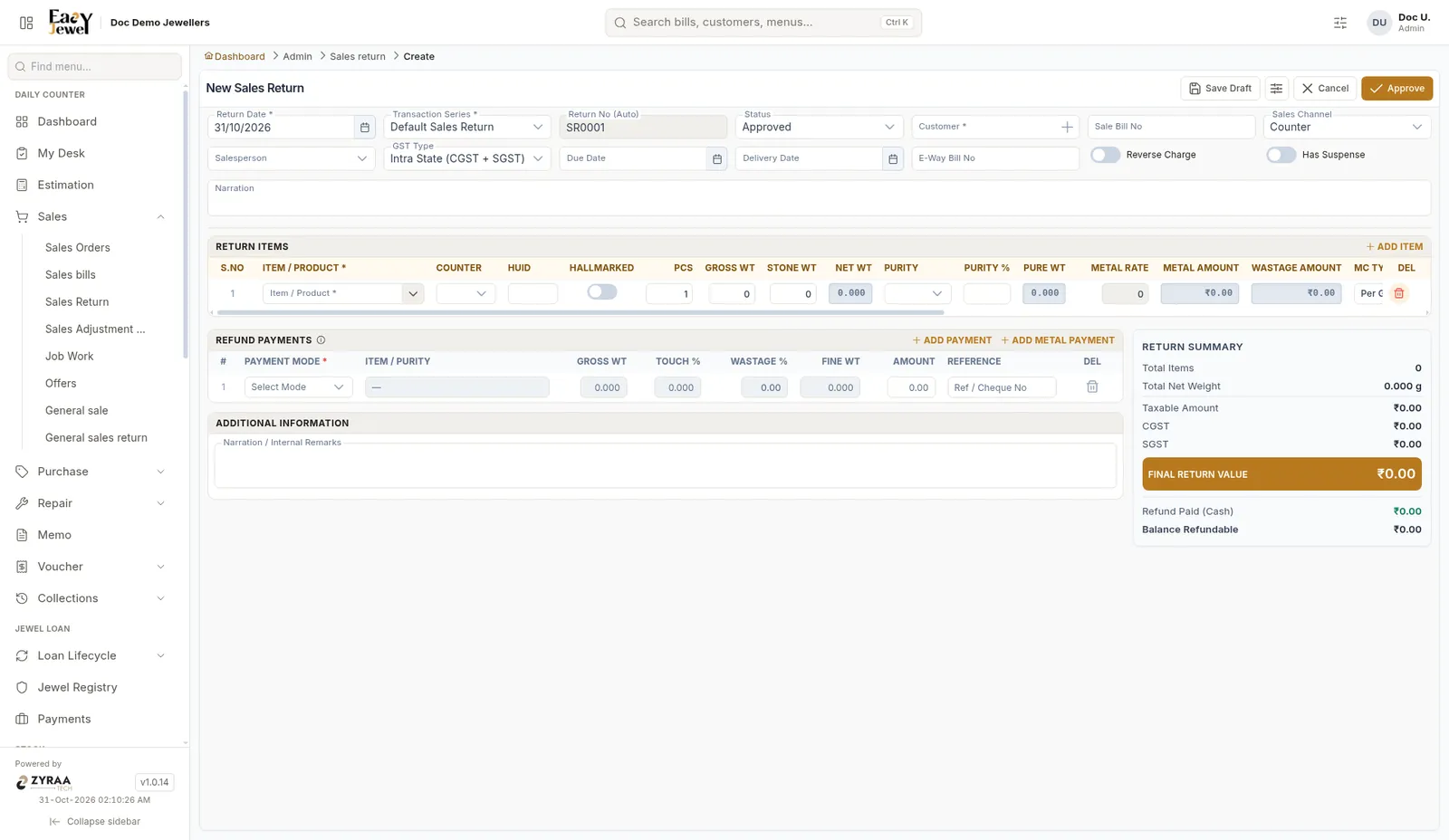
New sales return

1

Choose the customer and bill

Fill the return details and pick the items being returned.

2

Add the refund

Add refund payment rows for the money you give back.

3

Save

Save the return.

A returned tagged piece stays Returned until someone reopens its tag. See Tags.

Adjustment notes (credit and debit)

Use a note to correct a bill amount without a full return.

Menu: Daily Counter → Sales → Sales Adjustment Notes
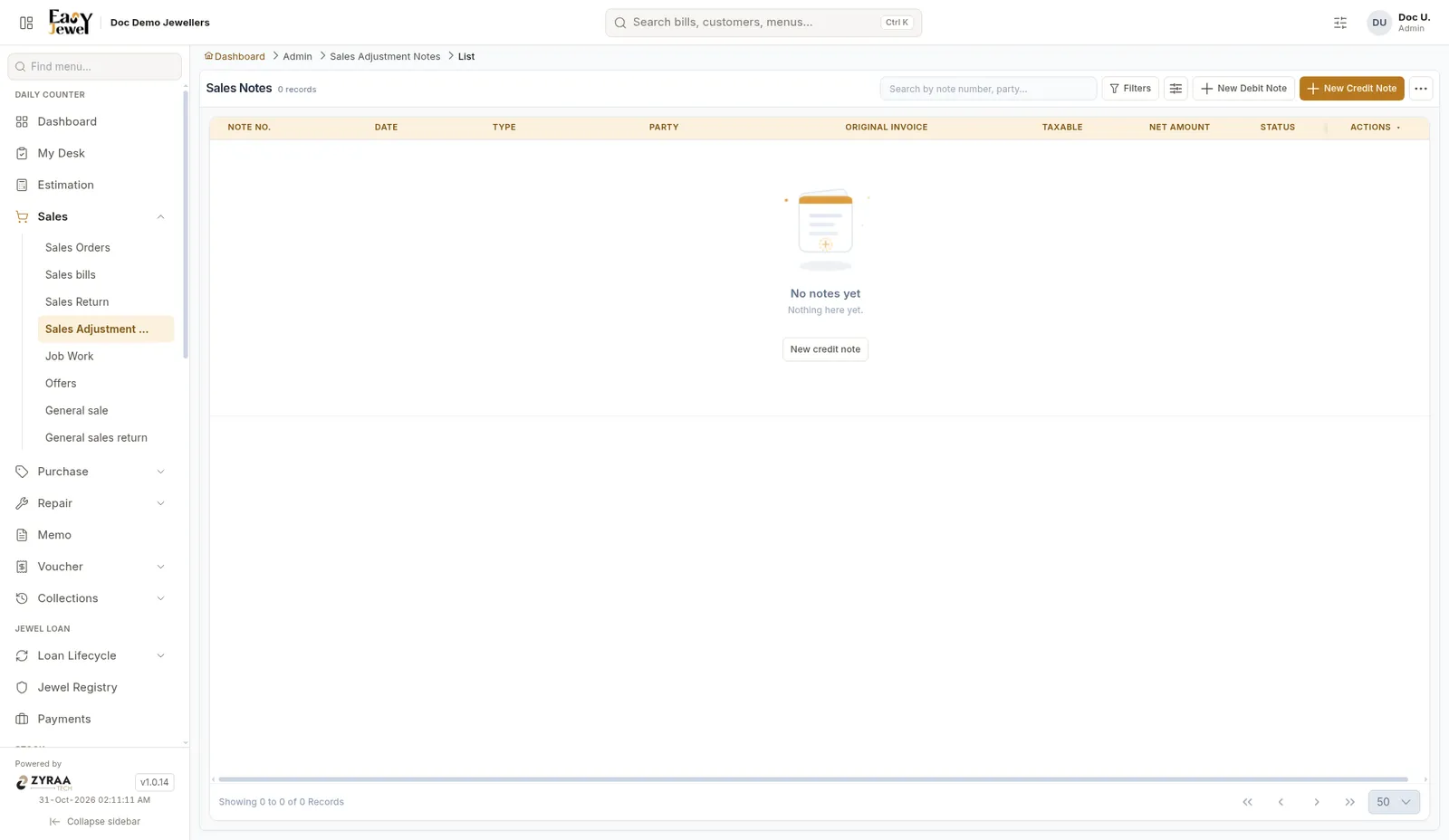
Notes list

NoteWhen to use
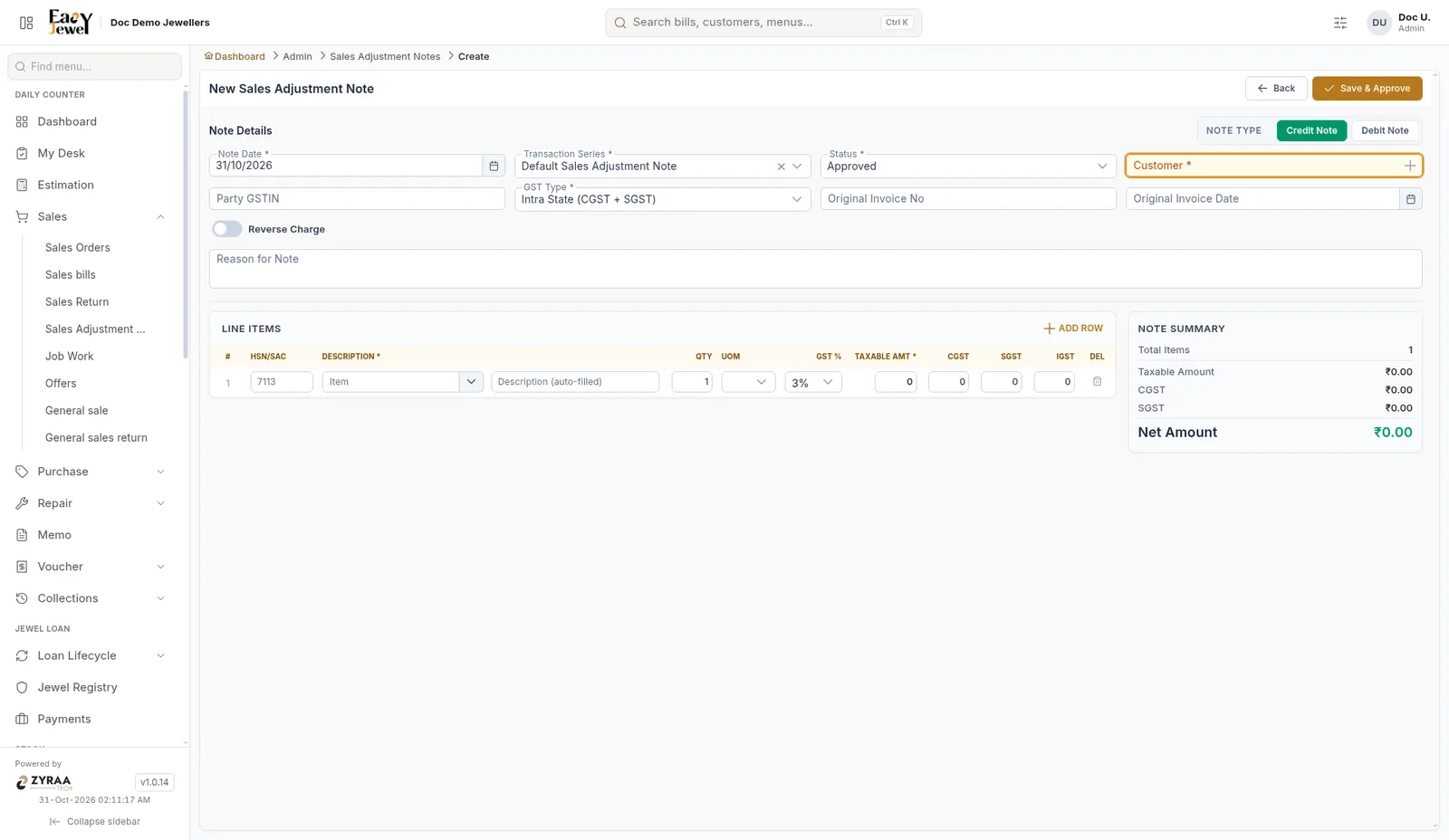
Credit noteYou owe the customer, for example you charged too much
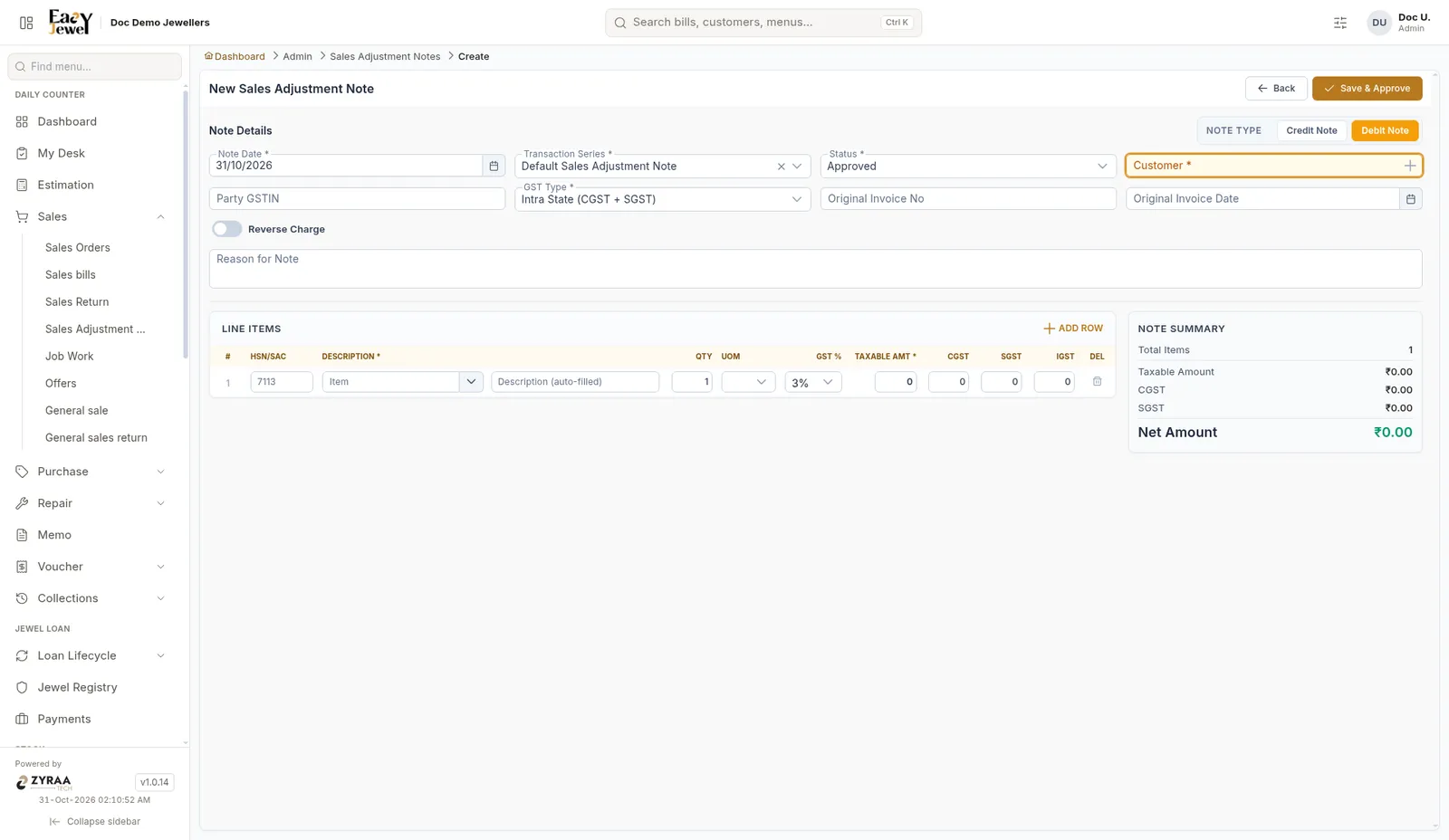
Debit noteThe customer owes you, for example you charged too little

Credit note

Debit note

The note lines use HSN 7113 and GST 3% for jewellery.