
Insurance
Menu: Jewel Loan → Loan Lifecycle → Insurance Management
The list shows Policy No, Insurer, Loan ID, Value, Expiry and Status.
New policy
Click New Policy.
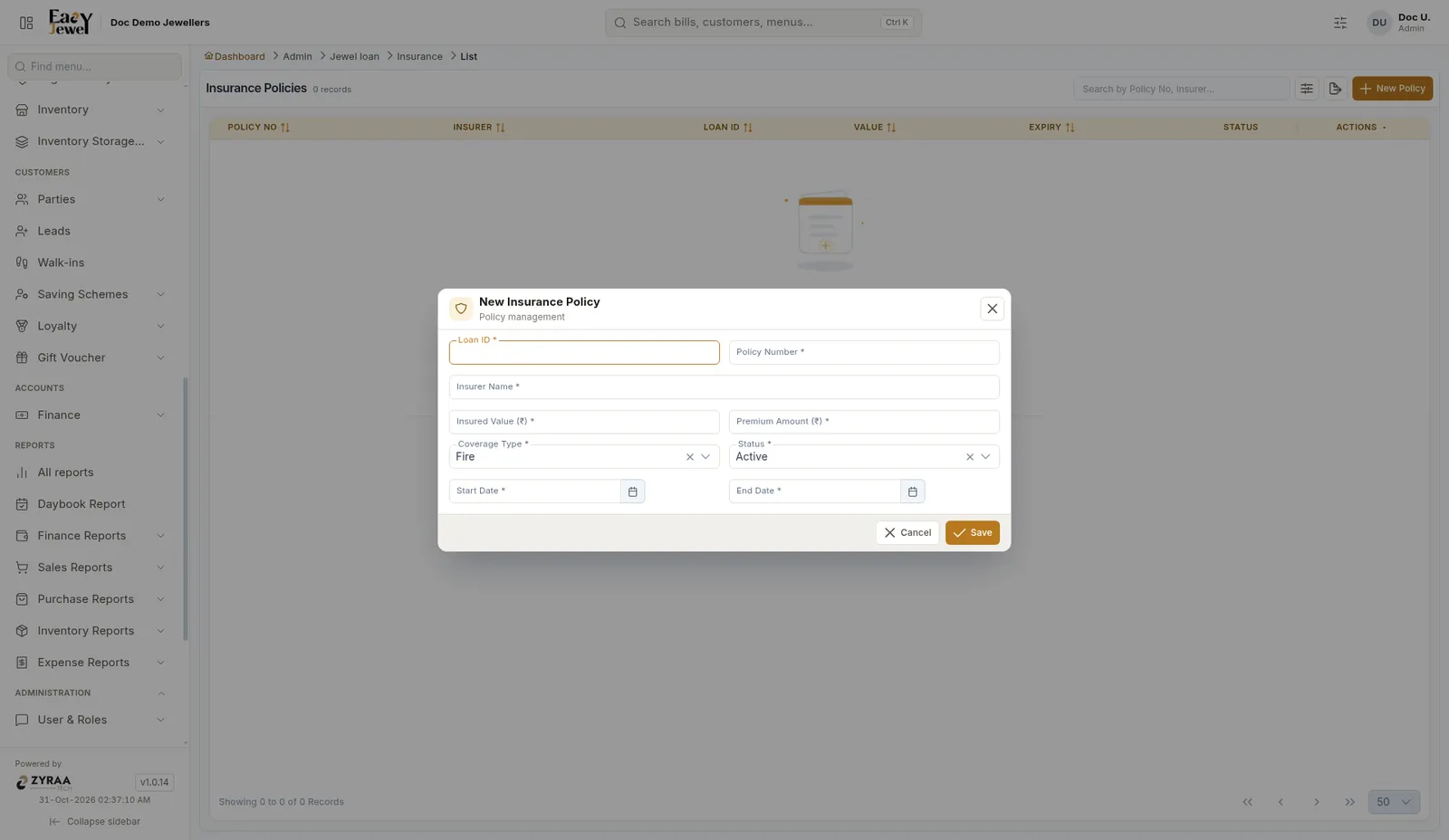
Click Save.
Menu: Jewel Loan → Loan Lifecycle → Insurance Management
The list shows Policy No, Insurer, Loan ID, Value, Expiry and Status.
Click New Policy.
Click Save.