
Skip to navigation

Diamonds and stones

View as Markdown

Make a list of the diamonds and stones used in your jewellery, such as kemp stones in temple jewellery or diamonds in a nose pin. Your tags then pick their rates from here.

Diamonds

Menu: Stock → Tag Inventory → Diamond
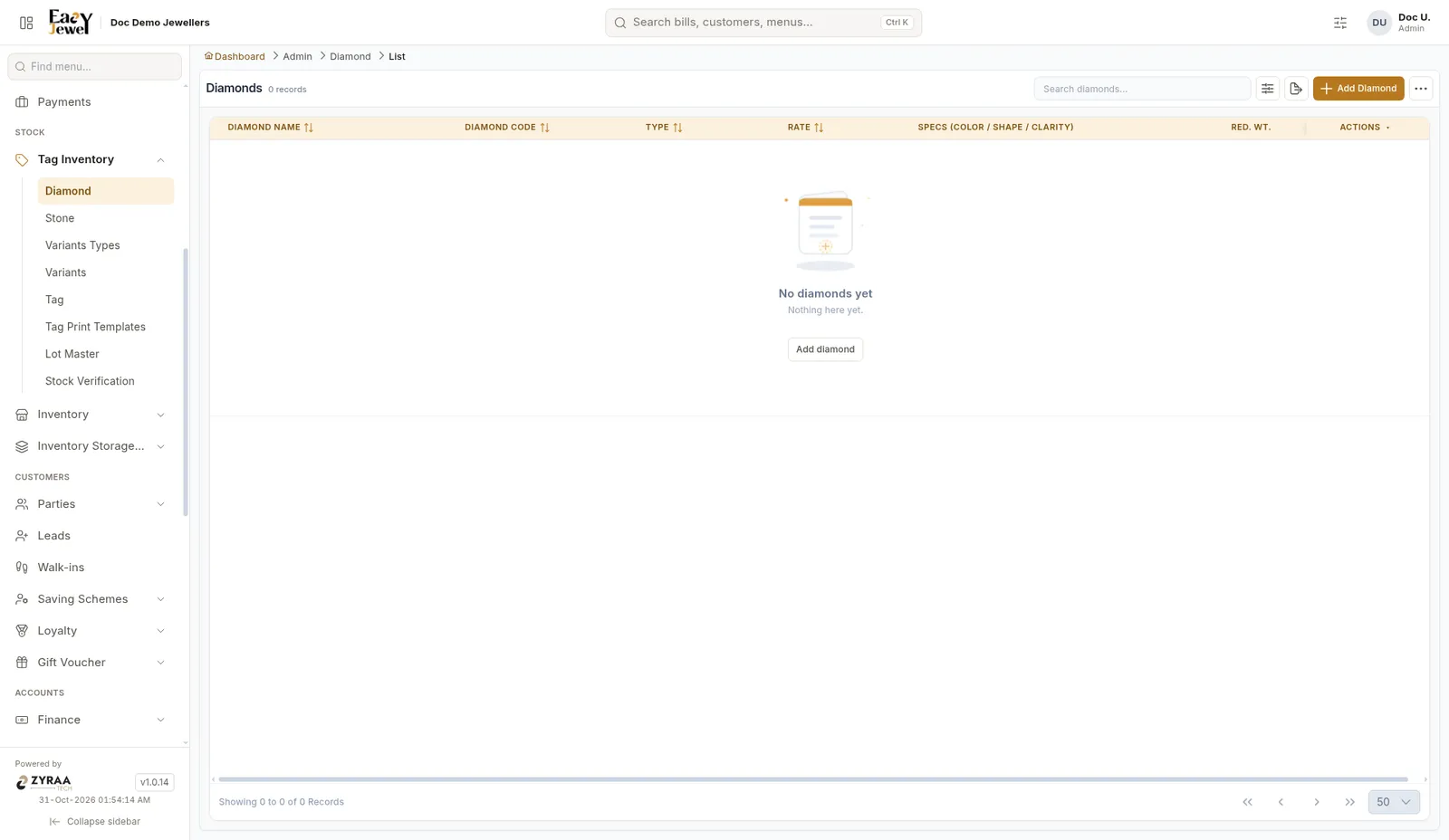
Diamond list

The list shows Diamond Name, Code, Type, Rate, Specs (colour, shape, clarity) and Red. Wt (reduce weight).

Click Add to create a diamond.
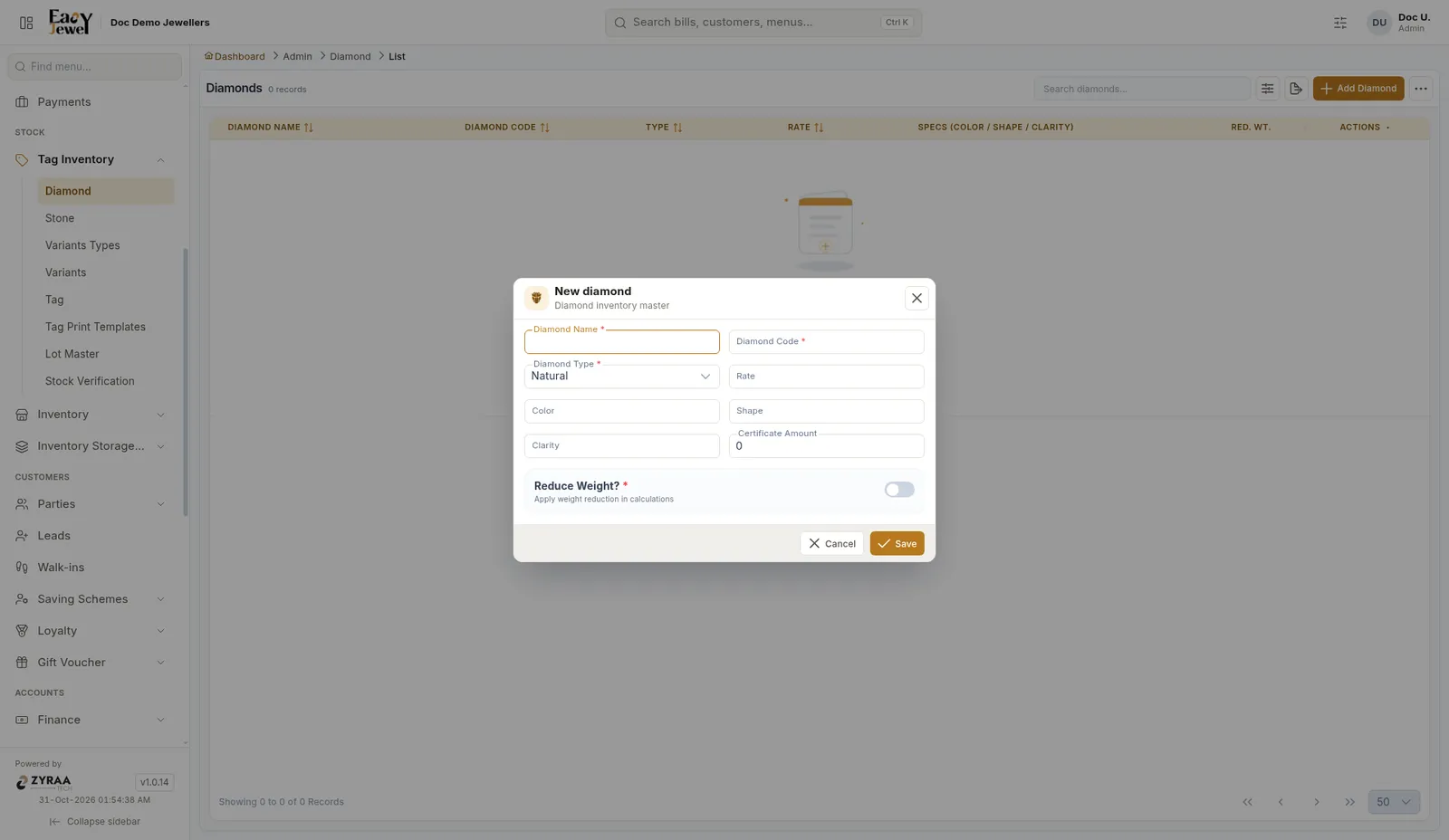
Add diamond

FieldWhat to enterExample
Diamond Name *The nameRound VVS Diamond
Diamond Code *A short codeDRV
Diamond Type *Natural (default) or lab-grownNatural
RateRate per carat or piece₹65,000
Color / Shape / ClarityThe diamond’s detailsG / Round / VVS1
Certificate AmountCharge for the certificate. Starts at 0₹1,500
Reduce Weight? *Turn on to take the diamond weight out of the net weight. Off by defaultOff

Stones

Menu: Stock → Tag Inventory → Stone
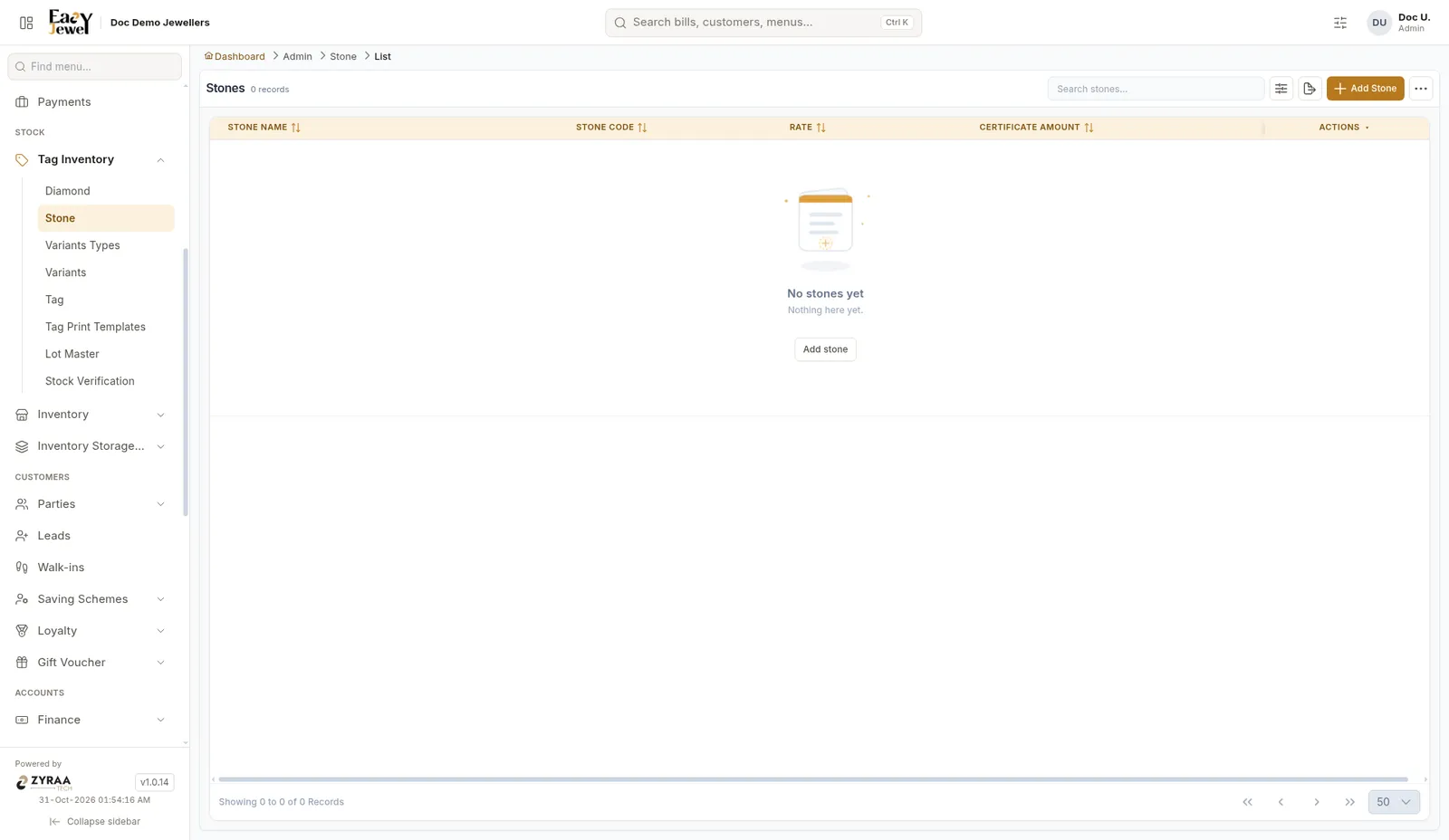
Stone list

The list shows Stone Name, Code, Rate and Certificate Amount.
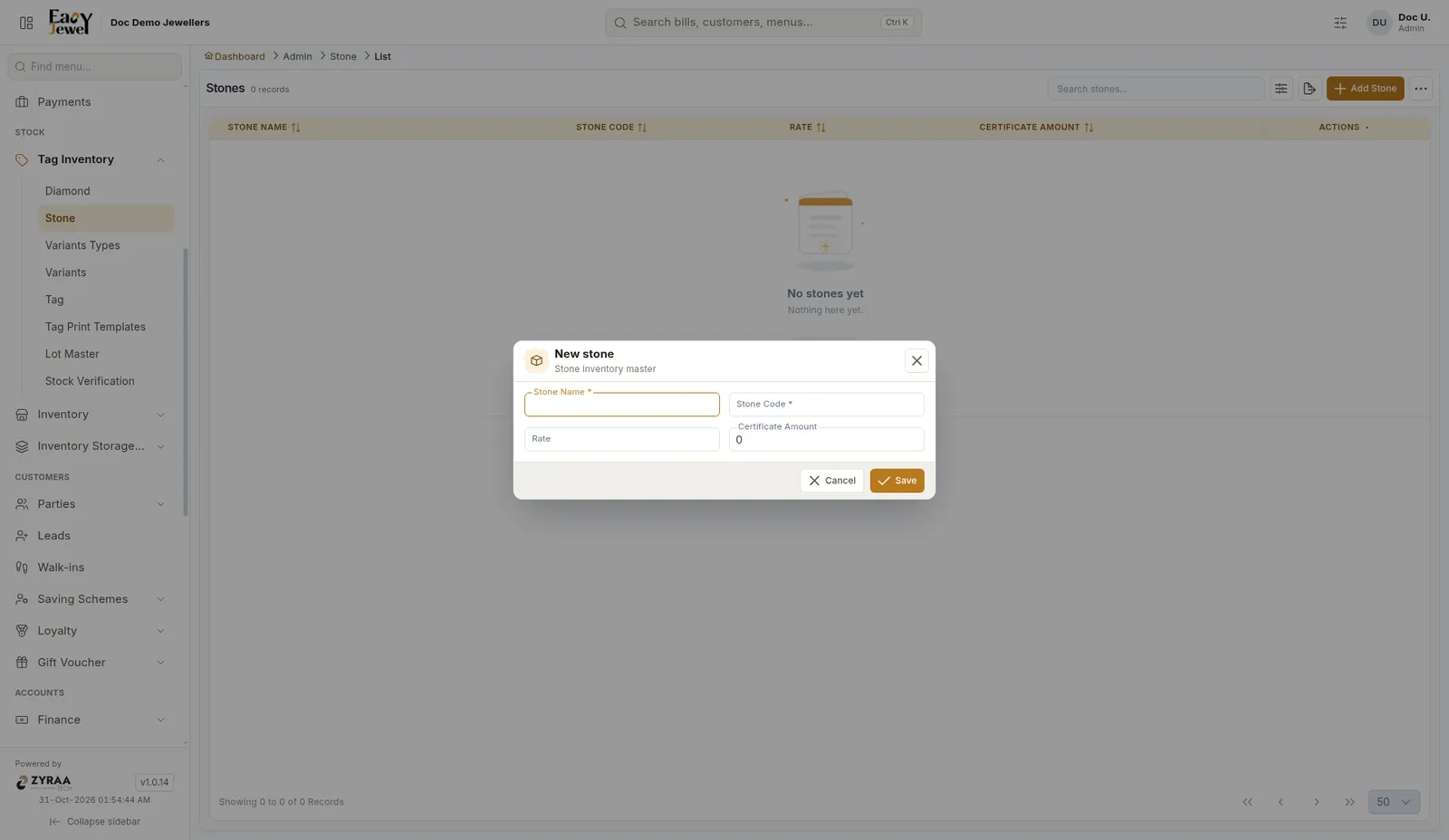
Add stone

FieldWhat to enterExample
Stone Name *The nameKemp Red
Stone Code *A short codeKMP
RateRate of the stone₹50
Certificate AmountCertificate charge, if any0

Keep codes short and clear. Staff will find KMP faster than a long name while tagging.