
Daily metal rate
Gold and silver prices change every day. Enter today’s rate each morning before the first bill, so every estimate, sale and purchase uses the right price.
Menu: Accounts → Finance → Metal Rate. You can also click Update rates on the Dashboard banner.
If you see “Today’s rates are not updated” on the Dashboard, enter today’s rate before billing.
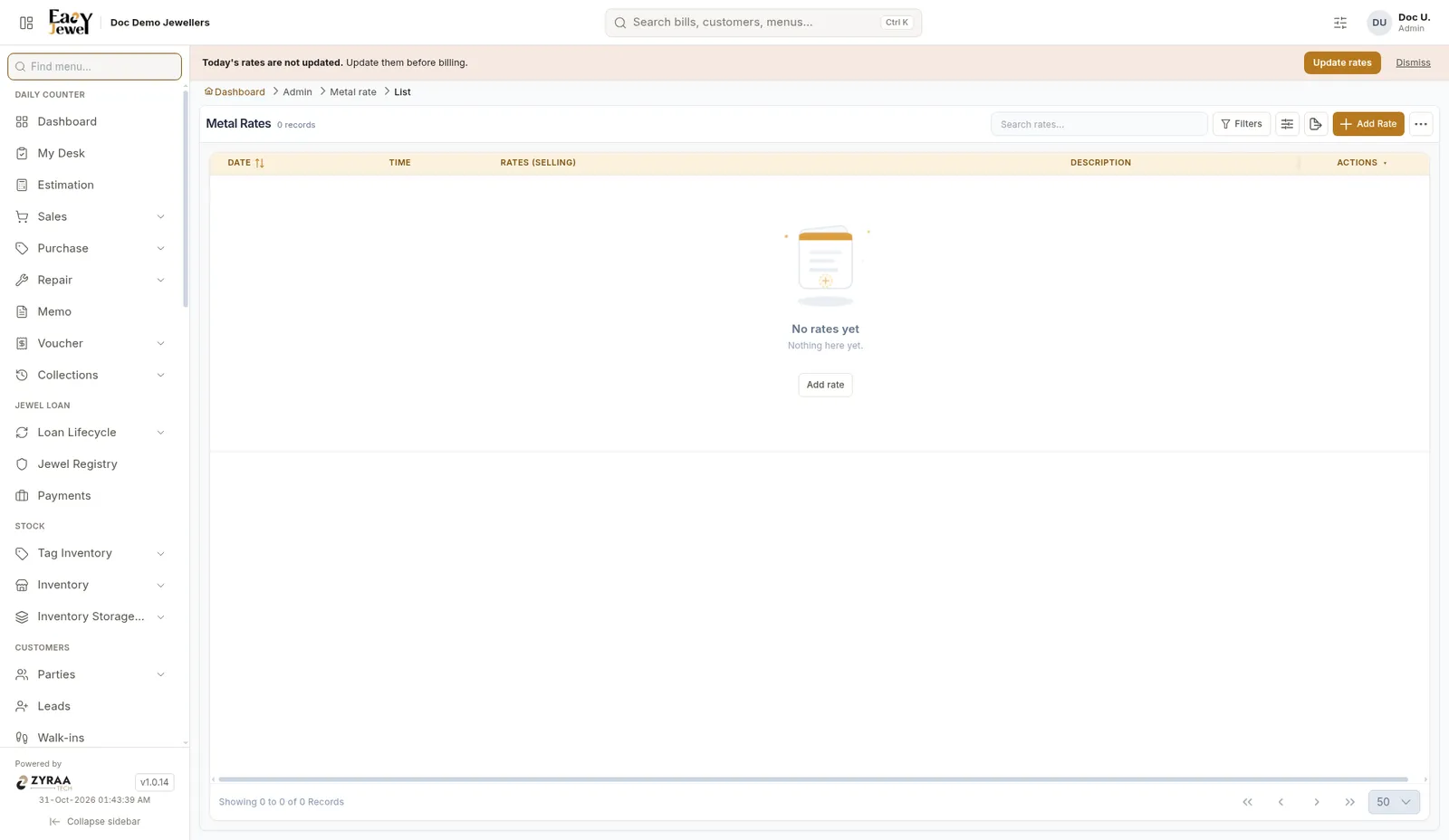
Enter today’s rate
Check the date and time
Effective Date is filled in with today’s date. Choose the Effective Time, for example 9:30 AM, when your shop opens.
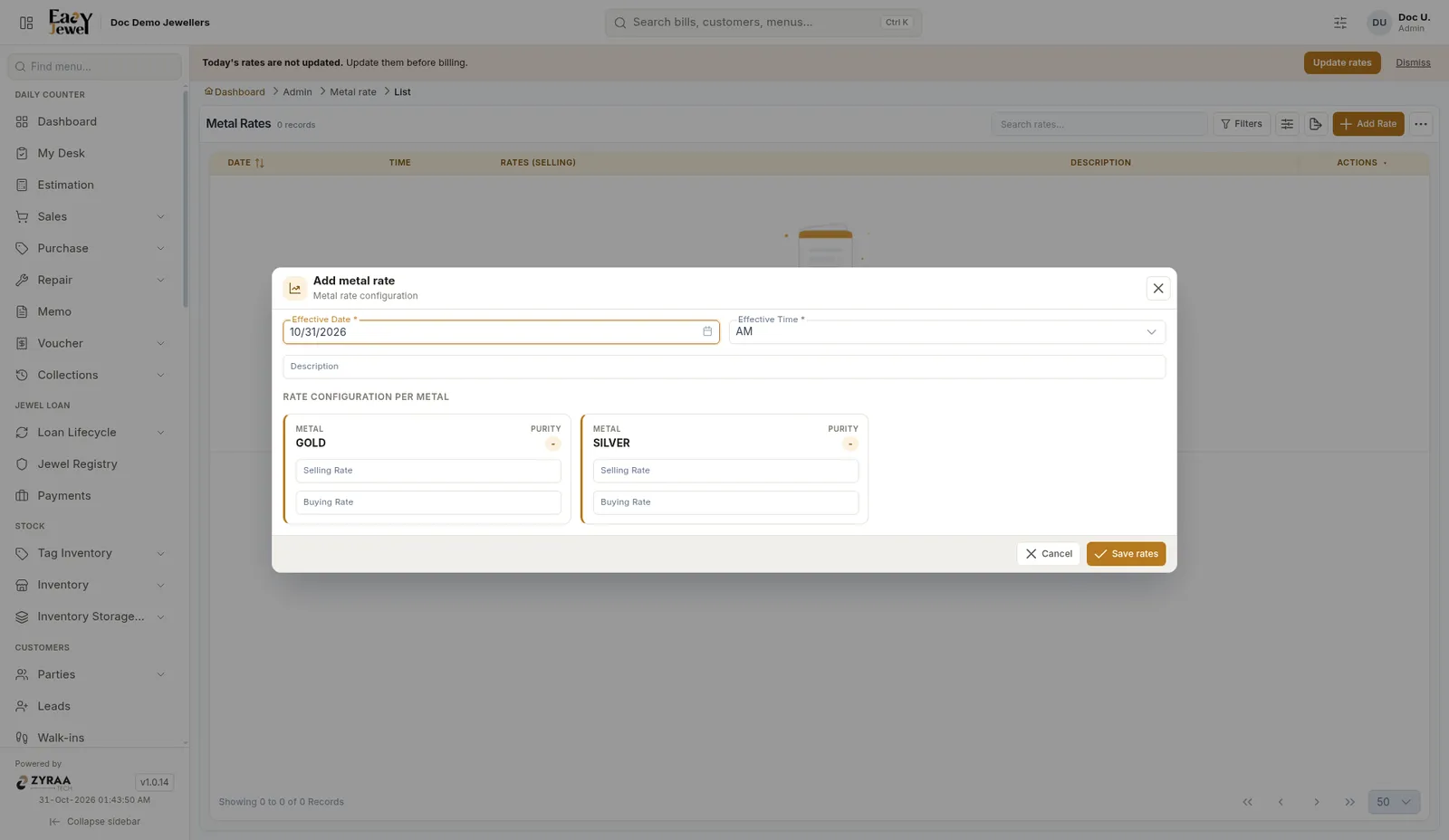
Did the rate change in the afternoon? Add a new rate with the new time. Bills made after that time use the new rate.
Upload rates from Excel
Click ⋯ → Download template, fill it in, then use Upload Excel. Last upload history shows your past uploads.