
Sales reports
All sales reports use Date Preset (Today by default) or Custom Date Range, then Apply. Reset clears the filters.
Sales Register
Menu: Reports → Sales Reports → Sales Register
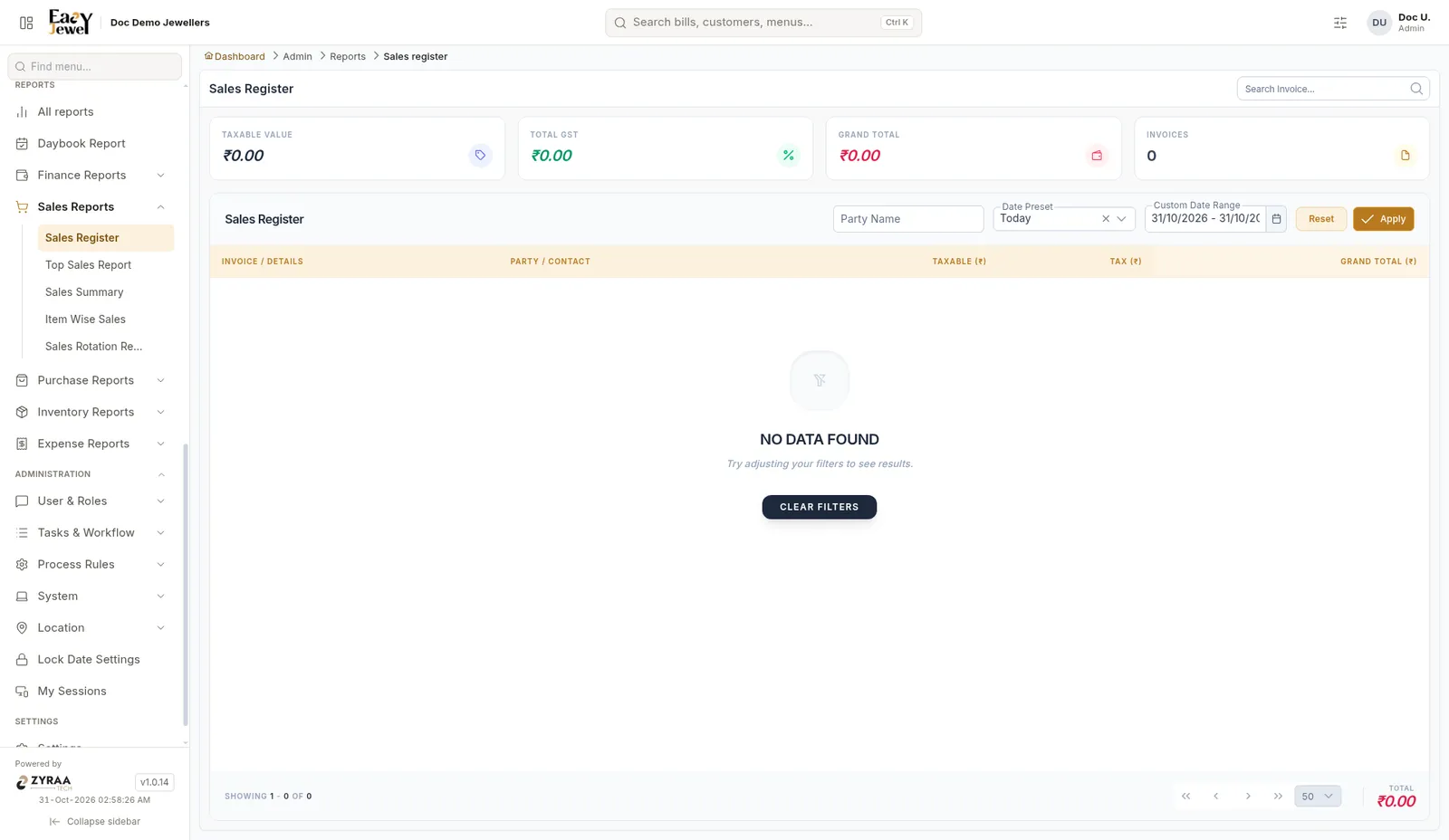
Every sales bill with Invoice, Party, Taxable, Tax and Grand Total. Cards show Taxable Value, Total GST, Grand Total and Invoices. Filter by Party Name or search by invoice.
Sales Summary
Menu: Reports → Sales Reports → Sales Summary
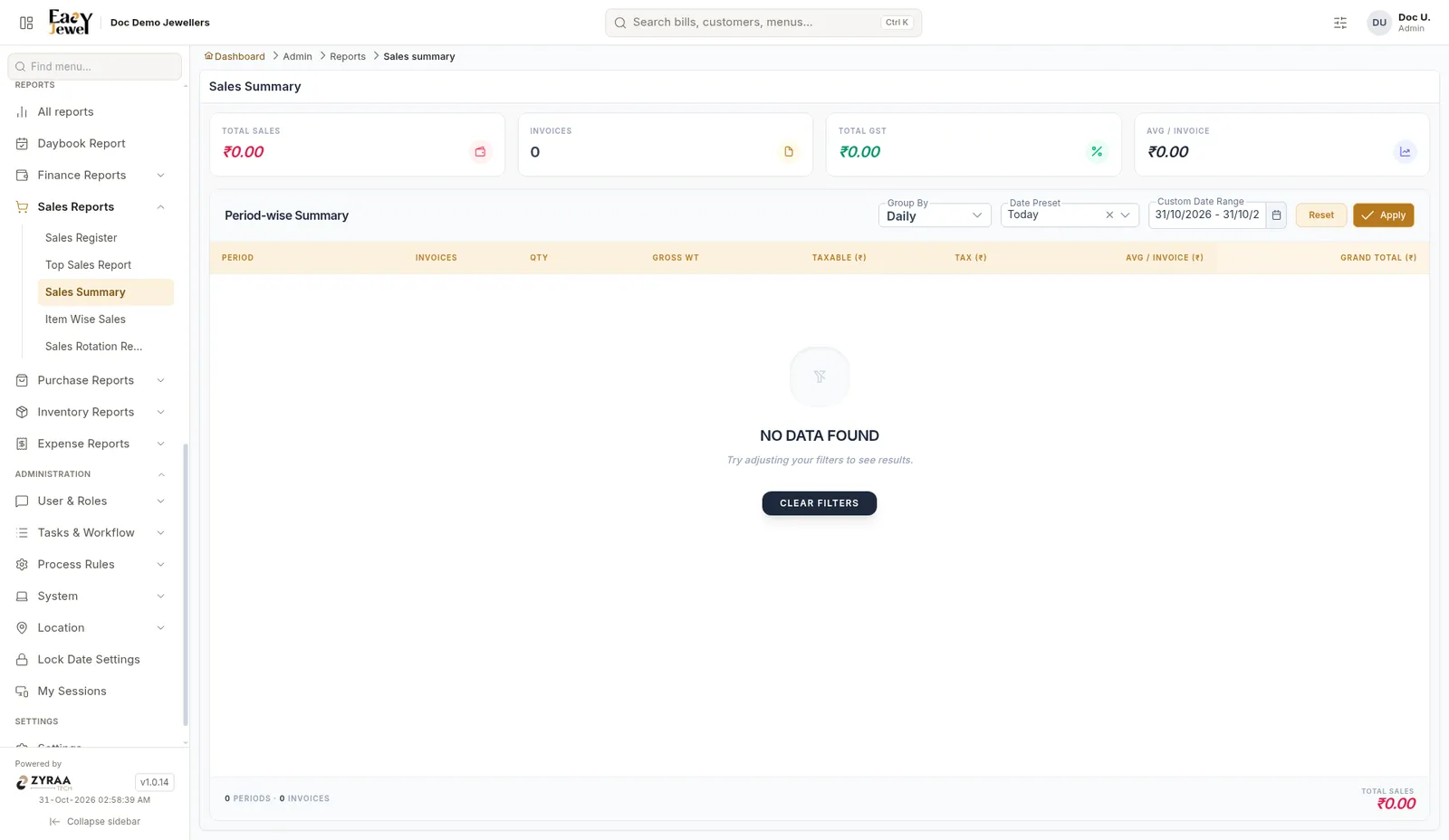
Sales by period. Group By (Daily shown) sets the period. Columns: Period, Invoices, Qty, Gross Wt, Taxable, Tax, Avg / Invoice and Grand Total.
Item Wise Sales
Menu: Reports → Sales Reports → Item Wise Sales
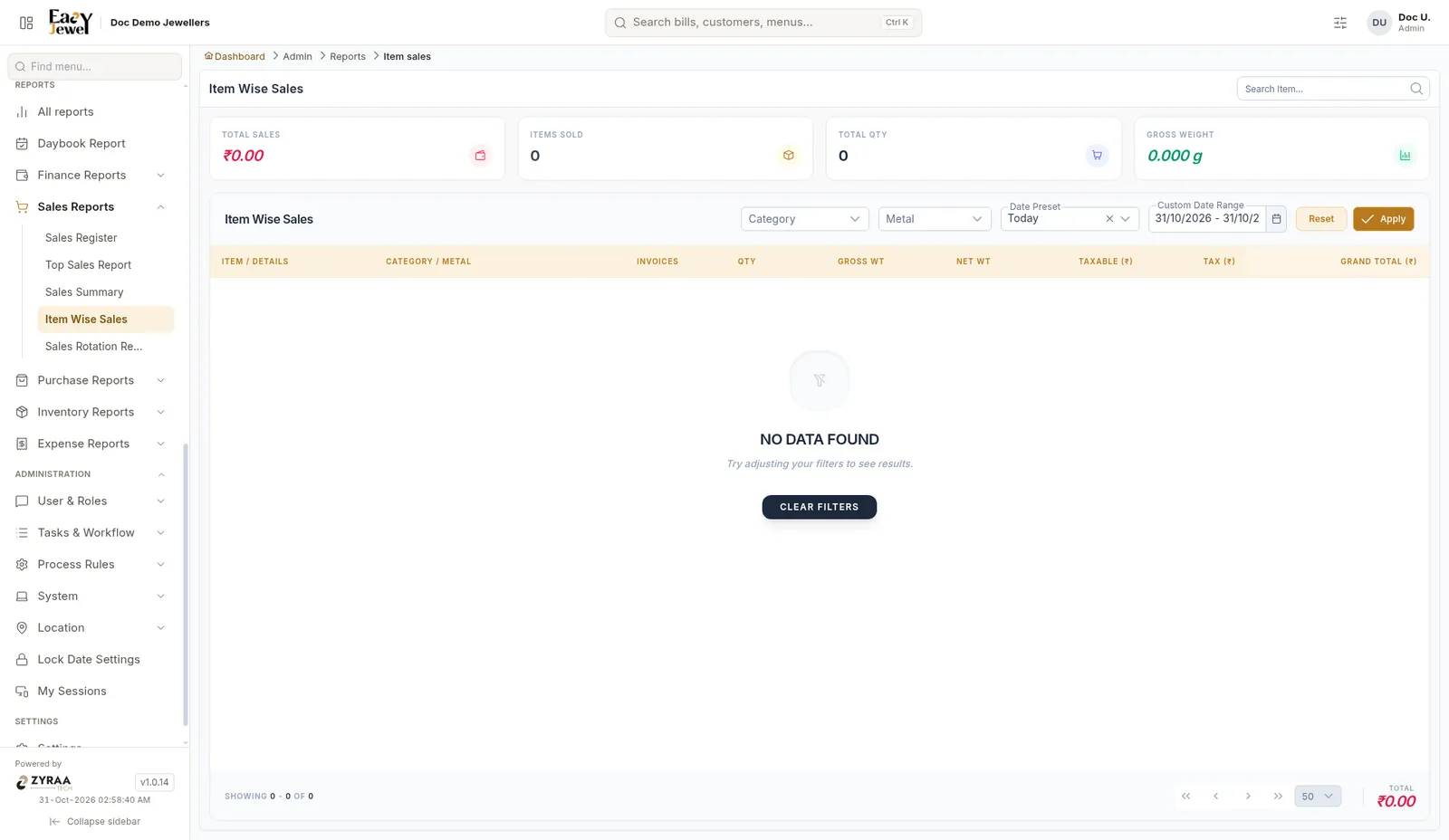
Sales per item with Invoices, Qty, Gross Wt, Net Wt, Taxable, Tax and Grand Total. Filter by Category and Metal. Cards show Total Sales, Items Sold, Total Qty and Gross Weight.
Sales Rotation
Menu: Reports → Sales Reports → Sales Rotation Report
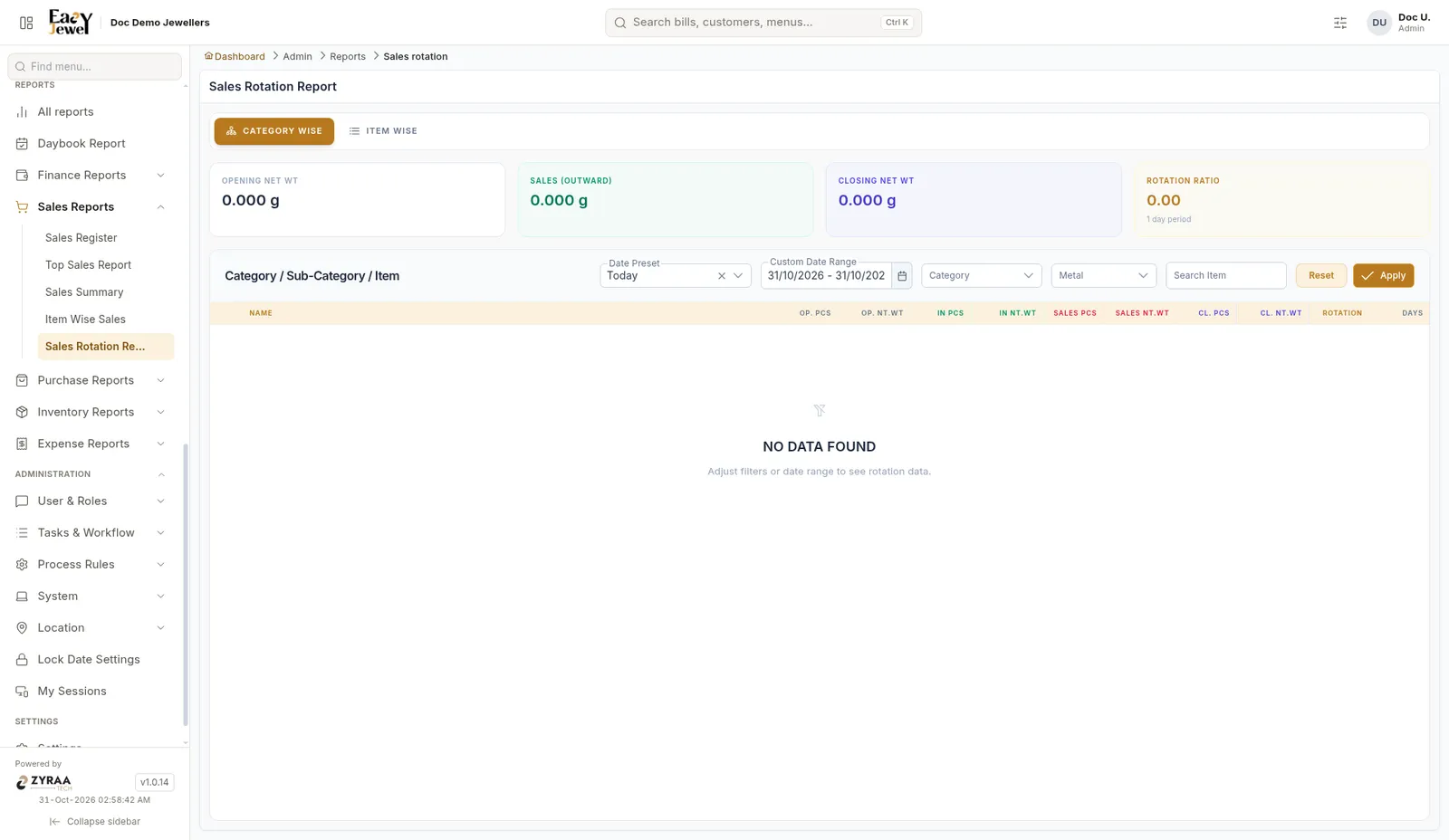
Shows how fast stock sells. Switch between Category Wise and Item Wise. Cards show Opening Net Wt, Sales (Outward), Closing Net Wt and Rotation Ratio. Columns include opening, inward, sales and closing pieces and net weight, Rotation and Days. Filter by Category, Metal or item.
A low rotation means the item sits in the showcase for long. Think twice before buying more of it.