
Lot master
A lot is a bundle of jewellery that came in together, usually from one purchase. For example, Sri Lakshmi Jewellers, Madurai buys 250 g of 22K bangles from a supplier. You make one lot for it, then tag each bangle from that lot.
Menu: Stock → Tag Inventory → Lot Master
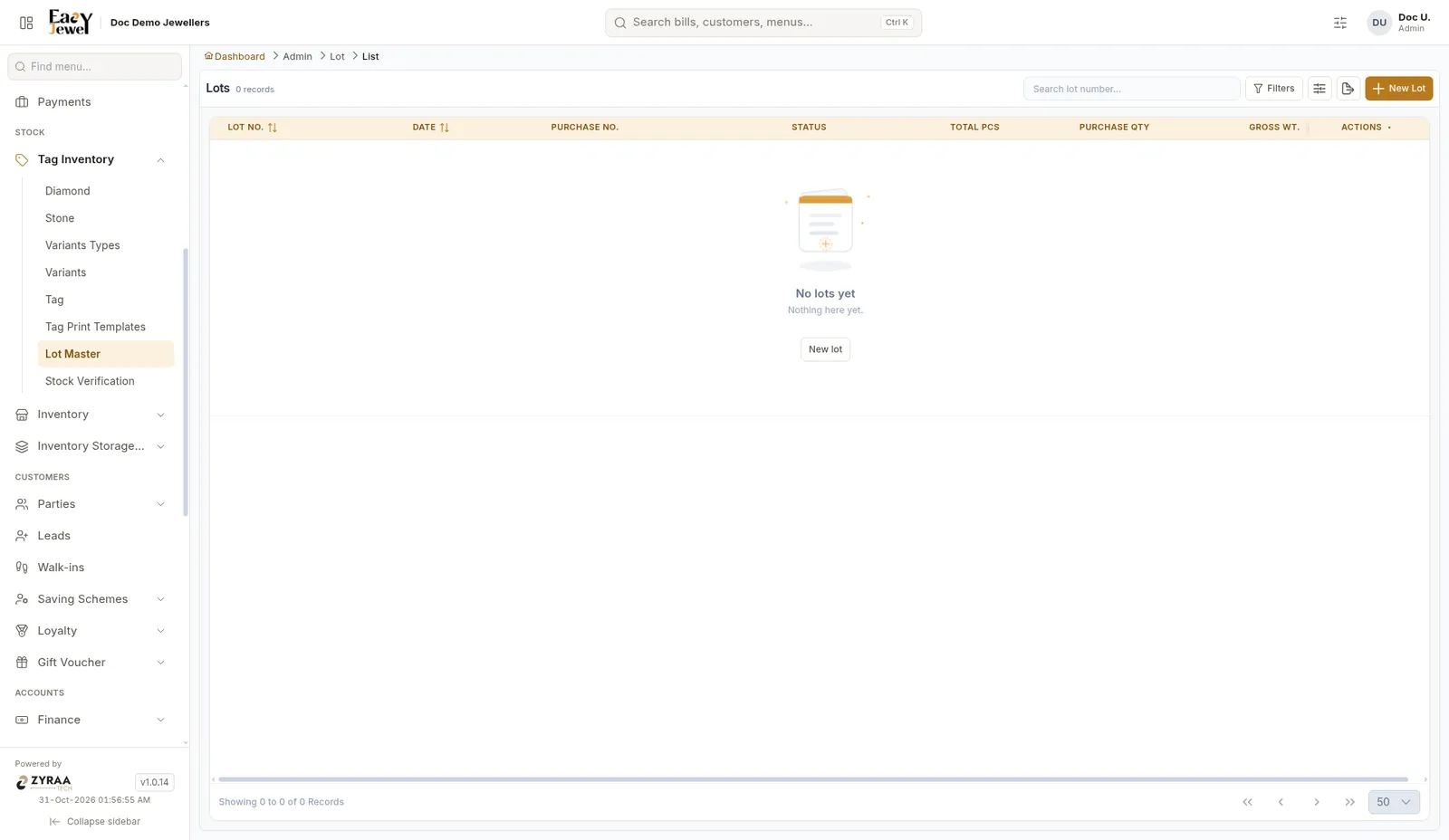
Create a lot
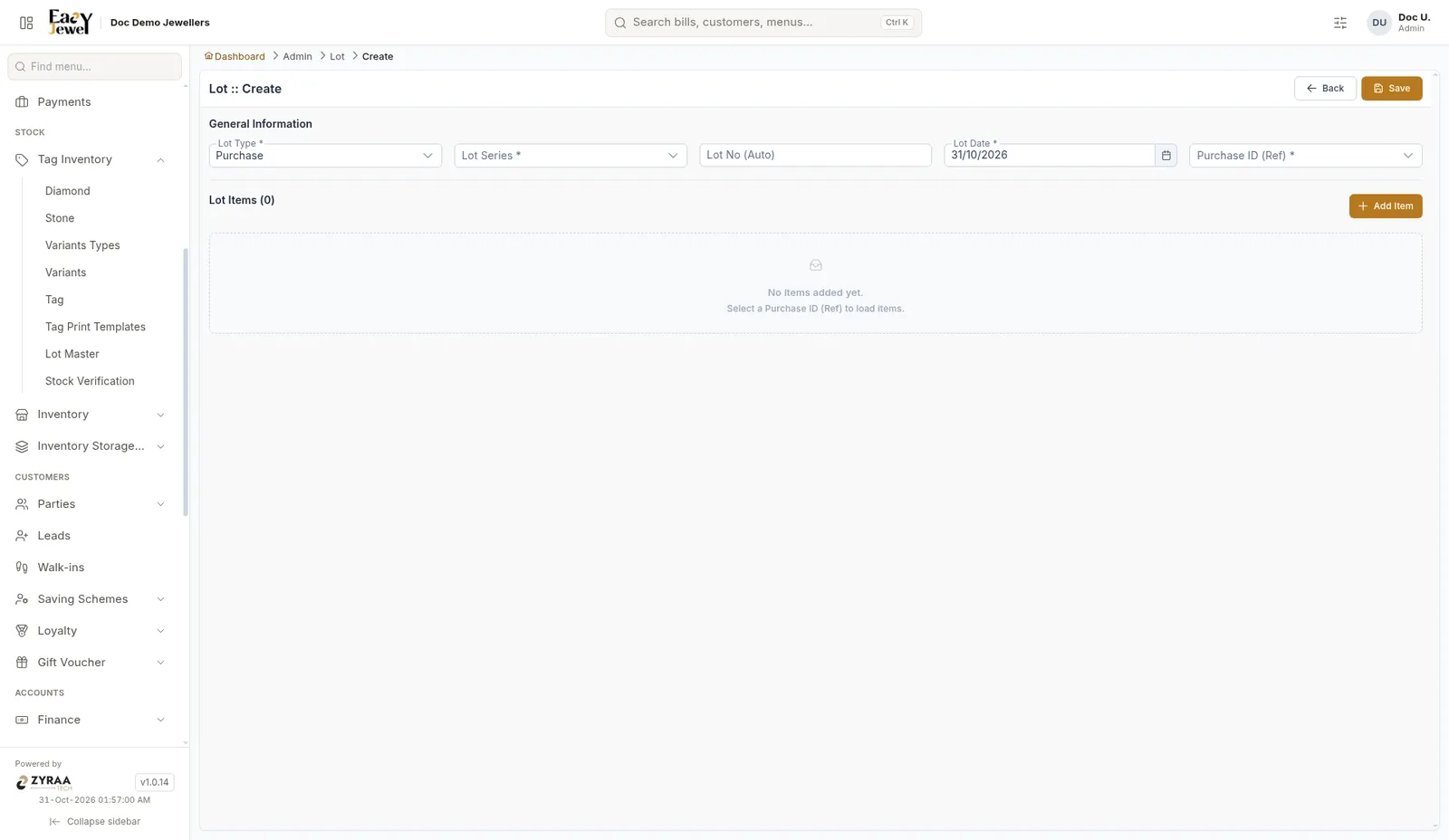
Choose the lot type and series
Lot Type is Purchase. Pick the Lot Series. The Lot No is filled in for you.
When you create tags, choose this lot in the Lot Number field. See Tags. This way you can see how much of each purchase is tagged and how much is still waiting.
A lot only groups your purchase. The stock is added when you create the tags.