Skip to navigation

Metal and purity

View as Markdown

Every item you sell is made of a metal, and most have a purity. For example, a Tamil Nadu shop sells 22K (916) gold jewellery, 18K gold for diamond pieces, and silver articles like anklets (kolusu) and pooja items.

Menu: Stock → Inventory → Metal

EasyJewel already has Gold and Silver ready. Most shops only need to add their purities.

The metal list
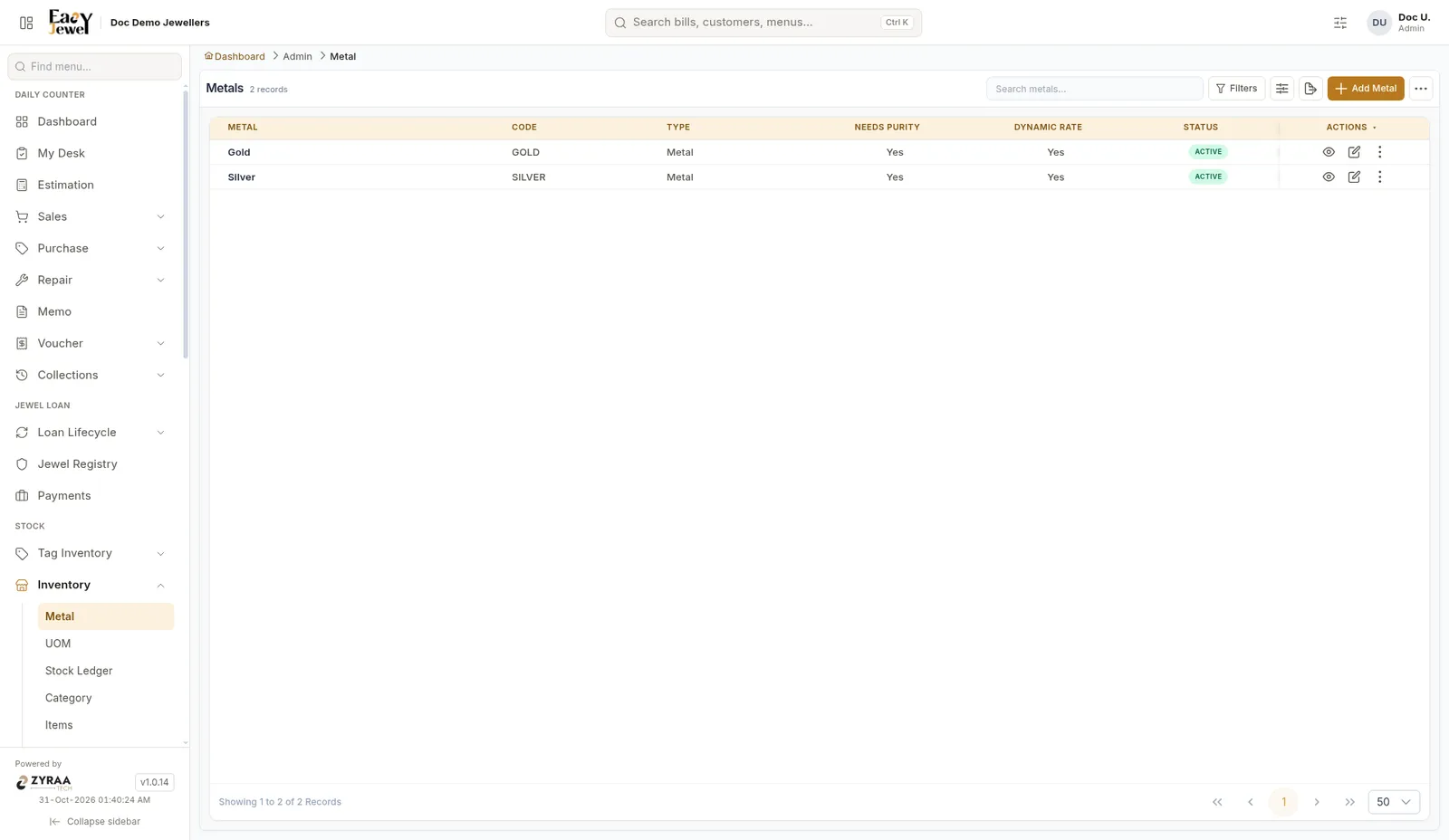
Metal list

ColumnMeaning
Metal / CodeThe metal name and short code, like Gold / GOLD
Needs PurityYes means this metal has purities like 22K
Dynamic RateYes means the price follows today’s rate
StatusActive metals can be used in billing

Add a new metal

Only needed if you sell another metal, such as platinum.
1

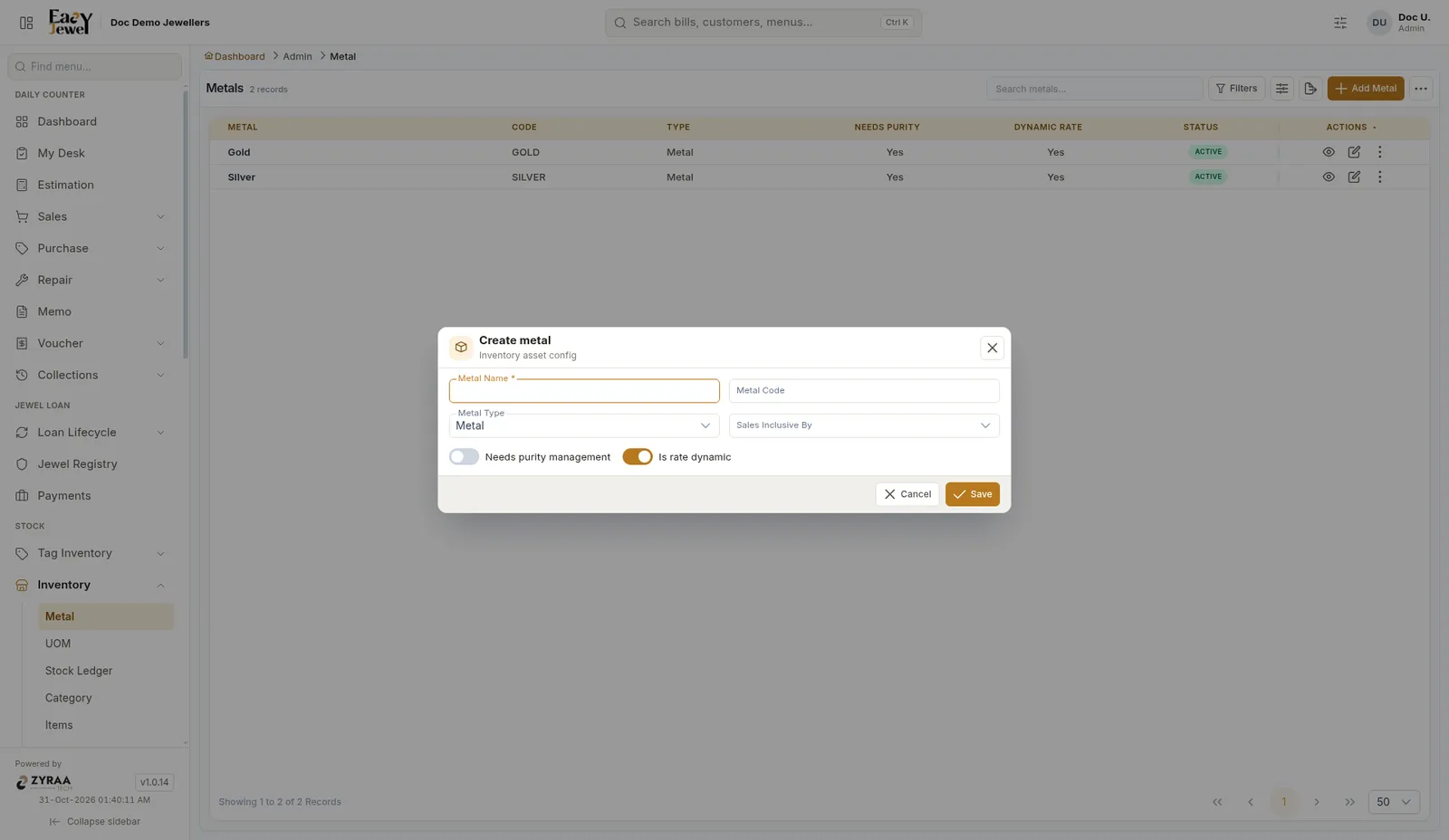
Click Add Metal

2

Fill the details

  • Metal Name (required), for example Platinum
  • Metal Code, a short code like PT
  • Metal Type: leave it as Metal
  • Needs purity management: turn this on if the metal has purities
  • Is rate dynamic: keep this on so the price follows the daily rate

Create metal

3

Click Save

Add purities (22K, 18K, 92.5 silver)

1

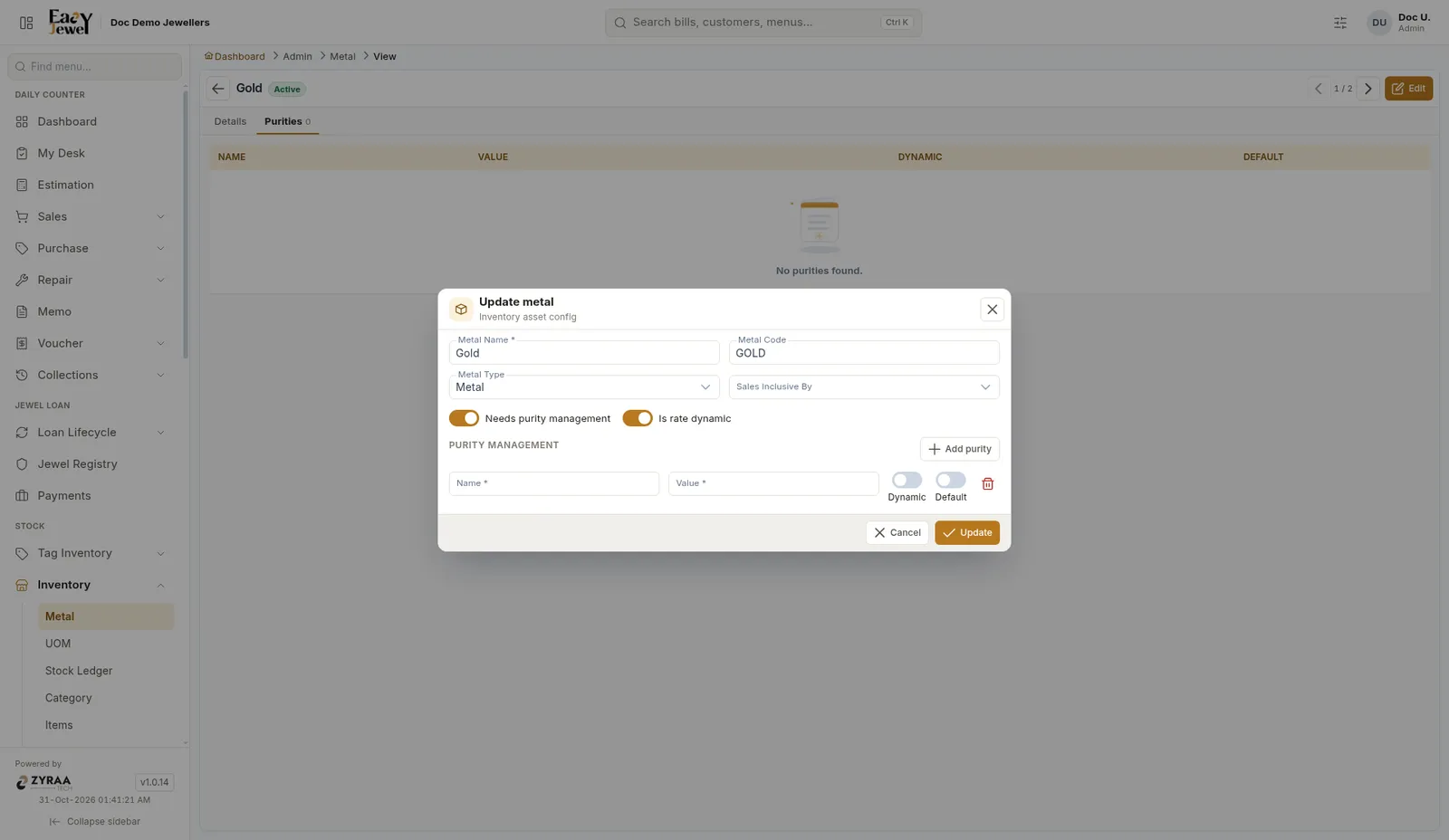
Open the metal for editing

In the metal list, click the pencil icon on Gold.

2

Click Add purity

Under Purity management, click Add purity and fill in one row for each purity:

  • Name (required), for example 22K (916)
  • Value (required), for example 91.6
  • Dynamic: on, if this purity’s price follows the daily rate
  • Default: on for the purity you sell most, usually 22K

Add purity

3

Click Update

A common setup for a Tamil Nadu shop:

  • Gold: 24K (99.9), 22K (91.6, default), 18K (75.0)
  • Silver: 92.5 sterling, 80 (ornament silver)

See a metal’s purities

Click the eye icon on a metal, then open the Purities tab.
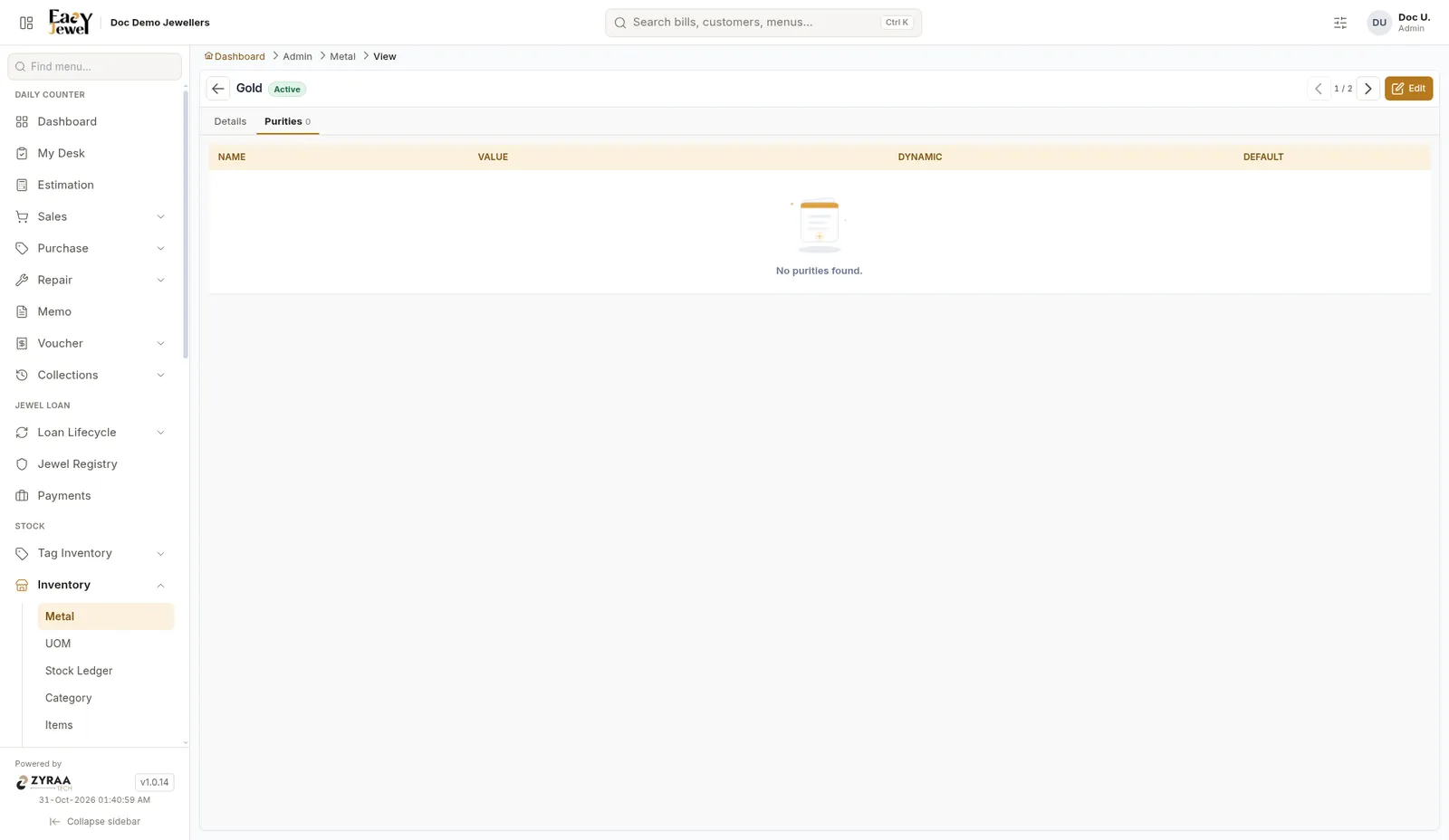
Purities tab

To remove a wrong purity, edit the metal and click the red trash icon on that row.