
Inventory reports
Stock Report
Menu: Reports → Inventory Reports → Stock Report
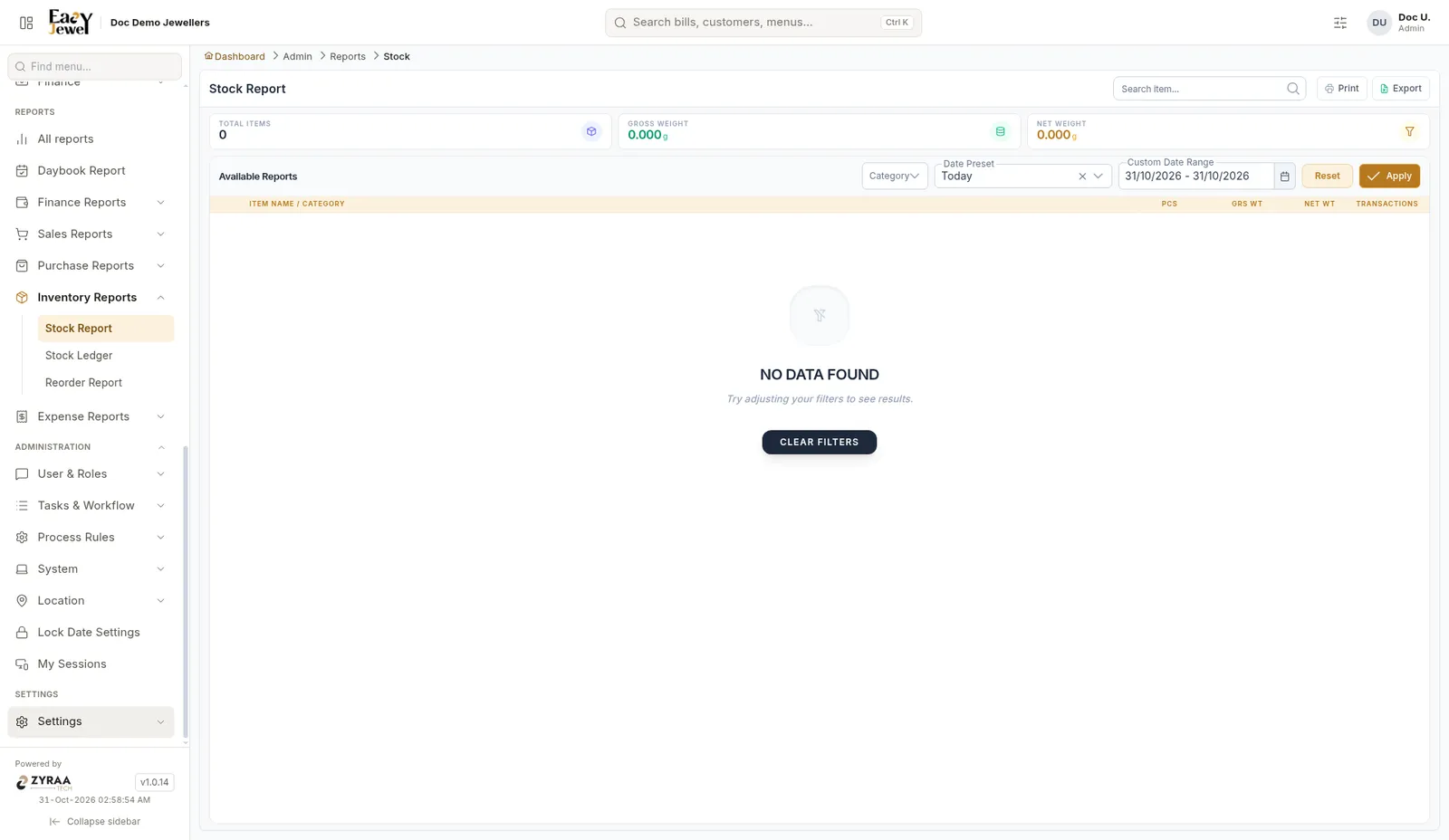
Stock by item or category with Pcs, Gross Wt, Net Wt and Transactions. Cards show Total Items, Gross Weight and Net Weight. Filter by Category and date. Use Print or Export.
Stock Ledger
Menu: Reports → Inventory Reports → Stock Ledger
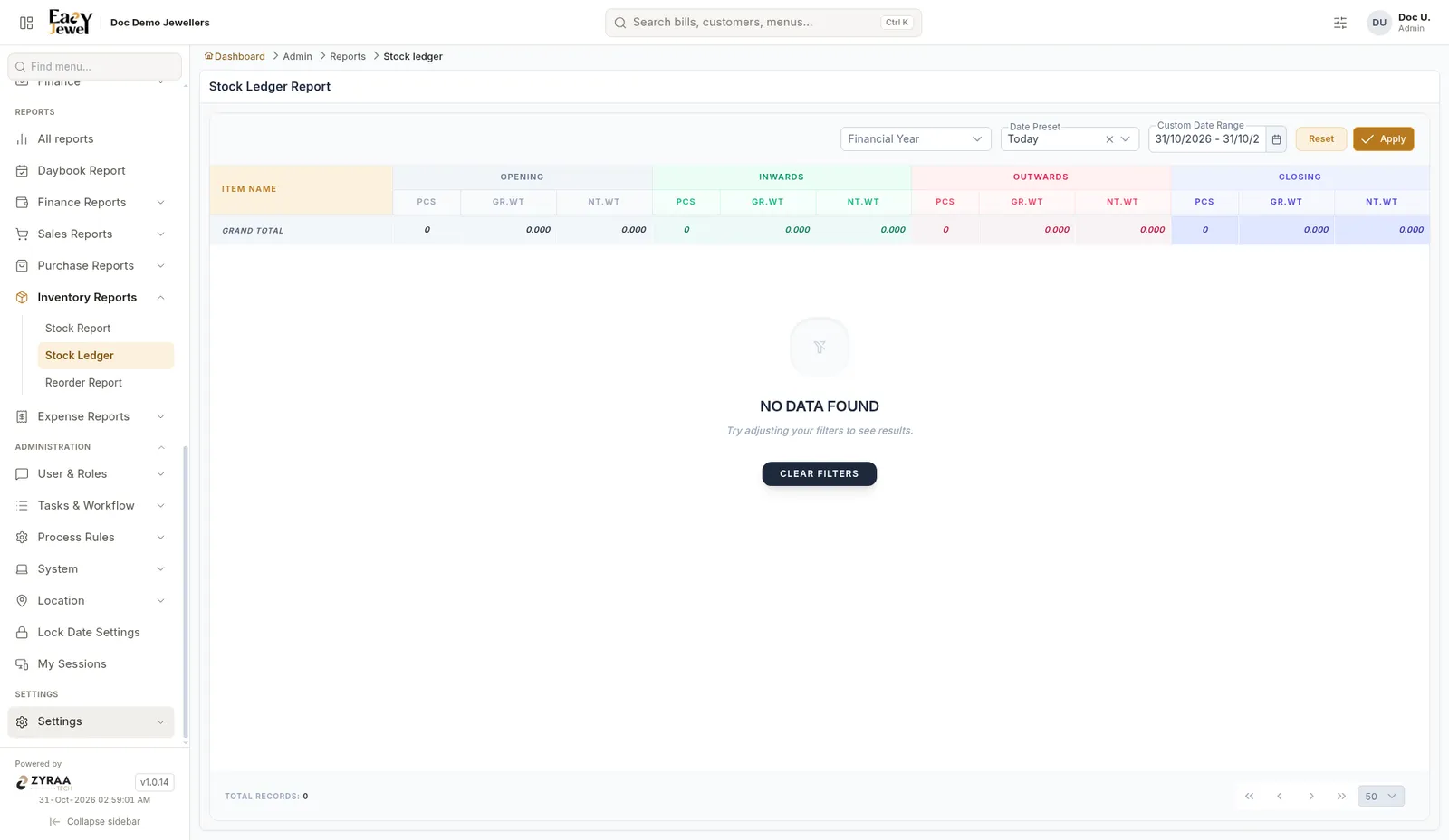
For each item: Opening, Inwards, Outwards and Closing, each in Pcs, Gross Wt and Net Wt, with a Grand Total row. Choose the Financial Year and dates.
Reorder Report
Menu: Reports → Inventory Reports → Reorder Report
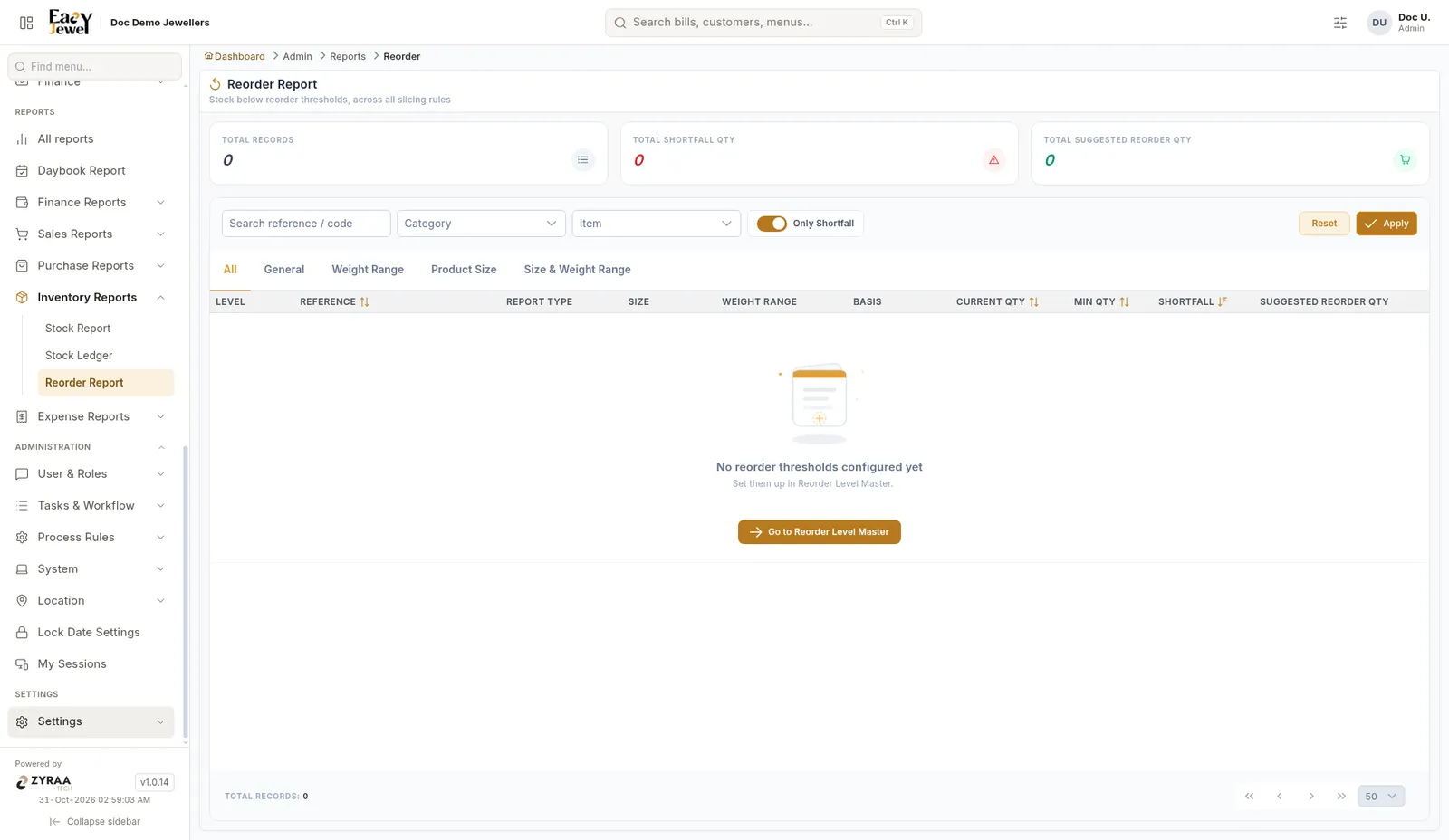
Shows stock that has fallen below your reorder levels. Cards show Total Records, Total Shortfall Qty and Total Suggested Reorder Qty. Tabs: All, General, Weight Range, Product Size, Size & Weight Range. Columns include Current Qty, Min Qty, Shortfall and Suggested Reorder Qty.
Keep Only Shortfall on to see only items that are short. Filter by Category or Item.
If no reorder levels are set, the report says so. Click Go to Reorder Level Master to set them.