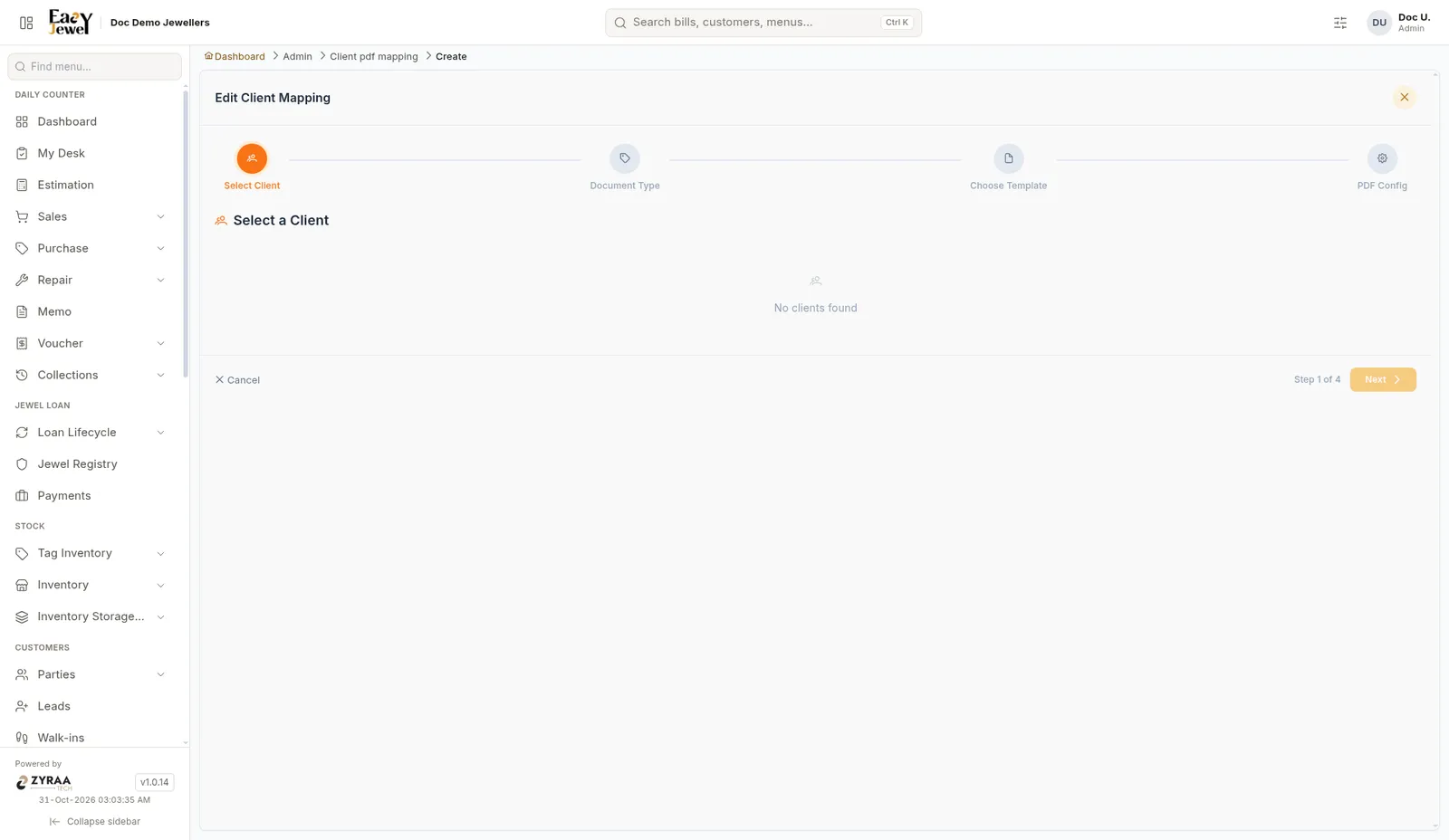
AdministrationClient PDF mappingAsk a question|Copy page|View as Markdown|More actionsScreen: Client PDF mapping The mapping is set up in a 4-step wizard: 1Select ClientPick the client.2Document TypePick the document, such as a sales bill.3Choose TemplatePick the print template.4PDF ConfigSet the PDF options and save. Click Next to move between steps, or Cancel to stop.