
Skip to navigation

Tag print templates

View as Markdown

A tag print template decides what is printed on each jewellery tag label and where. Most shops use a TSC thermal printer with small 40 × 25 mm labels.

Menu: Stock → Tag Inventory → Tag Print Templates
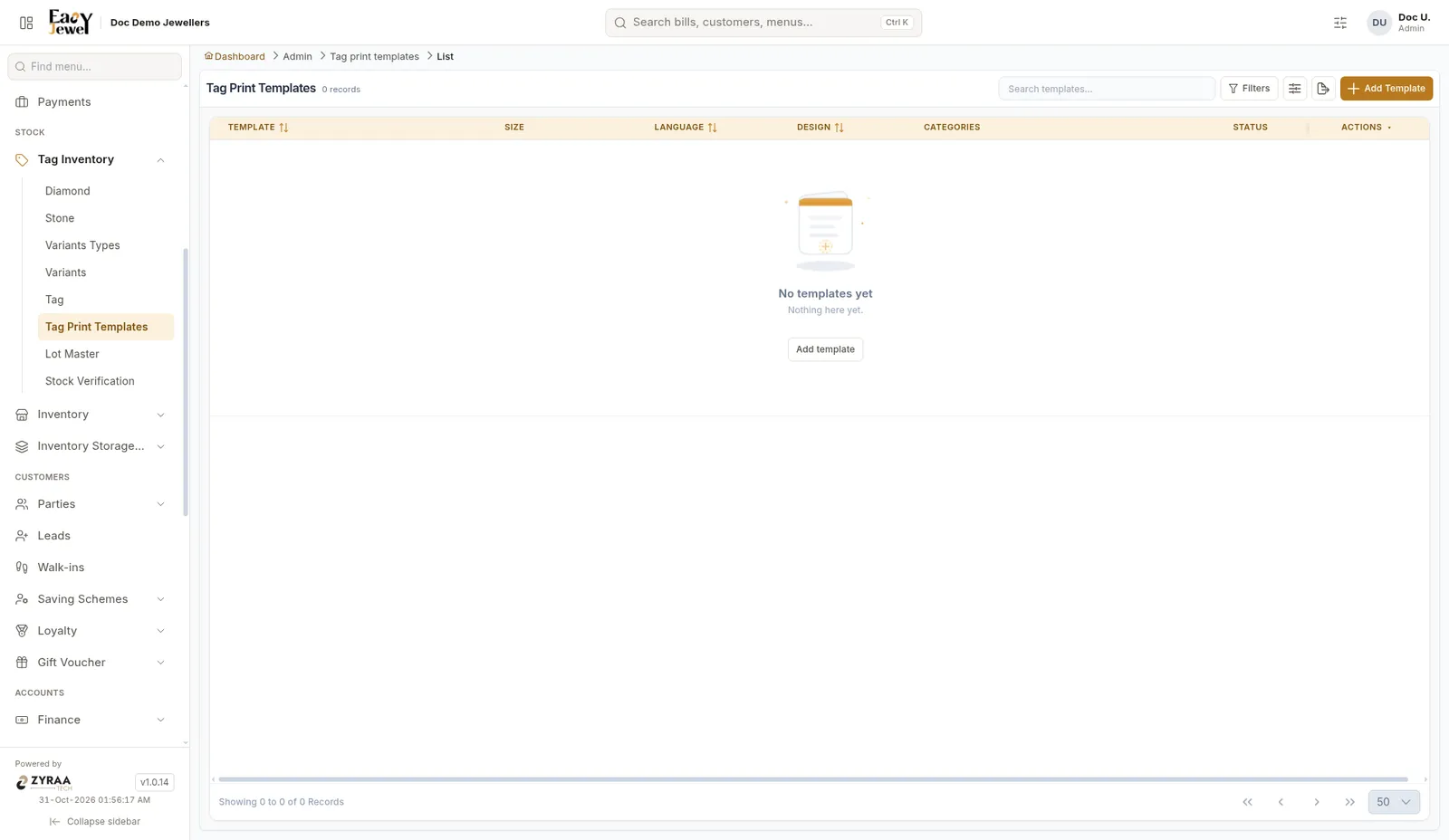
Template list

Create a template

Click Add to open the template window.
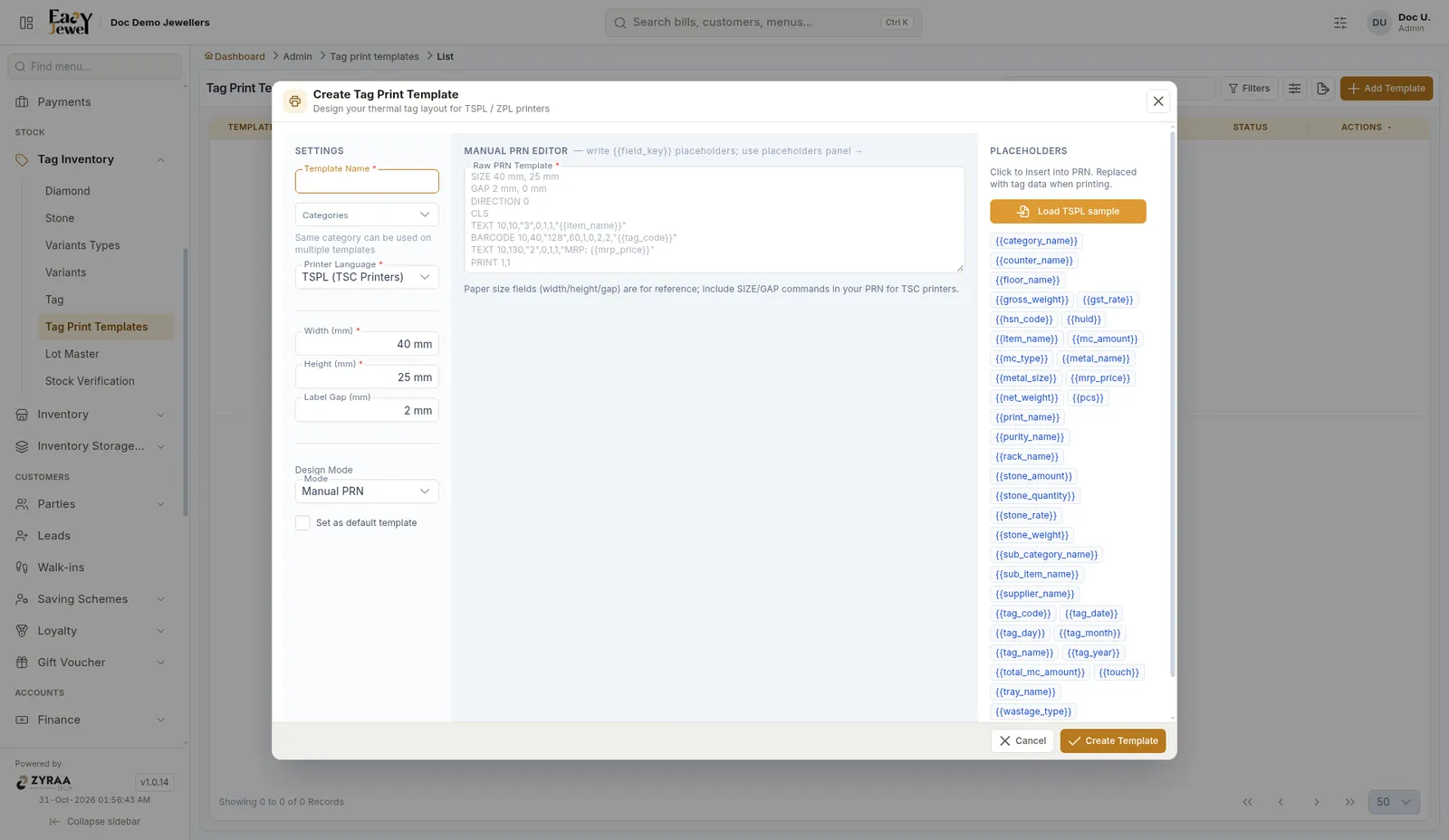
Create template

FieldWhat to enterExample
Template Name *A nameGold tag 40x25
CategoriesCategories that use this templateGold Kammal, Gold Chains
Printer Language *TSPL for TSC printers. ZPL for Zebra printersTSPL
Width (mm) *Label width40
Height (mm) *Label height25
Label Gap (mm)Gap between labels2
ModeManual PRNManual PRN
Set as default templateTick to use it when no other template fitsTicked
Raw PRN Template *The printer commands for the label
1

Fill the label size

Measure your label roll. For the common roll, enter 40 width, 25 height and 2 gap.

2

Load the sample

Click Load TSPL sample in the placeholders panel. A ready design appears in the editor.

3

Add the details you want

Click placeholders to add them to the label.

4

Create

Click Create Template.

Placeholders

Placeholders are filled with the real values from each tag when it prints.

PlaceholderPrints
{{item_name}}Item name, for example 22K Jimikki
{{tag_code}}Tag code, for example JMK014
{{gross_weight}}Gross weight, for example 8.450
{{net_weight}}Net weight, for example 8.100
{{mrp_price}}MRP in rupees
{{huid}}Hallmark HUID

Start from the TSPL sample and make small changes. Print one test tag before printing a full lot.

To print, use Save & Print on the Tags page.